
ImageHub
Free AI image toolsetGenerate, edit, and enhance images free
Highlights
What you can do with it
- Designers turn text ideas into design sketches
- Photographers restore blurry or faded old photos
- E-commerce sellers clean up product backgrounds
How to use it
- 1 Open a browser and go to imagehub.ai.
- 2 Pick a tool such as generator or background remover.
- 3 Enter a text prompt or upload an image file.
- 4 Set any available style or resolution options.
- 5 Process the image and download the result.
Who it is for
Pros
- Free access to a wide set of image tools
- No software install; works in the browser
- One site covers both editing and generation
Limitations
- Free access and tool list may change over time
- Output quality can vary by tool and input
- Processing time grows with image size and tool load
What ImageHub is
ImageHub is a free online image tool website from QUEST LABS LIMITED. It runs in the browser, so you do not need to install extra software. The site offers AI image generation, image-to-image, anime styling, background removal, upscaling, photo restoration, image extending, and background replacement. It is positioned as a one-stop platform for both basic edits and complex generation. All tools are free to access, and the site aims to help users process images quickly while saving time and cost. Designers, photographers, social media users, and e-commerce sellers can each find a tool that fits their daily work. Because everything runs online, you can start a task from any device with a browser, and each tool follows the same simple flow.
What you can do with it
- Generate an image from a text prompt or restyle an existing one
- Remove or replace a background for a clean product shot
- Upscale, restore, or extend a photo beyond its original frame
- Turn a portrait into anime-style art and download the file
Who it is for
- Designers who need quick visual drafts from a short text prompt
- Photographers who restore or upscale older photos for print
- E-commerce sellers who need clean product images for listings
- Social media users who want fast edits and stylized art
What to watch out for
The site is free now, but free access and the tool list can change over time. Output quality varies by tool and by how clear your prompt or source image is, so results are not always predictable. Processing time grows with image size and how busy the service is, so a large batch can be slow. It is a broad toolkit rather than a pro editor, so fine control over layers or masks is limited. Start with a small test file to judge speed and quality before you commit to a bigger job.
FAQ
Is ImageHub free?
Yes, the listed tools are free to access.
Do I need to install anything?
No, it runs in the browser.
What can it do?
It can generate, edit, restore, and enhance images.
Why it is free
What the official page says: 完全免费免费
Free limits, trial length and features are decided by the official site and can change at any time.
Product preview
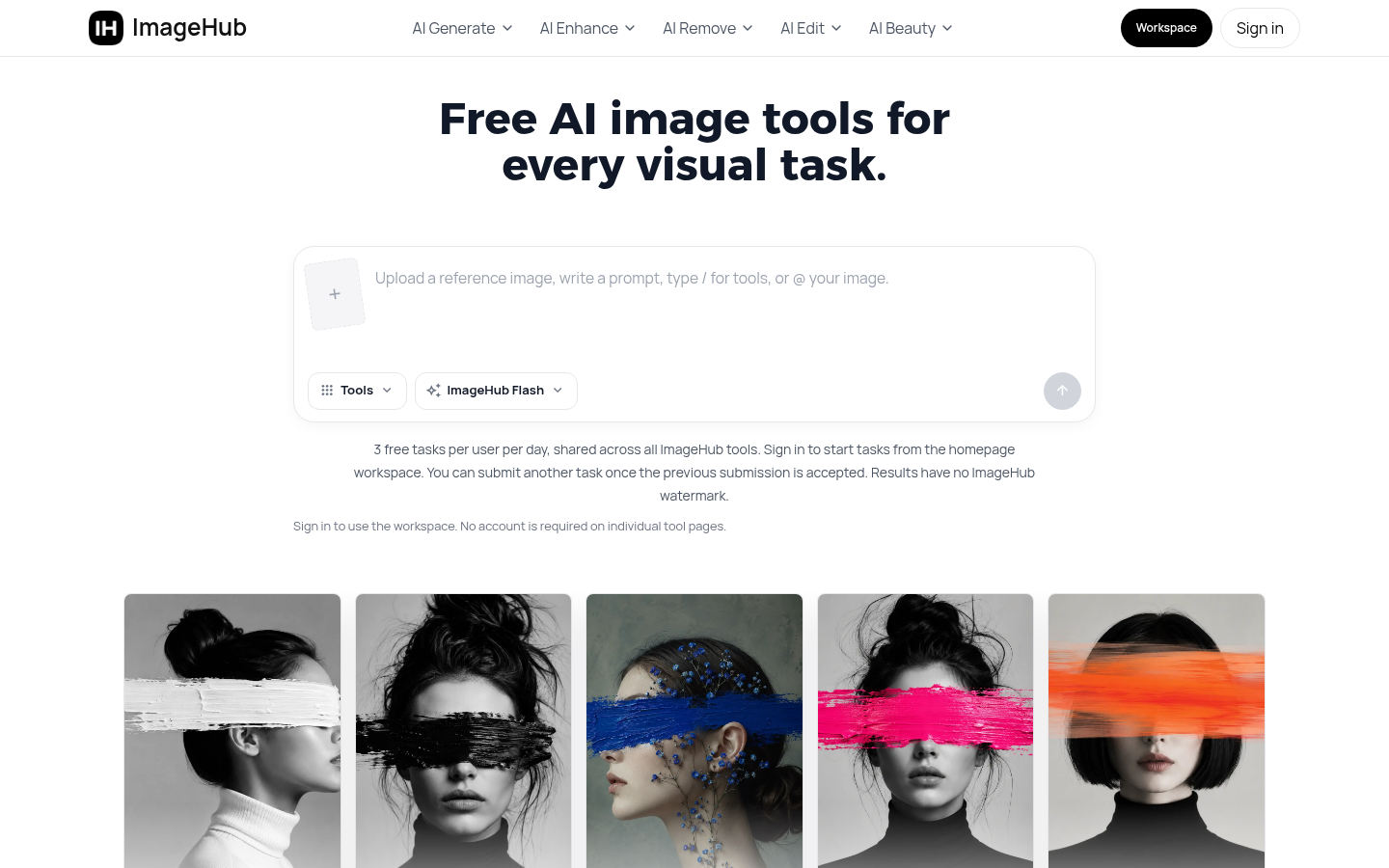
Screenshot archived from the listing page, for preview only.











