
Imagesv2 Ai
Free AI image generatorCreate and edit AI images free to start
Highlights
What you can do with it
- Generate a science fiction movie poster from a short text prompt.
- Draft a clean, modern UI interface from a written description.
- Build a travel guide infographic from a location and details.
How to use it
- 1 Visit imagesv2.ai, register an account, and claim the free points.
- 2 Type a text prompt that describes the image you want.
- 3 Set size, quality, output format, and background, then generate.
- 4 Upload a source image and write prompts to edit or restyle it.
- 5 Enter a location and time to build a 360 degree panorama.
Who it is for
Pros
- A free starter quota with no credit card makes it easy to try.
- Transparent PNG and SVG export suits both web and print.
- Generation, editing, style transfer, and panoramas live in one tool.
Limitations
- Higher quality images cost more credits, so free use is capped.
- Free quota and pricing rules can change at any time.
- Output depends on the upstream GPT Image 2 model, which may shift.
What Imagesv2 Ai is
Imagesv2 Ai is an AI image generator and editor built around the GPT Image 2 model. It turns text prompts into realistic images and also handles editing, repair, and style transfer on photos you upload. New users receive a free quota after signing up, and the site states that no credit card is required to start. It supports output formats such as PNG and SVG, including transparent backgrounds, which makes it practical for design, marketing, and everyday creative work. The tool aims to cover the full path from idea to finished image in one place, so you can create, adjust, and export without switching apps.
What you can do with it
- Generate realistic images from text prompts, with control over size, quality, format, and background.
- Edit and repair uploaded photos by writing prompts, with an optional mask for precise control.
- Convert a reference image into a new style, such as turning a photo into a watercolor look.
- Build 360 degree panoramas from a location and time, or render tweet screenshots for social posts.
Who it is for
- Designers who need fast posters, UI drafts, and product images.
- Marketers who produce ads, social posts, and promotional graphics.
- Educators and everyday users who want charts, diagrams, or personal images.
What to watch out for
The free quota is a starting point, not an unlimited supply. Higher quality images consume more credits, so heavy use will push you toward a paid plan. Pricing, credit costs, and free quota rules can change at any time, so check the current terms before you rely on them. The tool also depends on the upstream GPT Image 2 model, which may change behavior or availability over time. Finally, review generated images before using them in client or commercial projects, since AI output is not always pixel perfect and may need touch-ups before it is ready to publish.
FAQ
Is Imagesv2 Ai free to use?
New users get a free quota after signing up, and no credit card is needed. Higher quality images use more credits.
What file formats can I export?
You can export PNG, JPEG, WebP, SVG, and PSD, including transparent backgrounds.
Do I need design experience?
No. You describe what you want in plain language and the AI generates or edits the image for you.
Why it is free
What the official page says: 免费额度免费
Free limits, trial length and features are decided by the official site and can change at any time.
Product preview
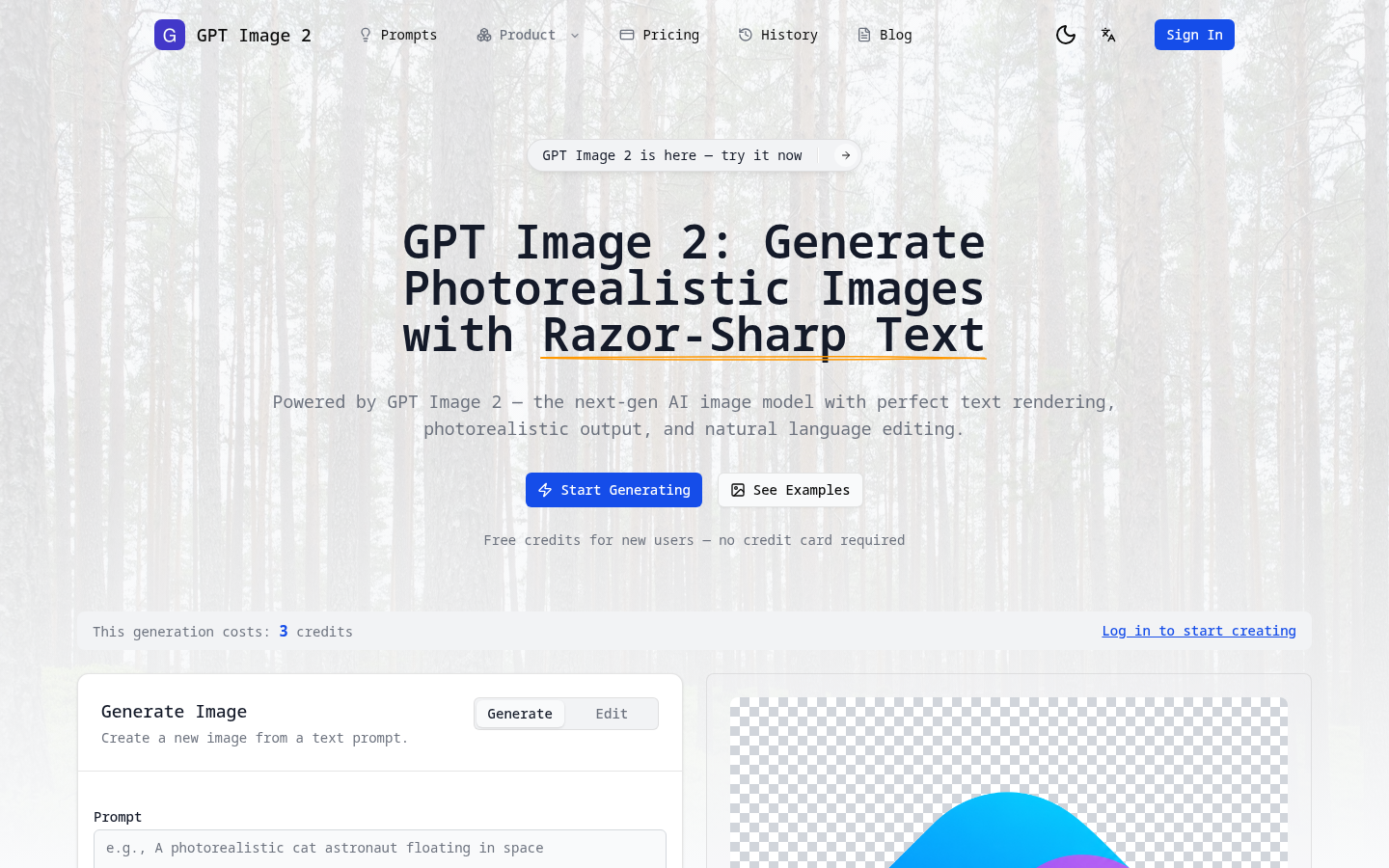
Screenshot archived from the listing page, for preview only.











