
ImageToVideoAI
Image-to-video AI platformTurn photos into videos with AI
Highlights
What you can do with it
- Turn a single product photo into a promotional video
- Create marketing videos from brand images
- Animate illustrations for education or social content
How to use it
- 1 Upload a JPG, PNG, or WebP image up to 10MB.
- 2 Describe the motion in a text prompt and choose a model.
- 3 Generate the video and wait a few minutes.
- 4 Preview and download the video in high quality.
Who it is for
Pros
- Free quota to try before paying
- Many AI models available in one place
- No installation needed, it runs in the browser
Limitations
- Free quota is limited and high usage needs a subscription
- Generation takes a few minutes and results vary
- Relies on third-party models, so availability can change
What ImageToVideoAI is
ImageToVideoAI is an online platform that turns static images into videos using AI. You upload an image, describe the motion you want with a text prompt, and choose a model. The site says it offers models such as Veo 3, Sora 2, and Kling 3, lets you control motion, style, camera angle, and atmosphere, and protects privacy by not using your content for training. It exports up to 1080p with a smooth frame rate, runs entirely in the browser with no installation, and registration includes a free quota. Videos are described as ready within minutes.
What you can do with it
- Turn a single photo into a short promotional video
- Guide motion, style, and camera with text prompts
- Choose between several AI video models
- Export up to 1080p and share the result anywhere
Who it is for
- Content creators who need steady video output
- Marketers building ads from product images
- E-commerce sellers showcasing products with motion
What to watch out for
The free quota is limited, and high usage needs a paid subscription, so costs can grow with volume. Generation takes a few minutes and results vary by model and prompt, so plan for retries when a clip does not match your idea. The platform relies on third-party models, so model availability can change, and only upload images you own or have the right to use. For best results, start with a small test file and review the output carefully before working on anything important. Free tiers can change over time, so it is worth checking the current limits on the official page before you rely on the tool daily.
FAQ
Is there a free quota?
The site says registration comes with a free quota to try the platform. Heavy use needs an affordable subscription plan.
Which AI models are available?
The site says it integrates models such as Veo 3, Sora 2, and Kling 3, and you can pick the one that fits your creative needs.
What image formats and sizes are supported?
You can upload JPG, PNG, or WebP images, with a maximum file size of 10MB.
Why it is free
What the official page says: 免费额度免费
Free limits, trial length and features are decided by the official site and can change at any time.
Product preview
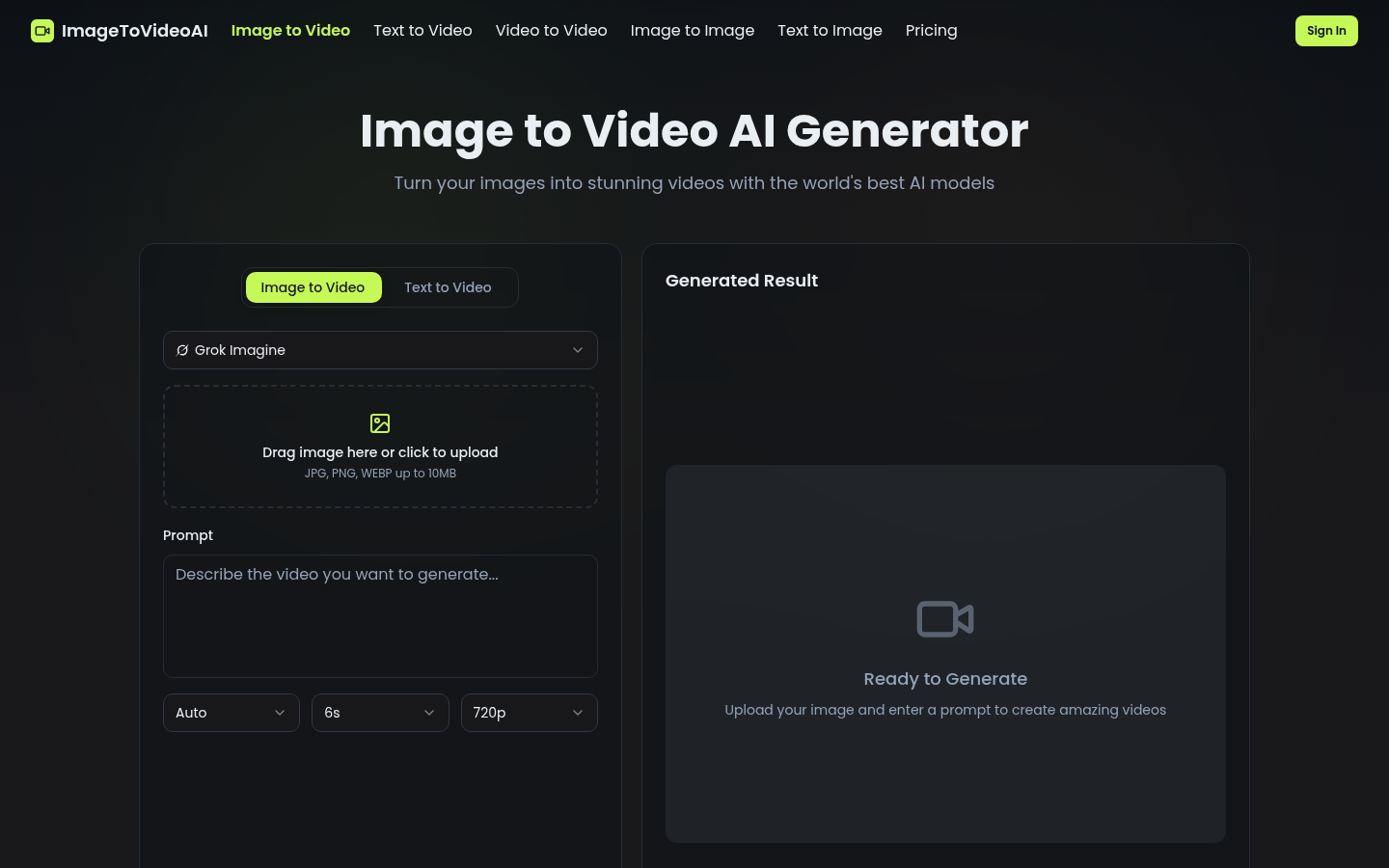
Screenshot archived from the listing page, for preview only.











