
ImageTranslate.AI
AI image text translatorTranslate text inside images
Highlights
What you can do with it
- Translating product listings for overseas buyers
- Localizing marketing images for a new market
- Batch processing technical document images
How to use it
- 1 Open the ImageTranslate.AI site and choose a trial or plan
- 2 Upload an image or paste an image URL
- 3 Pick your target language from 70+ options
- 4 Run the translation, which keeps the original layout
- 5 Download or use the translated image
Who it is for
Pros
- Free trial to test quality
- Preserves layout while translating text
- Wide language coverage with 70+ options
Limitations
- Full use needs a paid version
- Complex layouts or stylized text can trip it up
- Always review translated text for accuracy
What ImageTranslate.AI is
ImageTranslate.AI is an AI tool that translates the text inside images into more than 70 languages while keeping the original layout and style. It automatically detects the source language and aims for commercial-grade quality, which makes it useful for product descriptions, marketing material, and technical documentation. It accepts common image formats such as JPG, JPEG, and PNG, and you can also upload by URL. It offers e-commerce modes and custom text fonts for professional use. A free trial is available before you move to a paid version.
What you can do with it
- Translate text inside an image into 70+ languages
- Keep the original layout and style intact
- Auto-detect the source language
- Handle e-commerce and custom font needs
Who it is for
- Cross-border e-commerce sellers localizing listings
- Brands adapting marketing images for new markets
- Teams translating technical document images in bulk
What to watch out for
A free trial is offered, but full, regular use needs a paid version, so plan for that cost if you translate often. Complex layouts, stylized fonts, or low-quality images can reduce accuracy, so results are not always perfect. Machine translation can misread specialized terms, so review the text before you publish, especially for customer-facing material. Trial limits and pricing can change, so confirm current terms before you commit. Generated suggestions are for reference only, so verify anything that affects professional judgment or important data. Start with a small sample to confirm the output meets your expectations before processing the full batch. Features and interface details may change between versions, so review the latest notes on the page before you start.
FAQ
Is there a free trial?
Yes, you can try it free before choosing a paid version.
How many languages?
It supports instant translation into more than 70 languages.
What files does it accept?
JPG, JPEG, and PNG files, plus images by URL.
Why it is free
What the official page says: free trial
Free limits, trial length and features are decided by the official site and can change at any time.
Product preview
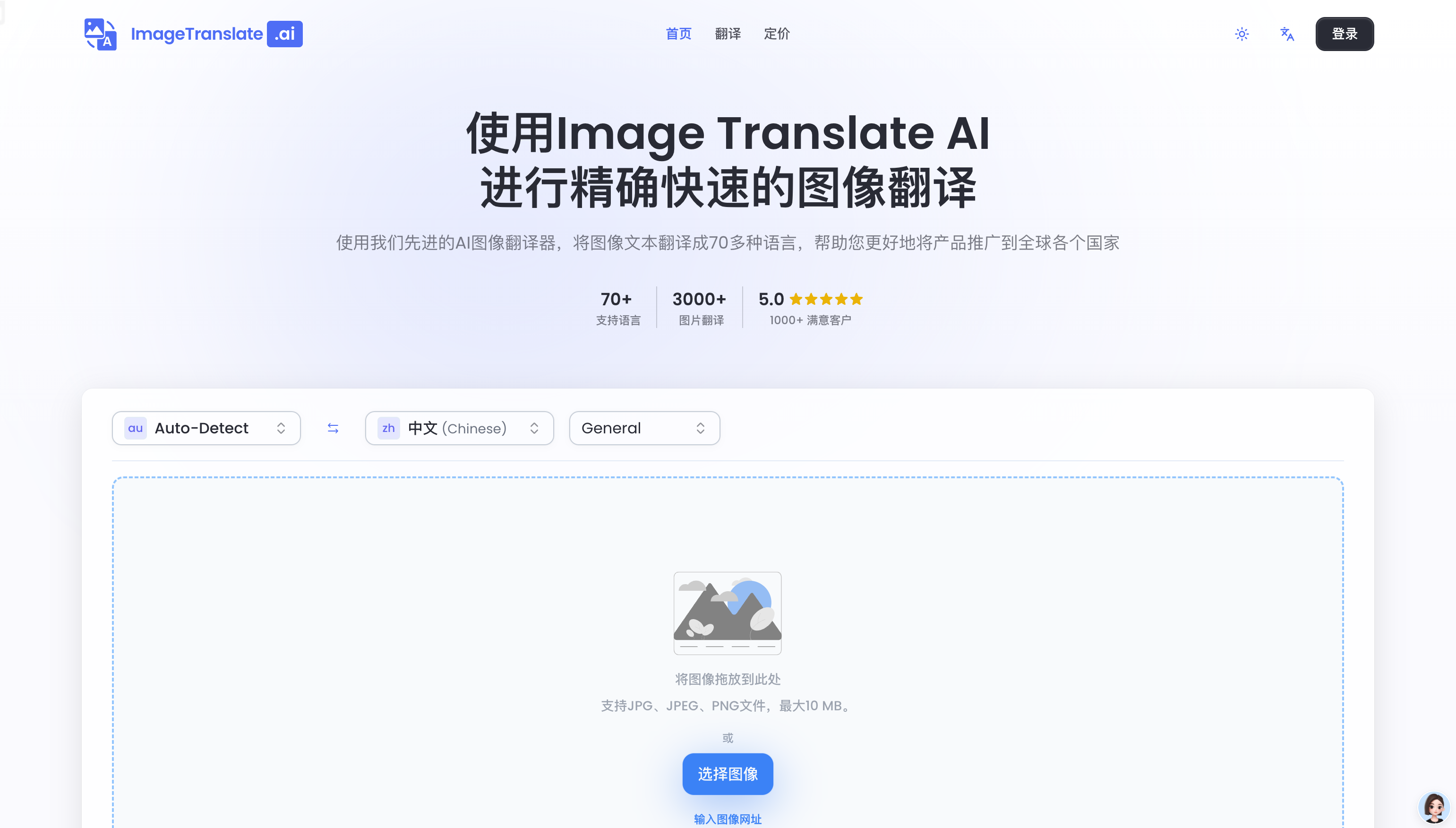
Screenshot archived from the listing page, for preview only.











