
ImgGood
Free AI photo editor in the browserRemove backgrounds and objects, no install
Highlights
What you can do with it
- Cleaning a messy background out of a travel photo
- Batch processing photos from a company event
- Removing an unwanted object from a family photo
How to use it
- 1 Open the ImgGood website
- 2 Select the feature you need, such as background removal
- 3 Upload the photo you want to edit
- 4 Use the on-screen tools to make the edit
- 5 Download the finished image
Who it is for
Pros
- Free and browser based with no install step
- Batch tools save real time on large photo sets
- Works on phones as well as desktops
Limitations
- Difficult retouching still needs a full desktop editor
- Free terms and usage limits can change at any time
- Results depend on the resolution and quality of the source photo
What ImgGood is
ImgGood is a free online photo editing tool that uses AI to handle the tasks people most often avoid. You open a page, upload an image, and pick the operation you need. Background removal strips the backdrop so you can drop in a solid color instead. Object removal works by painting over the thing you want gone, after which the AI clears it out and fills the gap. Image expansion lets you extend the frame while the AI invents the missing content. Clarity enhancement raises resolution on blurry shots. Beyond single images, there are batch tools for background removal, resizing, and cropping, plus format conversion for whatever a given platform expects. Nothing is installed, the site says the whole thing is completely free, and it runs on phones as well as desktops.
What you can do with it
- Remove or replace a photo background in a couple of clicks
- Erase unwanted objects by painting over them
- Expand an image beyond its original frame with AI fill
- Sharpen blurry photos and batch process whole folders
Who it is for
- People cleaning up personal photos without learning an editor
- Small teams processing large sets of images on a deadline
- Mobile users who want an editor that needs no installation
- Anyone who needs a quick format or size conversion
What to watch out for
Browser editors are convenient but limited, and heavy retouching, layered work, or precise masking will still push you toward a desktop application. Because the service is free, the feature set and any usage caps can change without notice, so keep local copies of anything important rather than assuming a file stays available. Output quality tracks the source closely: a small, noisy, or heavily compressed photo will only improve so much no matter which tool you use. As with any upload, be careful with images containing sensitive personal information.
FAQ
Is ImgGood free?
The site describes the tool as completely free, with no download required.
Does it work on a phone?
Yes. The site states that ImgGood can be accessed and used on mobile devices.
Can I edit many photos at once?
Yes. Batch tools cover background removal, resizing, and cropping across multiple files.
Why it is free
What the official page says: completely free
Free limits, trial length and features are decided by the official site and can change at any time.
Product preview
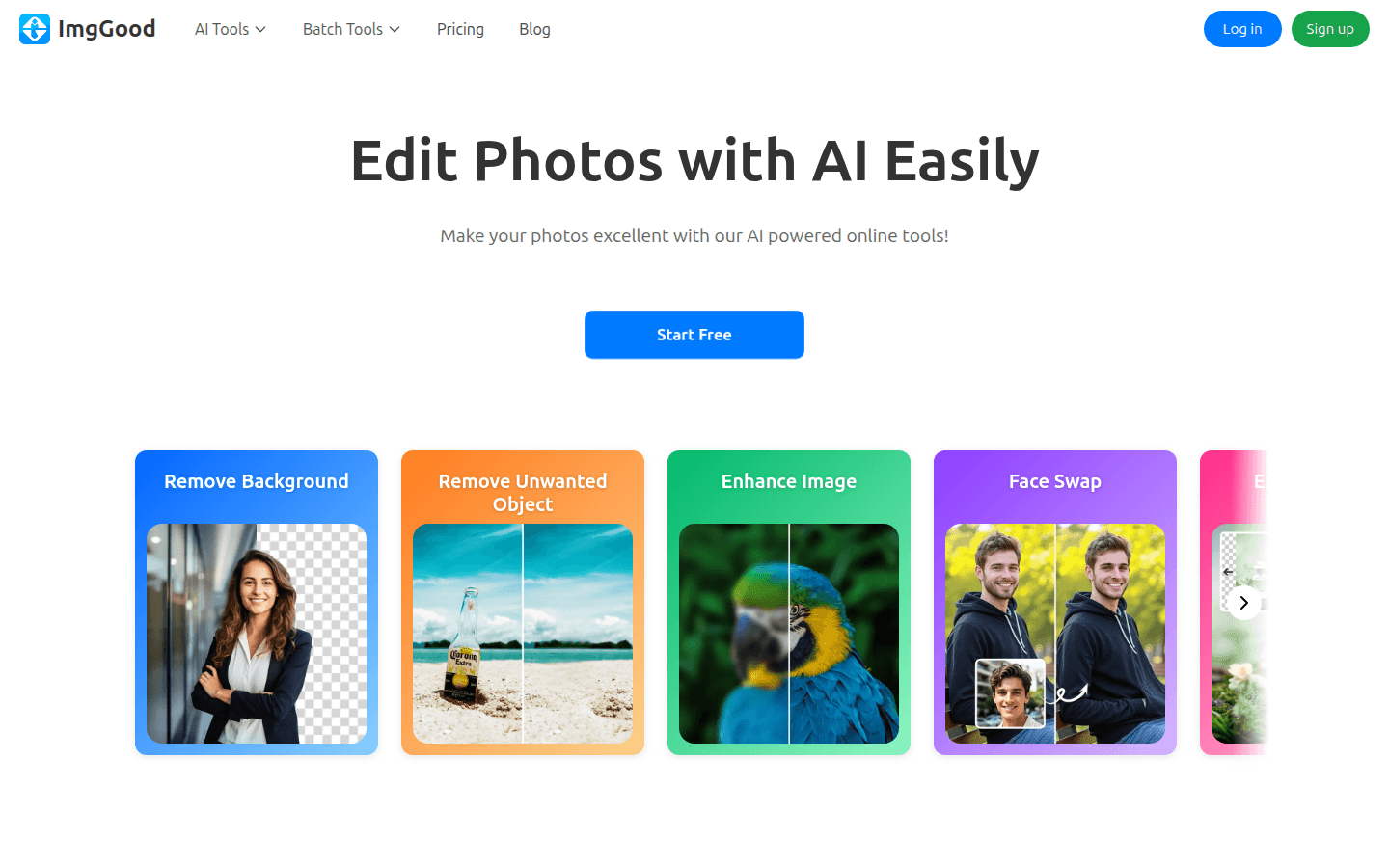
Screenshot archived from the listing page, for preview only.











