
Imglarger
Free AI image enlarger up to 4KUpscale small photos without losing quality
Highlights
What you can do with it
- Upscaling low-resolution photos
- Preparing images for print
- Batch enhancing a folder of images
How to use it
- 1 Open the Imglarger site
- 2 Drag in your jpg or png image
- 3 Choose the target size such as 2K or 4K
- 4 Run the enhancement
- 5 Adjust with the editor if needed, then download
Who it is for
Pros
- Free to use
- Batch support for multiple files
- Simple drag and drop with no settings to learn
Limitations
- Upscaling cannot restore detail that was never captured
- Free limits and queue times apply
- Very large batches take patience
What Imglarger is
Imglarger is a free online image enlarger. You drag in a jpg or png and it enlarges the image, with the site claiming output up to 2K and 4K without losing quality. Beyond scaling it also enhances photos, automatically corrects low light problems, and improves colour and contrast. Batch processing is supported so you can run a folder of images rather than one at a time, and a basic photo editor is included for adjustments. The whole flow is one click plus a drag and drop.
What you can do with it
- Enlarge a small image to 2K or 4K
- Enhance photo quality in the same pass
- Correct low light and boost colour and contrast
- Batch process multiple images at once
- Make adjustments in the built-in editor
Who it is for
- Photographers preparing files for print
- People working with small or low-resolution source images
- Anyone who needs a quick batch upscale without installing software
What to watch out for
Upscaling is reconstruction, not recovery. The model guesses what missing pixels should look like, so a heavily compressed, noisy, or genuinely low-detail source will come back larger but still soft, and fine textures can turn into plastic-looking smears. Free limits and queue times apply, and a large batch on a free tier can be slow. Uploads go to a third party, so keep sensitive images local. Always compare the result against the original at full zoom before you use it. Run one full task end to end first, then expand once you are comfortable with the workflow and the result quality. Behavior may vary across browsers and devices, so test before production use and consult the help docs if errors appear.
FAQ
Is Imglarger free?
It is described as a free online image enlarger.
How large can it make an image?
The site says you can enlarge small images up to 2K and 4K.
Does it do anything besides enlarging?
Yes, it enhances photos, corrects low light, boosts colour and contrast, and supports batch processing.
Why it is free
What the official page says: 免费
Free limits, trial length and features are decided by the official site and can change at any time.
Product preview
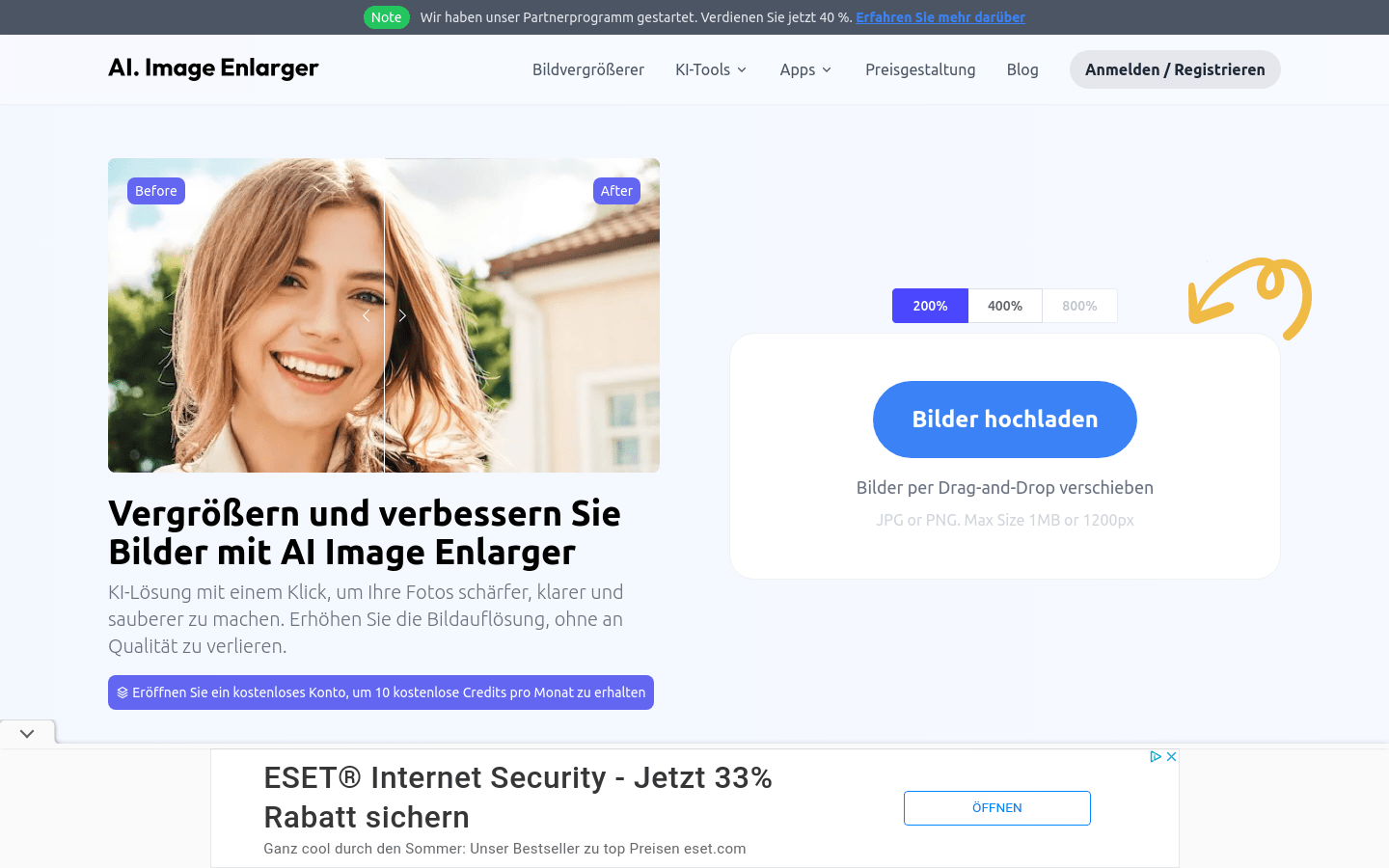
Screenshot archived from the listing page, for preview only.











