
ImprovalAI
AI image enhancement and colorizationTurn ordinary photos into extraordinary ones
Highlights
What you can do with it
- Colorizing an old black-and-white photo
- Repairing and enhancing a low-quality image
- Making photos more vivid and sharp
How to use it
- 1 Visit the ImprovalAI site and start the free trial.
- 2 Upload the photo you want to improve.
- 3 Choose colorization, repair, or enhancement.
- 4 Let the AI process the image.
- 5 Download the enhanced result.
Who it is for
Pros
- Free trial available
- Covers colorization, repair, and enhancement
- No professional skills required
Limitations
- Advanced features require a paid plan
- Enhancement quality can vary with the source image
- Online processing depends on the service staying available
What ImprovalAI is
ImprovalAI is an AI image enhancement tool that helps you transform ordinary photos. It can automatically colorize, repair, or enhance your images, making them more vivid, sharp, and beautiful. The tool emphasizes efficiency, accuracy, and ease of use, and it can be used without any professional skills. A free trial is available, and paying users can enjoy more advanced features under flexible plans.
What you can do with it
- Automatically colorize black-and-white photos.
- Repair damaged or low-quality images.
- Enhance photos to make them sharper and more vivid.
Who it is for
- Users who want to colorize old photos.
- Anyone repairing or enhancing images without editing skills.
- Individuals and businesses that need flexible paid plans.
What to watch out for
ImprovalAI offers a free trial, but the more advanced features sit behind a paid plan, so costs depend on the plan you choose. Enhancement quality varies with the source image, and because it processes files online, it depends on the service being reachable. Always check the result before using an enhanced image for anything important. Name and archive exported files consistently so you can find and reuse them, and keep a backup copy of key data. When quality matters, export a small draft first to confirm the result before producing the final file. Save a backup of the original file before large batch jobs, and keep an exported copy of key results in case the page or service becomes temporarily unavailable. Save a backup of the original file before large batch jobs, and keep an exported copy of key results in case the page or service becomes temporarily unavailable.
FAQ
Is there a free trial?
Yes, ImprovalAI offers a free trial, and paying users get more advanced features.
What can it do?
It can automatically colorize, repair, and enhance images.
Do I need editing skills?
No, it is designed to be used without any professional skills.
Why it is free
What the official page says: free trial
Free limits, trial length and features are decided by the official site and can change at any time.
Product preview
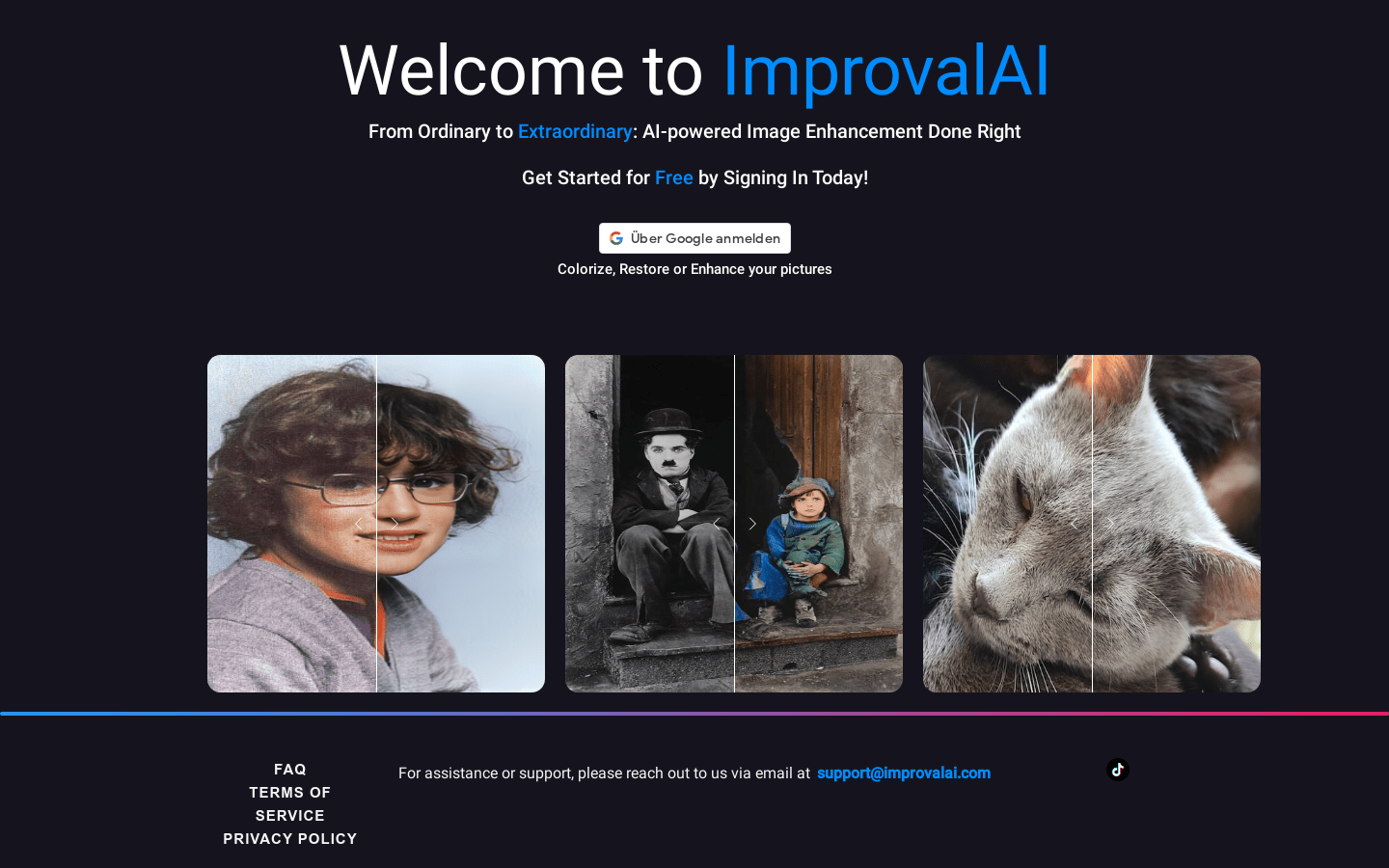
Screenshot archived from the listing page, for preview only.











