
Improve image
Free AI image quality enhancerSharpen, upscale, and clean up photos
Highlights
What you can do with it
- A seller cleans up product photos for a listing
- A user sharpens a photo before posting it
- A photographer fixes a soft or noisy image for print
How to use it
- 1 Upload a JPEG, PNG, or WebP image
- 2 Let the AI process sharpness, color, and resolution
- 3 Compare before and after, then download
Who it is for
Pros
- Free to use online with no install
- Handles upscaling, noise, and blur in one place
- Simple upload and download flow
Limitations
- Free access and limits can change over time
- Very damaged photos may not fully recover
- Results depend on the original image quality
What Improve image is
This is a free online image enhancement tool that uses AI to improve photo quality. It adjusts lighting, contrast, and color, sharpens detail, and can raise resolution without losing quality. It also removes noise and grain from low-light shots and tries to repair blurry photos by rebuilding edges and texture. The source frames it for both professionals and casual users who want a quick, one-stop way to improve images without manual editing.
What you can do with it
- Improve clarity, color, and lighting automatically.
- Upscale resolution for printing or display without losing quality.
- Remove digital noise and grain from low-light photos.
- Repair blurry shots and bring out small details.
Who it is for
- E-commerce sellers who need cleaner product photos.
- Social media users polishing photos before posting.
- Photographers and hobbyists fixing soft or noisy images.
What to watch out for
Free access and any upload limits can change over time, so check the current terms. Very damaged photos may not fully recover, since the AI can only work with what is in the original. Results depend heavily on the source image, so a sharp, well-lit input gives the best output. Features and interface details may change between versions, so review the latest notes on the page before you start. For team use, agree on naming and editing conventions in advance to avoid version conflicts or duplicated work. Processing speed depends on file size and network conditions, so retry later if a task stalls during peak hours. Run one full task end to end first, then expand once you are comfortable with the workflow and the result quality.
FAQ
Is it free?
The source describes it as free to use online.
What can it fix?
Sharpness, color, noise, resolution, and some blur.
What formats?
JPEG, PNG, and WebP.
Why it is free
What the official page says: for free
Free limits, trial length and features are decided by the official site and can change at any time.
Product preview
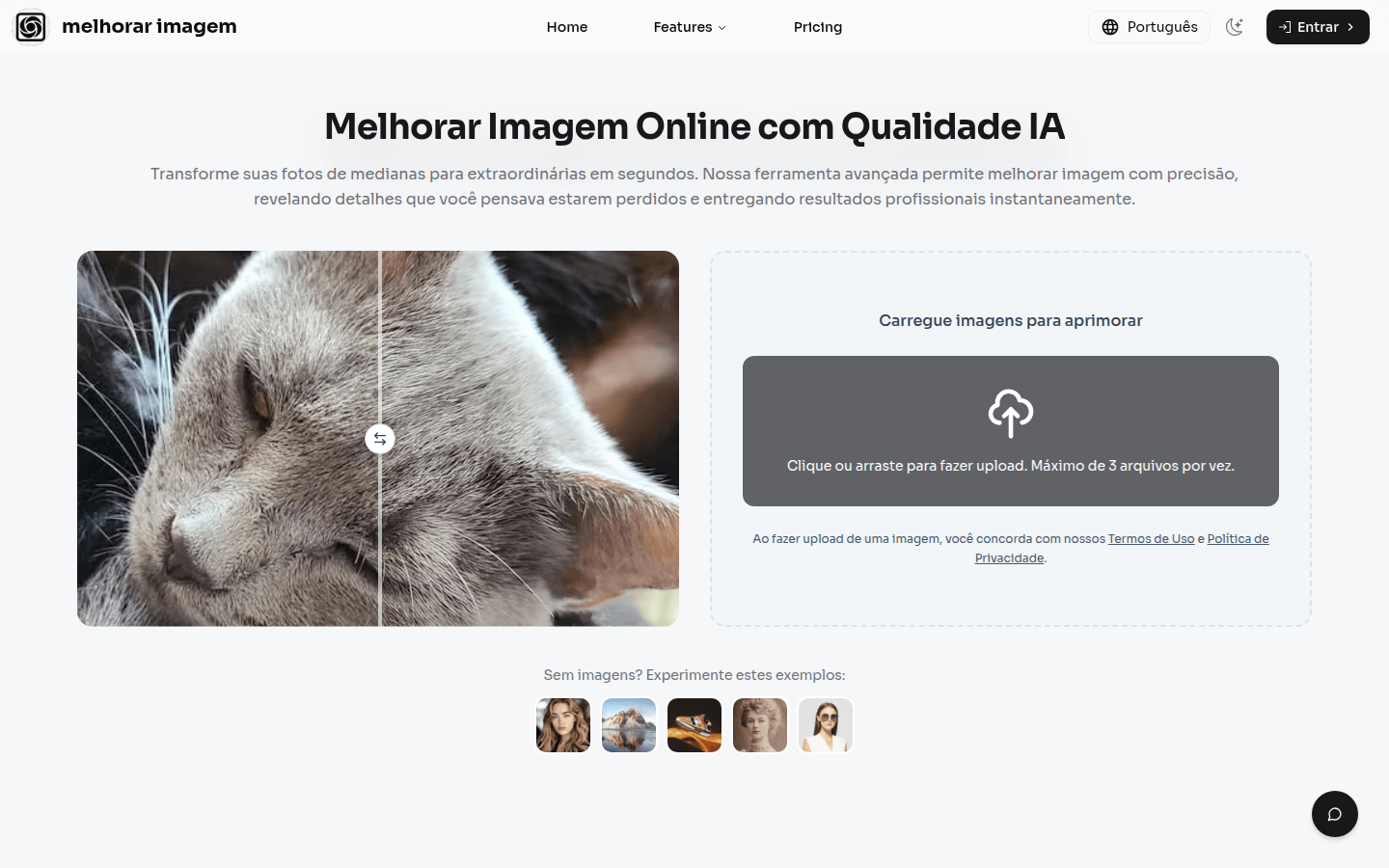
Screenshot archived from the listing page, for preview only.











