
Inksprout Video
Turn blog posts into short social videosPaste a URL, get a caption ready video
Highlights
What you can do with it
- Convert a blog post into a vertical social clip
- Add captioned video to a content calendar
- Republish written articles on video platforms
How to use it
- 1 Paste your blog post URL into Inksprout
- 2 Let the AI summarize the article
- 3 Review the generated video and captions
- 4 Download and share to your platforms
Who it is for
Pros
- Removes filming and editing from the process
- Captions are generated automatically
- Free plan lets you test before paying
Limitations
- Output quality depends on the article's structure and length
- Free plan limits volume; paid plans are needed for regular posting
- Visuals are generated from text, so they may not match your brand exactly
What Inksprout Video is
Inksprout is an AI assistant that creates social videos from blog posts. You paste the URL of an article, the AI reads and summarizes it, and then builds a short video around that summary, with captions generated automatically. The point is to give written content a second life on social platforms, where video usually travels further than a link. It is aimed at people who publish articles but do not want to film or edit anything. There is a free plan to test the flow, and paid plans for people who need more capacity and features.
What you can do with it
- Turn a published blog post into a short video
- Get a summary driven script without writing one
- Generate captions for the clip automatically
- Share the same content across several social platforms
Who it is for
- Bloggers who want video output without a camera
- Social media managers repurposing existing articles
- Marketers stretching one article across channels
What to watch out for
The result is only as good as the article. Long, unstructured posts with heavy jargon summarize poorly, and the video inherits that weakness. Captions are machine generated, so proofread names, numbers and links before posting. The free plan is limited, and regular posting will push you to a paid tier. Because the visuals are generated from text rather than from your brand assets, the look may not match your identity exactly, so review each clip before it goes live. Run one full task end to end first, then expand once you are comfortable with the workflow and the result quality. Behavior may vary across browsers and devices, so test before production use and consult the help docs if errors appear.
FAQ
What does Inksprout do?
It takes a blog post URL, summarizes the article with AI and turns the summary into a short social video with captions.
Is there a free plan?
Yes, there is a free plan alongside paid plans with more features.
Where can I share the videos?
The tool is built for multi platform sharing so you can post the clips across social media.
Why it is free
What the official page says: free plan
Free limits, trial length and features are decided by the official site and can change at any time.
Product preview
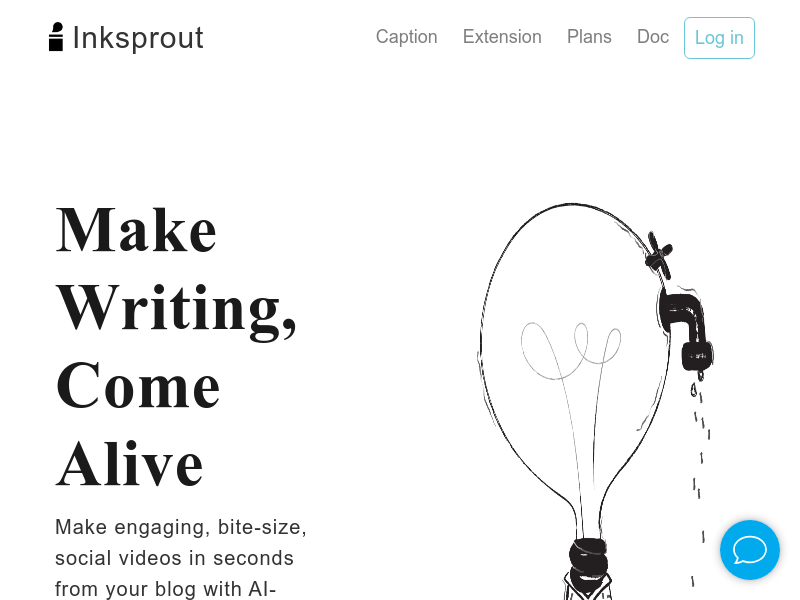
Screenshot archived from the listing page, for preview only.











