
Inpaint-web
Free photo object removerErase objects, repair photos in one click
Highlights
What you can do with it
- Remove a watermark from an image you own so the picture reads clean.
- Repair creases and wear on an old scanned photo.
- Take an unwanted person or object out of a group photo.
How to use it
- 1 Open the Inpaint-web page in your browser.
- 2 Upload the photo you want to fix.
- 3 Brush over the area you want removed or repaired.
- 4 Let the tool fill the marked area.
- 5 Download the edited image.
Who it is for
Pros
- Permanently free according to the site, with no account step.
- No installation; it works straight from the page.
- Simple enough for a first time user to get a result in a minute.
Limitations
- It is a single purpose tool, so it does not replace a full editor.
- The published feature list is short, so complex retouching may not be covered.
- Removing watermarks or objects can raise rights issues, so only use images you own or have permission to edit, and the consequences rest with you.
- Free access is the current state of the service and it can change.
What Inpaint-web is
Inpaint-web is a free online photo editing tool. You mark an area of an image and the tool removes or repairs it, which covers unwanted objects, watermarks, small blemishes, and the creases and wear that show up on old scanned prints. The whole thing runs inside the browser page, so there is no program to download and nothing to install on your machine. The site describes itself as permanently free, and it aims at people who want a quick fix rather than a full editing workflow. Because it is built around one job, it is better understood as a clean up tool than as a general purpose editor.
What you can do with it
- Remove watermarks so an image reads clean again.
- Repair creases, scratches and other damage on old photos.
- Take an unwanted person or object out of a group shot.
- Touch up small blemishes before you share or print a picture.
- Work entirely online, with no install step and no account to create.
Who it is for
- People who want a fast fix without learning a photo editor.
- Anyone digitizing and restoring old family photos and scans.
- Users who need a simple object and watermark remover for one off jobs.
- Sellers tidying product shots before they list them.
What to watch out for
The tool is narrow by design. It handles removal and repair, not layered editing, colour work or design, so it will not replace the editor you already use. The published feature list is short, which means complex retouching may fall outside what it covers, and results on busy or textured areas can be uneven. Removal tools also carry a rights angle: only work on images you own or have permission to edit, and be careful with watermarks, since stripping them from other people's work can raise legal and platform problems, and the consequences rest with you. Free access is the current state of the service and it can change at any time.
FAQ
Is Inpaint-web free?
Yes. The site describes itself as permanently free and it runs in the browser.
Do I need to install software?
No. It is an online tool and no download or installation is required.
What can I remove with it?
Unwanted objects, watermarks and blemishes, plus creases and damage on old photos.
Can I edit photos I did not take?
Only edit images you own or have permission to work on. Removing watermarks or content from other people's work can raise rights problems, and the consequences are yours.
Why it is free
What the official page says: 永久免费免费
Free limits, trial length and features are decided by the official site and can change at any time.
Product preview
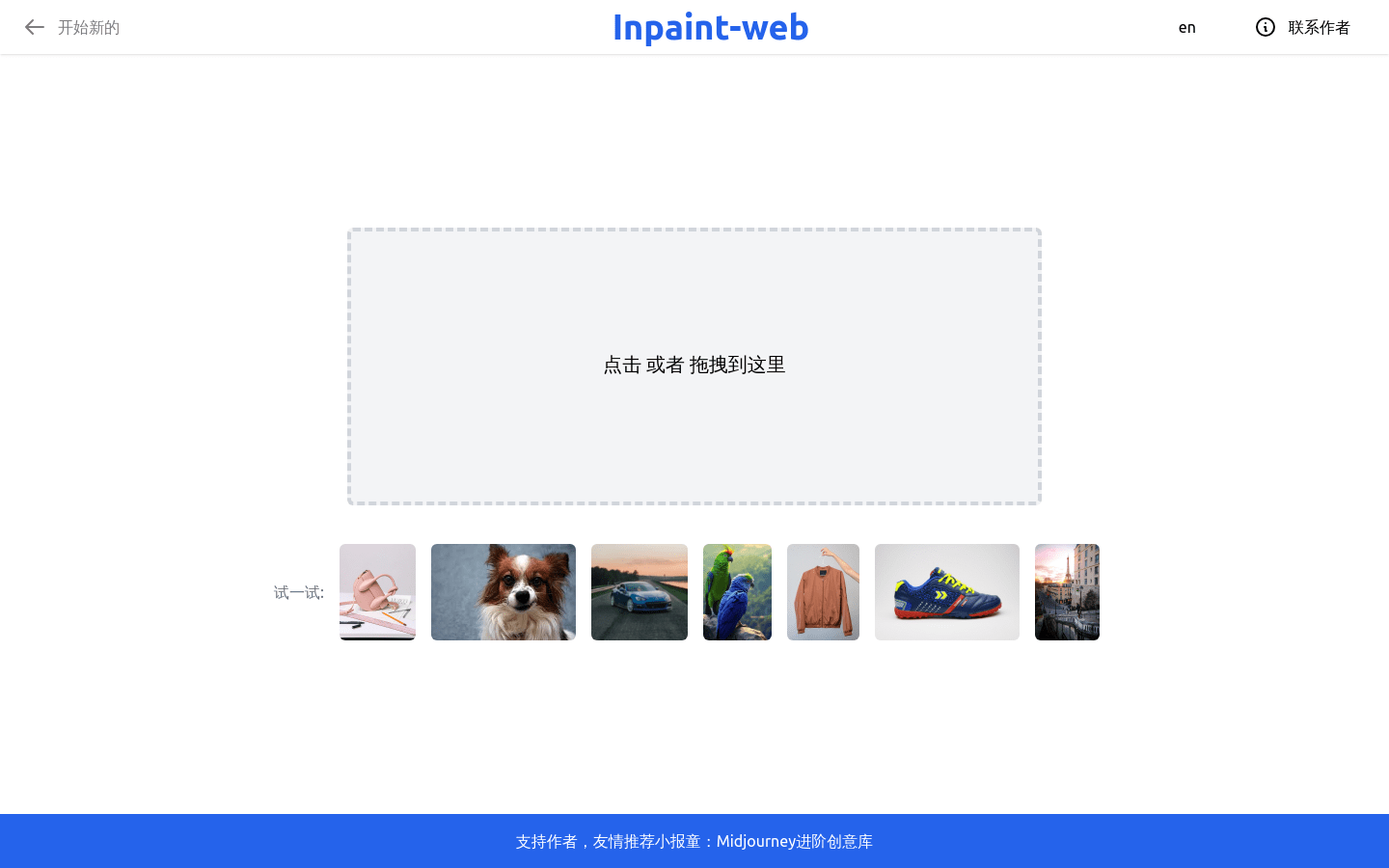
Screenshot archived from the listing page, for preview only.











