
insMind Text to Video Generator
Turn text prompts into videos and imagesFree to try text to video online
Highlights
What you can do with it
- Turn a written article into a short video for social promotion.
- Create ad images and videos for a product campaign.
- Animate family photos into a short keepsake video.
How to use it
- 1 Open the site and click Try for free to register or log in.
- 2 Pick a module such as AI Video, AI Image, or Photo Editor.
- 3 Enter your text and choose style, template, and effects.
- 4 Generate, preview, and edit, then download the finished file.
Who it is for
Pros
- A wide tool set sits behind one account and one interface.
- Some functions can be tried for free before paying.
- No professional editing experience is required.
Limitations
- Only some functions are free, and the vendor can change that split.
- The platform mixes many tools, so finding the right module takes time.
- Generated output still needs review before you publish it.
What insMind Text to Video Generator is
insMind is an online platform that brings AI video, AI image, and photo editing into one place. The text to video function takes a written prompt and returns a video, and the same account also covers image generation in cartoon, animation, and portrait styles, photo editing such as background removal and enhancement, plus photo animation and character animation. It is pitched at users without professional skills, and some functions can be tried for free while paid pricing is listed on the site. Generation runs in the browser, so there is no software to install.
What you can do with it
- Turn a text prompt into a video without touching an editing timeline.
- Generate images in several styles from a short description.
- Edit photos with background removal, enhancement, and special effects.
- Animate still photos and characters, and apply ready made video templates.
Who it is for
- Content creators who need video and image assets quickly.
- Marketers building advertising creative for campaigns.
- Ordinary users, designers, and students who want simple creation tools.
What to watch out for
Only some functions are free, so the parts you need most may sit behind a paid plan, and that split can change. The platform bundles a lot of tools, which means time spent finding the right module and learning its options. Output quality varies with the prompt, the chosen template, and the effect, so plan on previewing and editing before you publish. Check the pricing page for current limits before you build a workflow around it. For best results, start with a small test file and review the output carefully before working on anything important.
FAQ
What does insMind do?
It covers AI text to video, AI image generation, photo editing, and animation effects in one platform.
Is it free?
Some functions can be tried for free, and detailed pricing is listed on the site's pricing page.
Do I need editing skills?
The product is aimed at users without professional experience, working from prompts and templates.
Why it is free
What the official page says: 免费使用免费试用免费
Free limits, trial length and features are decided by the official site and can change at any time.
Product preview
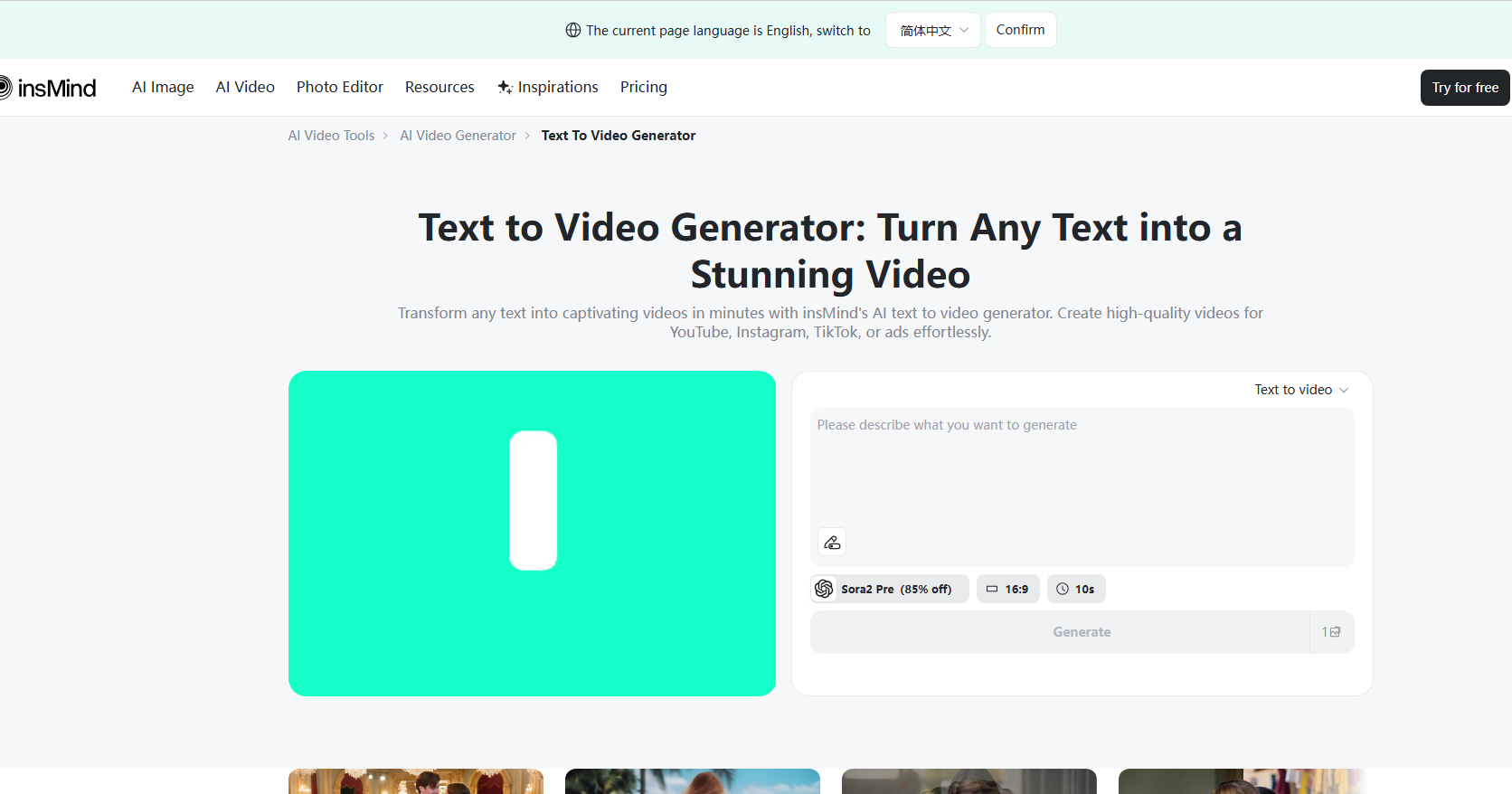
Screenshot archived from the listing page, for preview only.











