
Instories
Create animated stories and short videos fast300+ templates for animated social stories
Highlights
What you can do with it
- Create short, stylish videos to grow a social following
- Turn a website into Instagram ads for a small business
- Collaborate as a team on a large content project
How to use it
- 1 Open Instories on web, iOS, or Android
- 2 Choose 'Create for free' and pick a template
- 3 Add your images, text, and video
- 4 Use AI tools like subtitles and background removal
- 5 Save and publish to social media
Who it is for
Pros
- Large template library for fast creation
- AI tools that cut editing time
- Free version plus cross-platform access
Limitations
- The free version is limited, and Pro costs a monthly fee whose price can change
- Template-based output can look similar to other people's videos
- Best results still need your own strong content
What Instories is
Instories is a tool for creating animated stories and short videos for social media. It gives you over 300 stylish templates and 700 customizable ones, so you can drop in your own images, text, and video and have a finished clip in minutes. Its AI features turn long videos into short social clips, generate subtitles, remove backgrounds, and convert text to speech. It can also transform your website content into Instagram ads, and it supports team collaboration on web, iOS, and Android. There is a free version to get started, a Pro plan, and a three-day free trial.
What you can do with it
- Build animated stories from hundreds of templates
- Cut long videos into short, social-ready clips
- Add auto subtitles, remove backgrounds, and use text to speech
- Turn website content into Instagram ads
Who it is for
- Social media bloggers who post videos often
- Small businesses that need quick, attractive ads
- Teams working together on larger content projects
What to watch out for
The free version is a starting point, and the more advanced features sit behind the Pro plan, which the listing prices at about HKD 22.75 per month with an annual discount, so costs can add up over time. Because so much is template-driven, your videos can end up looking similar to other people's, so add your own content to stand out. The AI tools speed things up but do not replace good source material, and the final quality still depends on the images and video you bring in. Try the free version and the trial before committing to a paid plan. For best results, start with a small test file and review the output carefully before working on anything important.
FAQ
Is there a free version?
Yes, there is a free version, plus a three-day free trial of Pro.
What does Pro cost?
The listing shows Pro at about HKD 22.75 per month, with an annual discount.
Can my team use it together?
Yes, it supports team collaboration across web, iOS, and Android.
Why it is free
What the official page says: free versionfree trial
Free limits, trial length and features are decided by the official site and can change at any time.
Product preview
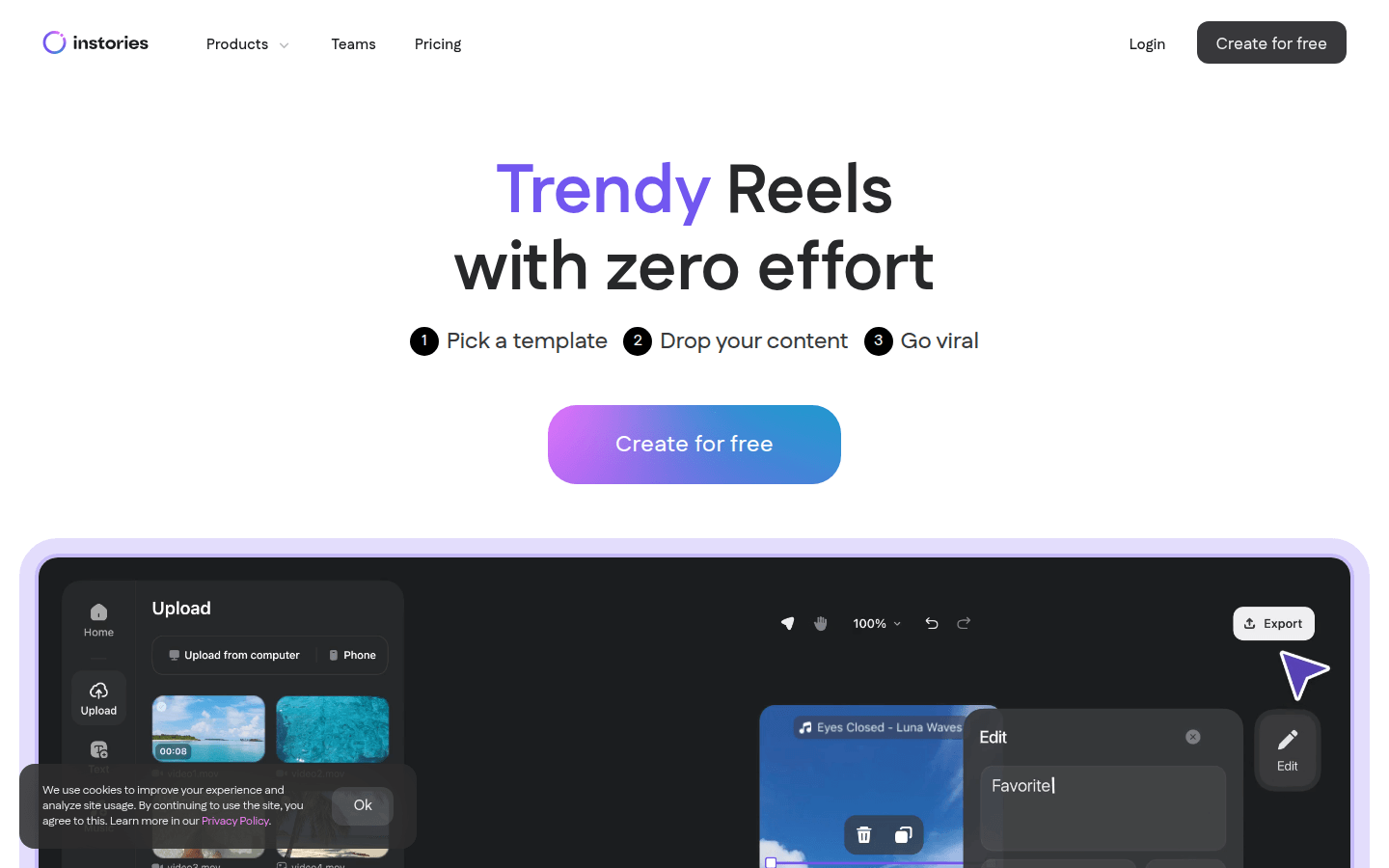
Screenshot archived from the listing page, for preview only.











