
Interactive Graph by LLM
Natural language interactive chart builderCreate charts by describing what you need
Highlights
What you can do with it
- A data analyst creating a GDP ranking chart quickly
- A market researcher showing product sales trends
- An educator explaining statistics to students
How to use it
- 1 Visit the Interactive Graph by LLM website
- 2 Type a natural language query in the search box
- 3 Adjust chart settings like colors and labels
- 4 Click chart elements to see more detail
- 5 Share or export the chart for reports
Who it is for
Pros
- No technical skills required
- Free trial available
- Interactive and easy to explore
Limitations
- Free trial limits usage
- Depends on the quality of the query
- May not cover every built-in information
What Interactive Graph by LLM is
Interactive Graph by LLM is a website based on large language models that lets users generate interactive charts through natural language prompts. Instead of learning chart software, users type a plain question such as Top 10 countries by GDP and the system builds the chart in real time. The product simplifies data visualization so non-technical users can create and understand complex data. It supports multiple visualization formats and offers clickable chart elements for deeper exploration. The service is currently in a free trial phase aimed at businesses and individuals who want easier data presentation.
What you can do with it
- Generate interactive charts from plain-language queries
- Adjust colors, labels, and settings by clicking on the canvas
- Explore deeper data through clickable chart elements
- Use graphical search prompts to build better queries
- Share or export charts for reports and presentations
Who it is for
- Non-technical users who need charts without software skills
- Data analysts and market researchers presenting trends
- Educators explaining statistics to students or audiences
What to watch out for
The free trial limits usage and paid pricing likely applies afterward. Chart quality depends on how clearly you phrase the query, so vague requests may produce unclear results. The tool may not connect to every built-in information, so check whether your specific dataset is supported before relying on it. Verify generated numbers against the original data before sharing charts externally. Free tiers and usage limits can change, so check the current rules on the official page before relying on it long term. Processing speed depends on file size and network conditions, so retry later if a task stalls during peak hours.
FAQ
How do I create a chart?
You type a natural language query and the tool generates an interactive chart.
Is there a free trial?
Yes, the product is in a free trial phase.
Can I explore the data further?
Yes, chart elements are clickable for deeper exploration.
Why it is free
What the official page says: free trial
Free limits, trial length and features are decided by the official site and can change at any time.
Product preview
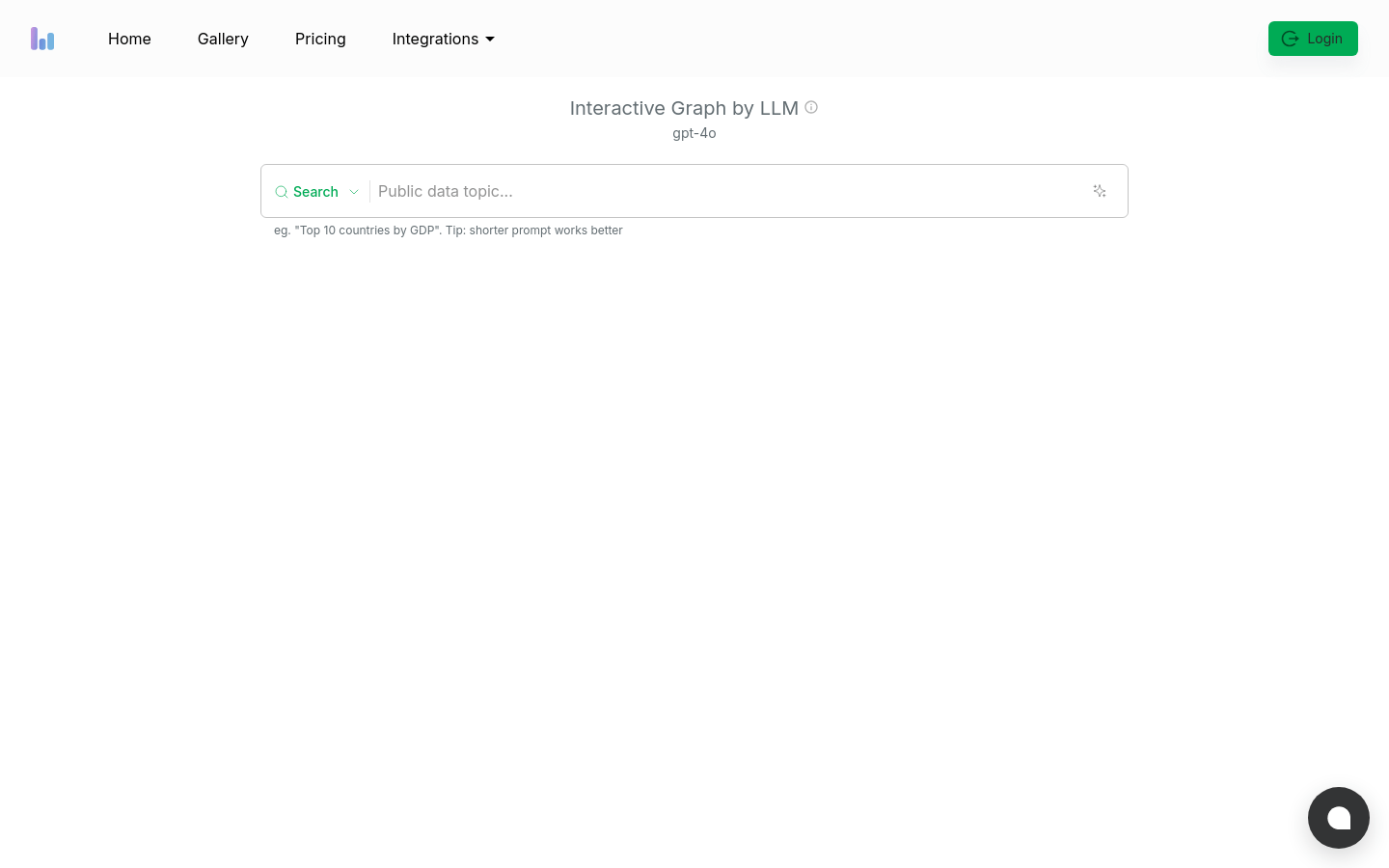
Screenshot archived from the listing page, for preview only.











