
InteriorStage AI
AI room design preview toolSee the furniture before you buy it
Highlights
What you can do with it
- Preview furnishing options for a newly purchased home
- Test layouts in a rented room before buying pieces
- Show clients several design directions in one sitting
How to use it
- 1 Upload a bright, clear photo of the empty room
- 2 Choose a design style such as minimalist, vintage, or modern
- 3 Review the furniture and decor options the tool adds
- 4 Switch styles until a direction feels right
- 5 Turn the favorite concept into a video, then shop or renovate
Who it is for
Pros
- Turns an empty room photo into a concrete plan
- Fast way to compare several styles side by side
- Video output helps share ideas with family or clients
Limitations
- Results depend heavily on photo quality and lighting
- Previews are a design aid, not a purchase guarantee
- The free trial ends and plans start at $29 per month, so rules can change
- Image counts per project depend on your plan tier
What InteriorStage AI is
InteriorStage is an AI room design tool for homeowners and renters. You upload a photo of an empty room and it adds movable furniture and decorative elements so you can see options before you shop, move, or renovate. It supports several rooms at once, offers design styles such as minimalist, vintage, and modern, and can turn a set of designs into a short video with music and transitions. The tool is aimed at people furnishing a new home, renters decorating a room, and designers who need quick visuals for clients. A free trial is offered, with paid plans from $29 per month.
What you can do with it
- Add furniture and decor to photos of empty rooms
- Try several design styles on the same room
- Plan multiple rooms in one project
- Turn favorite concepts into short videos
Who it is for
- Homeowners planning a renovation or a rearrange
- Renters testing layouts before buying furniture
- Interior designers who need fast visuals for client conversations
What to watch out for
Results depend on the photo. Bright, clear shots taken from a doorway or a corner give the tool the most to work with, and dark or cluttered images produce weaker results, so retake rather than force it. Previews are a design aid, not a purchase guarantee; check real dimensions, colors, and delivery before you buy anything, since the render cannot tell you how a sofa feels or fits through a door. The free trial ends and paid plans start at $29 per month, so the rules can change. Your plan tier also controls how many images you get, so a large project may need a higher plan.
FAQ
What kind of photo works best?
Bright, clear shots taken from a doorway or a corner that show the full floor area.
How much does it cost?
There is a free trial, then Starter at $29 per month, Professional at $79, and Agent at $199.
Can I share the result?
Yes. You can turn a favorite design concept into a short video for review or sharing.
Why it is free
What the official page says: free trial
Free limits, trial length and features are decided by the official site and can change at any time.
Product preview
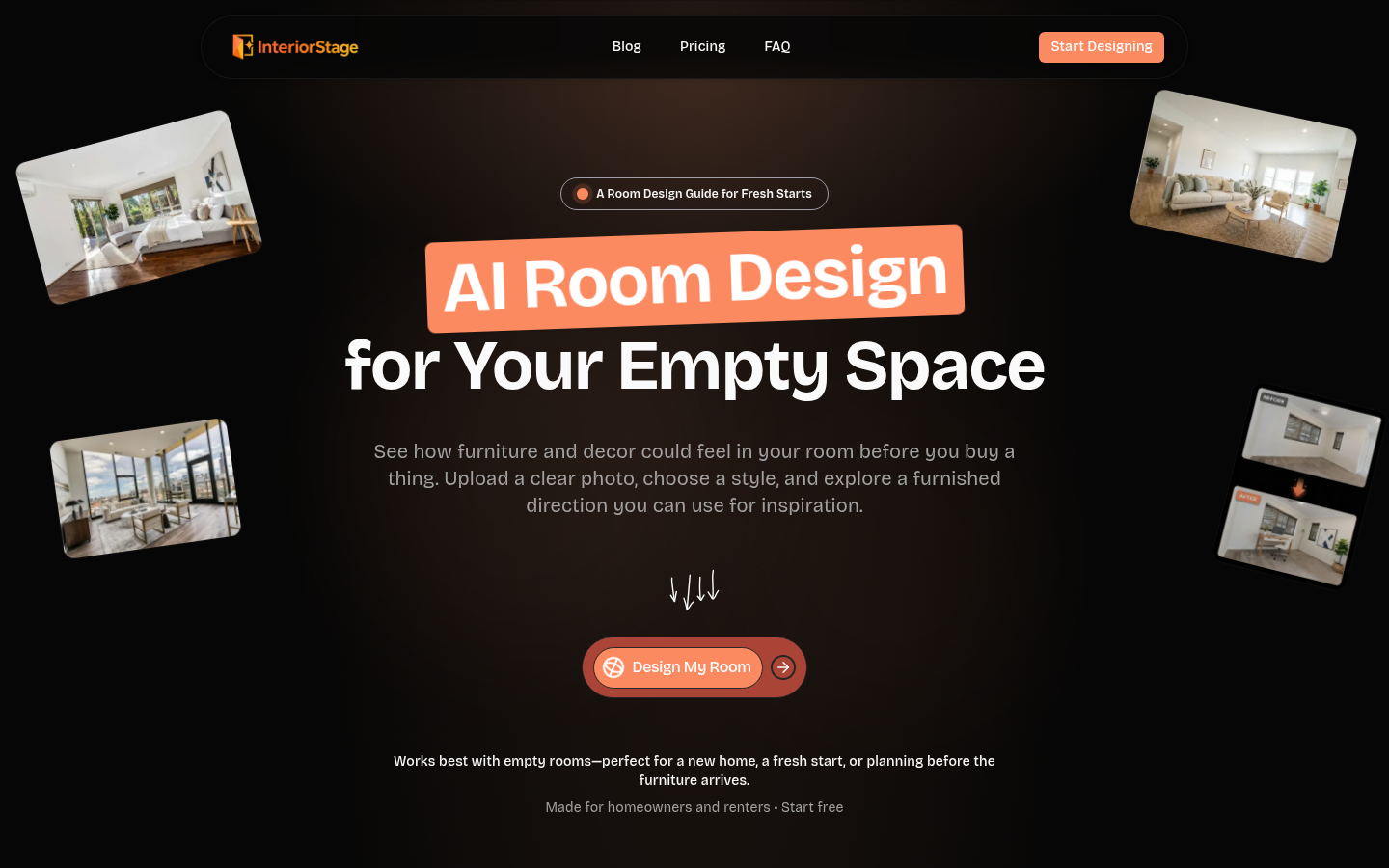
Screenshot archived from the listing page, for preview only.











