
Invoko
AI assistant for macOSVoice help for drafting and summaries
Highlights
What you can do with it
- Draft the first version of a business report from notes you already have
- Summarise a long article or document before a meeting
- Generate a reply to an email and send it after a quick check
How to use it
- 1 Download the macOS client from the Invoko site and install it
- 2 Launch the app and call it from the menu bar or drag it to the desktop
- 3 Speak or type the task, such as draft this, summarise this, or reply to this
- 4 Grant the permissions it asks for, such as voice, screen context, or app control
- 5 Review the result and correct the action if it guessed wrong
Who it is for
Pros
- Free to use while it is in testing
- Screen context keeps your requests short to phrase
- Cross-app steps save copying and pasting between windows
Limitations
- macOS only and mainly for Apple Silicon, so Windows and Linux users are out
- It is still in testing, so behaviour can change and the free status may not last
- It needs broad permissions including screen context and app control, which is a real privacy trade-off
- Actions can be guessed wrong, so you have to check each one
What Invoko is
Invoko is a free AI desktop assistant for macOS, currently in a testing phase and aimed mainly at Apple Silicon Macs. You reach it from the menu bar or drag it onto the desktop, then talk to it by voice or type. The tasks it is built for are the boring ones: drafting a document, summarising something long, writing a reply to a message, and moving information between applications once you have approved the step. It also reads context from your screen, such as the current window title, the page URL, selected text, the focused field, and screenshots, and it keeps a memory of recent conversations so a follow-up request makes sense.
What you can do with it
- Draft a document from a short spoken or typed instruction
- Summarise a long page or paper without reading all of it
- Generate a reply to an email for you to check and send
- Carry out cross-app steps such as moving text between two documents
Who it is for
- Office workers who spend the day in documents, email, and calendars
- Students working through long reading lists
- Creative workers who jump between several apps and tools
- Mac users who would rather speak a request than type it out
What to watch out for
The app is macOS only and mainly targets Apple Silicon, so anyone on Windows or Linux is out of luck. It is still in testing, which means behaviour can shift between builds and the free status is not a promise for the future. The bigger point is permissions: to be useful it wants access to voice, screen context, application control, and connected accounts. That is a genuine privacy trade-off, so grant only what a task needs and remove access when you are done. Finally, it will sometimes guess the wrong action, so review what it did before you let it stand.
FAQ
Is Invoko free?
The listing says it is completely free, and the app is described as being in a testing phase. Free terms on software in testing can change.
What permissions does it need?
It may ask for voice, screen context, application control, and account connection permissions. Read each request before approving it.
Does it run on Windows?
No. Invoko is built for macOS and is aimed mainly at Apple Silicon Macs.
Why it is free
What the official page says: completely free
Free limits, trial length and features are decided by the official site and can change at any time.
Product preview
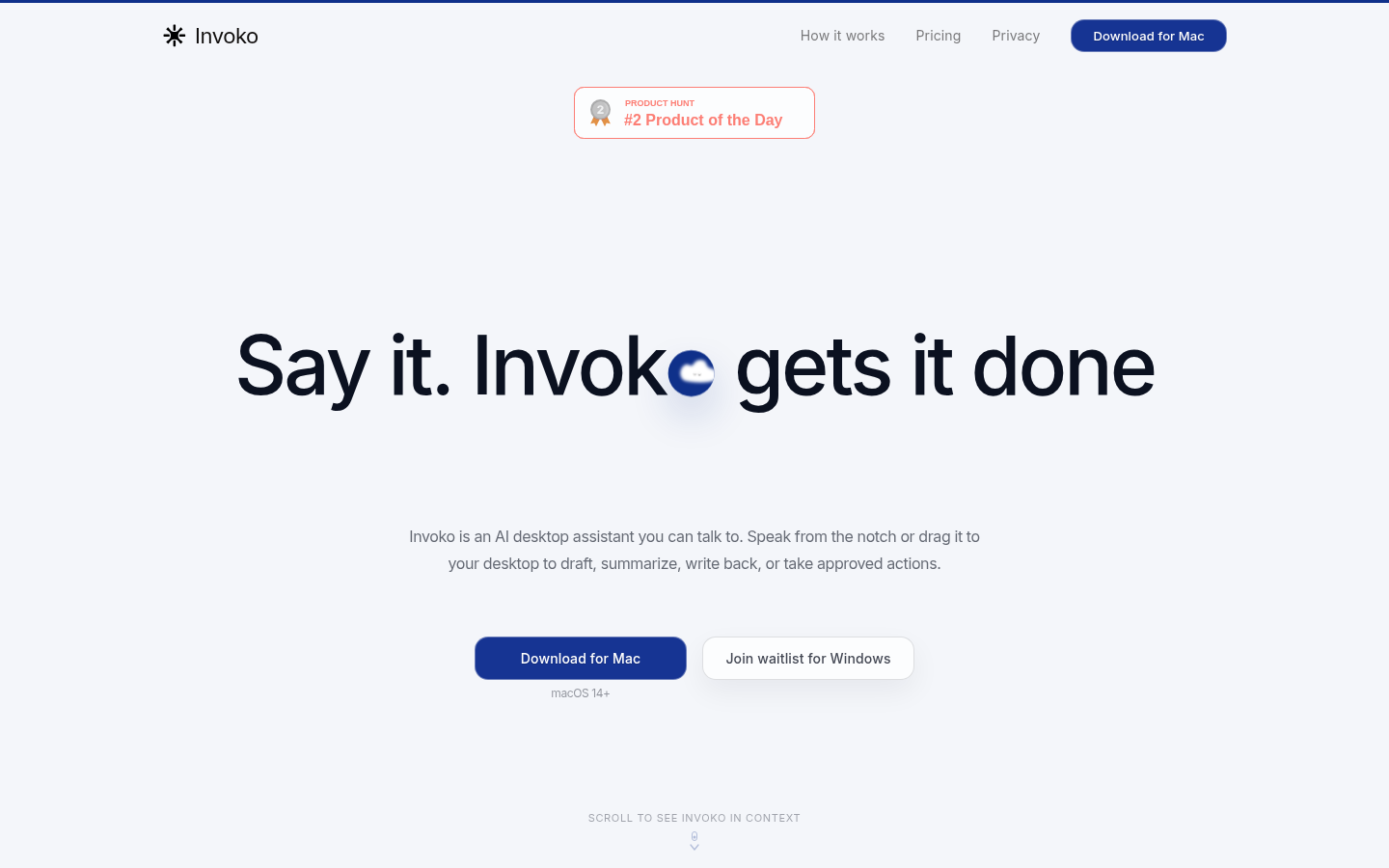
Screenshot archived from the listing page, for preview only.











