
Jet Admin
No-code builder for custom business applicationsBuild internal tools without code
Highlights
What you can do with it
- Build a custom CRM to centralize customer information
- Automate production or approval workflows to cut manual work
- Create a customer portal for order status and feedback
How to use it
- 1 Register on the Jet Admin platform
- 2 Pick a template or start a new project
- 3 Import a Figma design or build with the drag-and-drop visual builder
- 4 Configure built-in informations and connect existing data
- 5 Set up automated workflows and permission levels
- 6 Test the app, then deploy it for your team
Who it is for
Pros
- No-code building opens app creation to non-developers
- Figma import shortens the design to app path
- Wide workflow integrations reduce manual tasks
- Permission management supports safe sharing
Limitations
- Complex logic may hit platform limits and need workarounds
- Data connections require setup and ongoing maintenance
- Pricing beyond the trial is not detailed, so costs are unclear
- Trial terms and pricing can change, so confirm current details
What Jet Admin is
Jet Admin is a no-code platform for building custom business applications. It is designed so non-technical users can create the tools their team needs, from management dashboards to customer portals, using a drag-and-drop visual builder. Static Figma designs can be imported and converted into working apps, and a spreadsheet-like data editor lets you manage databases without deep database knowledge. External data synchronization connects existing sources, automated workflows handle repetitive tasks across more than 5000 systems, and permission management controls who can see what. AI features support analysis and prediction. A free trial is offered for teams that want to try before committing.
What you can do with it
- Build web apps by dragging and dropping components, no code required.
- Import Figma designs and turn them into functional applications.
- Connect built-in informations and edit records in a spreadsheet-like editor.
- Automate repetitive tasks and set permission levels for safe sharing.
Who it is for
- Corporate managers who need dashboards and approval apps quickly.
- Technical support teams building internal tools like trackers and knowledge bases.
- Sales and marketing teams that want customer portals and custom CRM apps.
- Operations teams that need a tool shaped around an unusual process.
What to watch out for
No-code platforms reach their limits when logic gets complex, and unusual requirements may need workarounds or custom development, so evaluate the hardest part of your use case first rather than the easy demo. Connecting external built-in informations requires setup and ongoing maintenance, and bad data modeling early on is hard to fix later, so plan the structure before you build screens. Pricing beyond the free trial is not detailed in the listing, so total cost is unclear until you check the official page, and trial terms can change. Because these apps often hold business data, plan permissions and access control carefully from the start.
FAQ
Do I need to code?
No. Jet Admin uses a drag-and-drop visual builder so non-technical users can create apps.
Can I use my Figma designs?
Yes. It can import Figma designs and convert static designs into functional applications.
How many systems can workflows connect to?
Automated workflows can connect to over 5000 systems.
Is there a free trial?
Yes. A free trial is offered, though full pricing is not detailed in the listing.
Why it is free
What the official page says: free trial
Free limits, trial length and features are decided by the official site and can change at any time.
Product preview
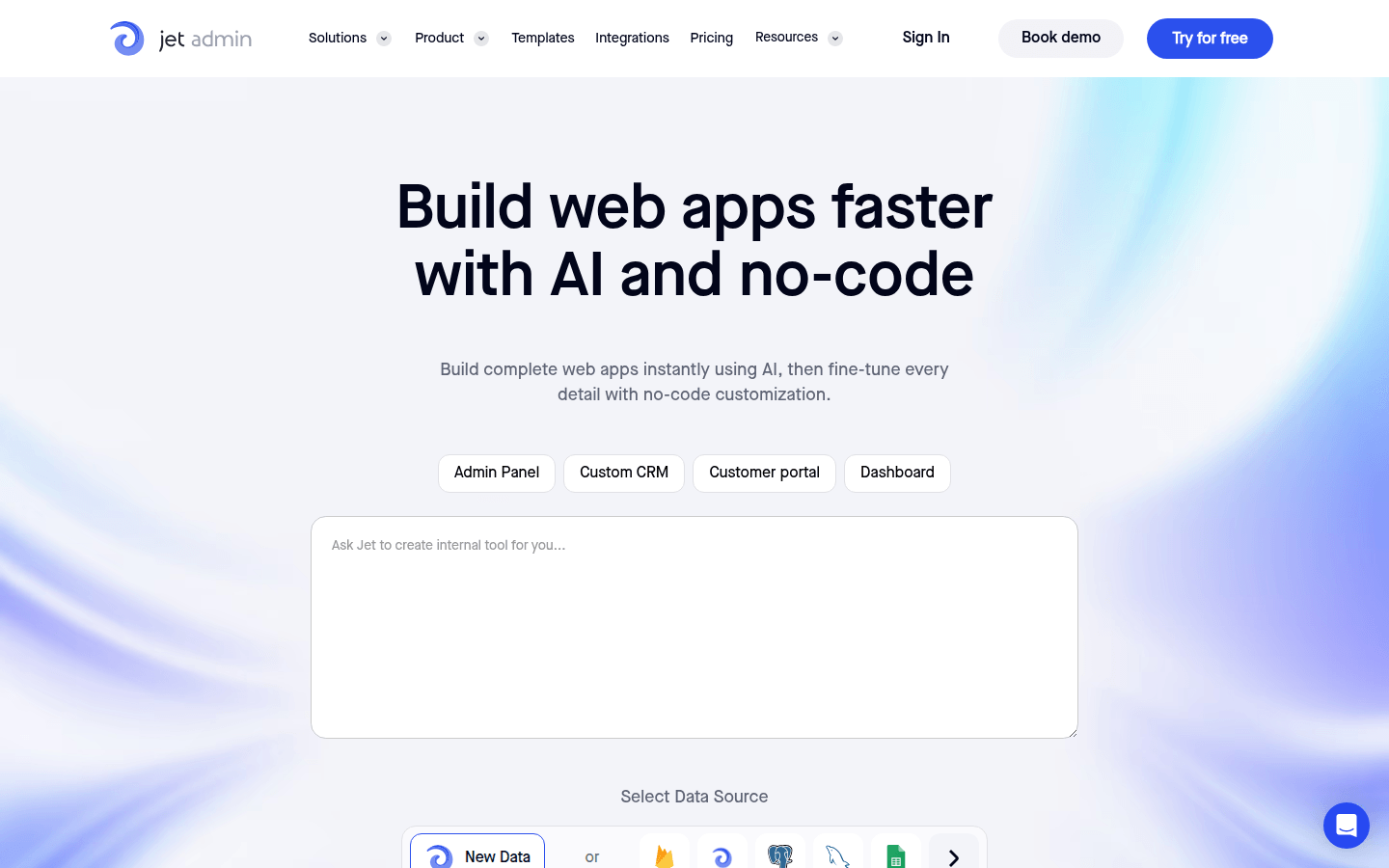
Screenshot archived from the listing page, for preview only.











