
JimakuAI
AI subtitle translation between English and JapaneseTranslate subtitles accurately, frame by frame
Highlights
What you can do with it
- Localize video subtitles between English and Japanese
- Translate educational material for students
- Reach a wider audience with bilingual subtitles
How to use it
- 1 Open JimakuAI and start the free Beta.
- 2 Upload or load the subtitle or video you need.
- 3 Choose the English or Japanese translation direction.
- 4 Review the frame accurate output and export.
Who it is for
Pros
- Free Beta to test the workflow
- Frame accurate, context aware translation
- Focused on one high demand language pair
Limitations
- Free Beta means features and pricing may change
- Only covers English and Japanese, not other languages
- The site was redirecting during our last check
What JimakuAI is
JimakuAI is an AI subtitle translation tool focused on English to Japanese and Japanese to English. It helps businesses, educators, and content creators break down language barriers with seamless, frame accurate, context aware translation so content can reach a wider audience. Because it is offered as a free Beta version, you can try the full translation workflow before the product settles into final pricing. It is built for anyone who needs dependable bilingual subtitles, from media localization to classroom material.
What you can do with it
- Translate subtitles between English and Japanese in both directions.
- Rely on frame accurate timing so lines match the video.
- Use context aware translation for more natural wording.
- Reach a wider audience with bilingual subtitles.
Who it is for
- Creators localizing video for a second language market.
- Educators sharing bilingual material with students.
- Businesses reaching Japanese or English speaking audiences.
What to watch out for
As a free Beta, features and pricing can still change, so do not build a long term process on it yet. It only covers English and Japanese, so other language pairs are out of scope. The site was returning a redirect during our last check, so confirm the final destination loads before you depend on it. Processing speed depends on file size and network conditions, so retry later if a task stalls during peak hours. Run one full task end to end first, then expand once you are comfortable with the workflow and the result quality. For team use, agree on naming and editing conventions in advance to avoid version conflicts or duplicated work. Name and archive exported files consistently so you can find and reuse them, and keep a backup copy of key data.
FAQ
What does JimakuAI translate?
It handles English to Japanese and Japanese to English subtitles.
Is it free?
It offers a free Beta version to try.
Who is it for?
It is built for businesses, educators, and content creators.
Why it is free
What the official page says: 免费
Free limits, trial length and features are decided by the official site and can change at any time.
Product preview
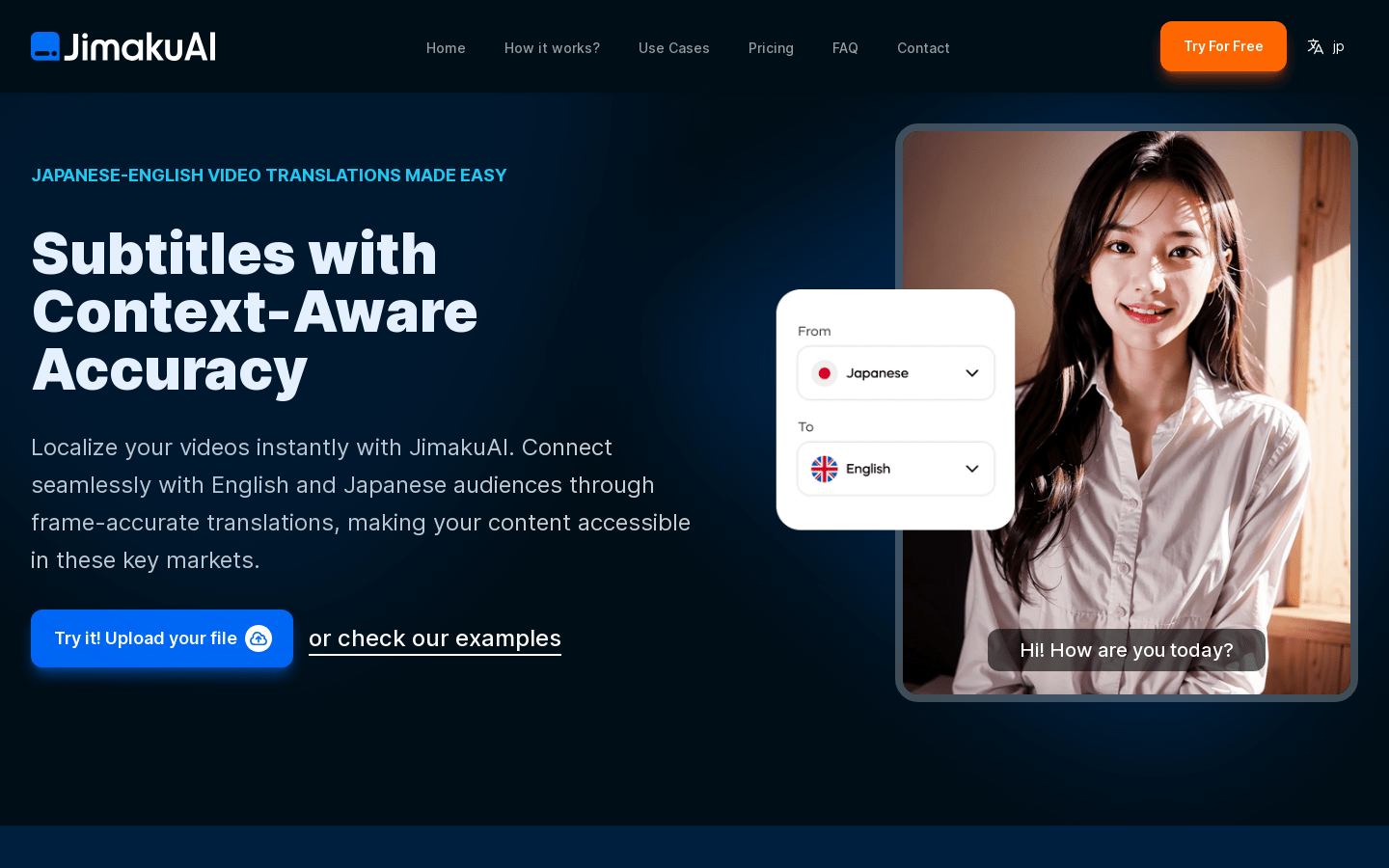
Screenshot archived from the listing page, for preview only.











