JobJump
AI interview copilot Chrome extensionReal-time answer prompts during online interviews
Highlights
What you can do with it
- Practicing technical interviews with structured prompts
- Rehearsing marketing or product interview answers
- Preparing for HR and leadership questions
How to use it
- 1 Install JobJump from the Chrome Web Store.
- 2 Register and log in with your Google account.
- 3 Select the interview role to make prompts relevant.
- 4 Start Copilot during an online interview such as Google Meet.
- 5 Use the prompts to structure your answers and update them live.
Who it is for
Pros
- Prompts appear inside the call window
- Wide language and role coverage
- Free to register with a Google account
Limitations
- Use it to prepare and practice, not to misrepresent your skills; how it is used is the user's responsibility
- Generated prompts will not match every question
- Free registration terms can change
- Depends on the interview platform's page structure staying compatible
What JobJump is
JobJump is a Chrome extension designed for job seekers. It acts as an interview copilot: during an online interview, it identifies the interviewer's questions and generates personalized answer prompts in real time, so the candidate can respond with more confidence. The extension supports over 50 interview languages and is tailored to more than 200 industries and roles. It installs from the Chrome Web Store, registration is free with a Google account, and it works on online interview platforms such as Google Meet.
What you can do with it
- Install the extension and register with a Google account.
- Select your interview role to make the prompts more relevant.
- Let Copilot activate automatically during an online interview.
- Receive answer prompts as questions come in and update them live.
- Practice answering common questions for your target role.
Who it is for
- Job seekers who want structured practice before real interviews.
- Career changers who need to rehearse answers for a new field.
- Non-native speakers practicing interview language in another tongue.
- Anyone who wants to see how strong answers are structured for their industry.
What to watch out for
JobJump is meant as preparation and coaching support. Use it to practice and build confidence rather than to misrepresent your abilities in a live interview; how the tool is used is the user's responsibility, and some employers or platforms may not permit real-time assistance. Generated prompts will not match every question, so you still need to understand your own experience and be able to speak to it. Free registration terms can change, and the extension depends on the interview platform's page structure staying compatible.
FAQ
What is JobJump?
It is a Chrome extension that acts as an AI interview copilot, identifying interviewer questions during online interviews and generating personalized answer prompts in real time.
How much does it cost to register?
The site says users can register for free using their Google account.
Which languages and roles does it support?
The site says it supports over 50 interview languages and is tailored to more than 200 industries and roles.
Which platforms does it work on?
The site says it is compatible with various online interview platforms, and mentions Google Meet as an example.
Why it is free
What the official page says: for free
Free limits, trial length and features are decided by the official site and can change at any time.
Product preview
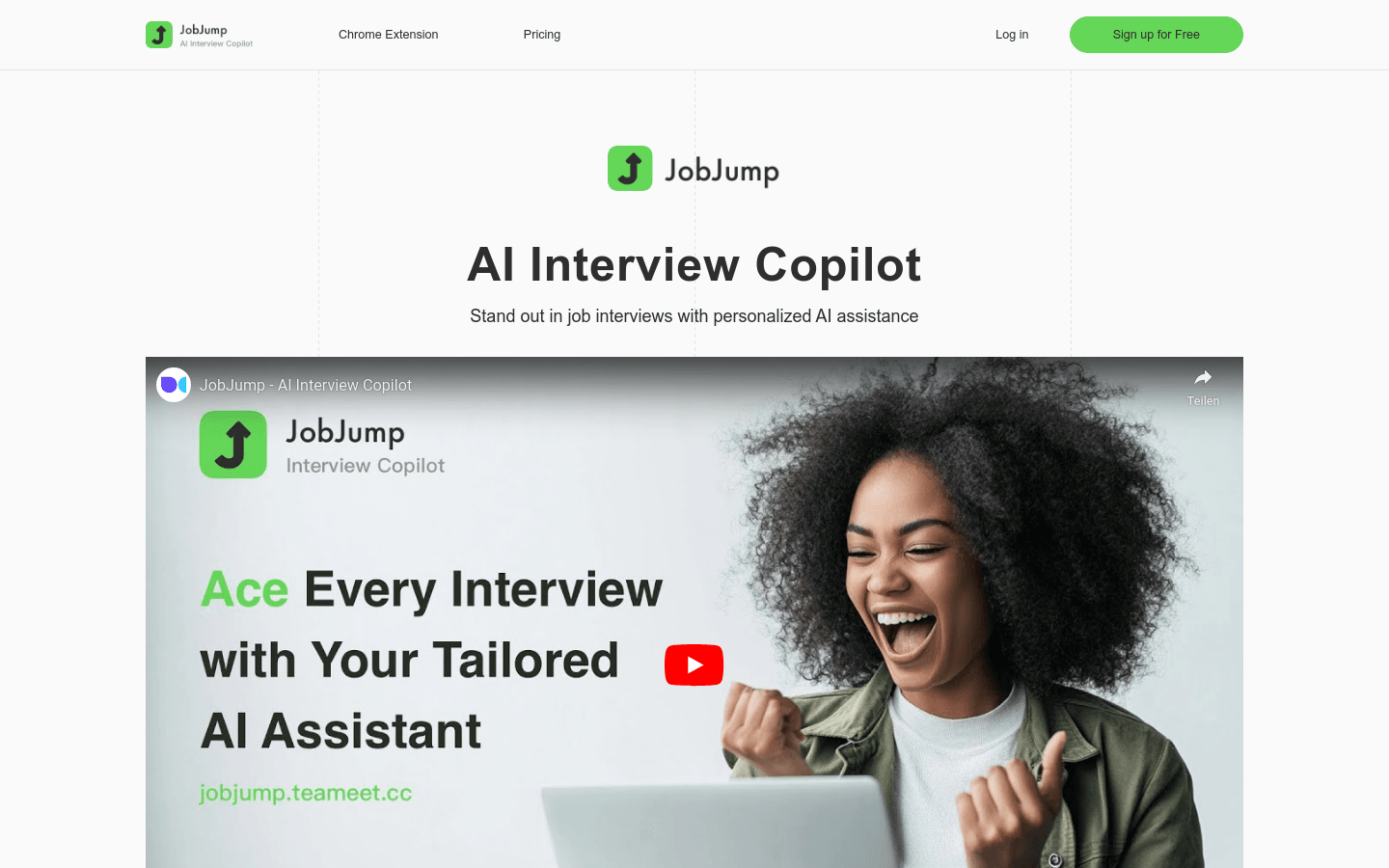
Screenshot archived from the listing page, for preview only.