
Jurixa AI
AI legal workspace for drafting, research, and case managementDraft court-ready documents and manage matters in one place
Highlights
What you can do with it
- A law student drafts a moot court petition that earns praise
- A lawyer saves hours per bail application with accurate drafts
- A startup HR team drafts employment letters without a lawyer
How to use it
- 1 Open Jurixa AI and pick the document type you need
- 2 Describe the case and fill in parties, dates, and clauses
- 3 Generate a DOCX file, then download or share it securely
Who it is for
Pros
- Free plan available to try the workflow
- Drafts documents formatted for court use
- Combines drafting, research, and matter management
Limitations
- It is not a substitute for a qualified lawyer's judgment
- Generated drafts still need review before filing
- Free plan limits and paid pricing can change
What Jurixa AI is
Jurixa AI is an AI-driven legal workspace for modern legal practitioners. It drafts documents such as bail applications, pleadings, legal notices, and written statements, and it outputs them in DOCX format meant to meet court requirements. Beyond drafting, it offers legal research, matter management that links clients, deadlines, fees, and documents, secure sharing links, and automatic hearing reminders. It supports bilingual drafting such as English and Hindi, and it has a learning mode for law students. There is a free plan, with paid plans starting at 399 rupees per month.
What you can do with it
- Draft common court documents from a plain description of the case.
- Manage matters, clients, fees, and deadlines in one workspace.
- Share drafts with clients through secure, expiring links.
- Practice formats and drafting as a law student in learning mode.
Who it is for
- Law students building practical drafting skills.
- Lawyers and advocates who need fast, formatted documents.
- Businesses and teams drafting routine documents like agreements.
What to watch out for
This is a drafting aid, not a substitute for a qualified lawyer, and every document should be reviewed before it is filed or sent. Accuracy depends on the facts and clauses you enter, so incomplete input can produce flawed drafts. The free plan has limits, paid pricing can change, and it may not cover every jurisdiction's rules, so confirm local requirements before relying on it. Generated suggestions are for reference only, so verify anything that affects professional judgment or important data. Start with a small sample to confirm the output meets your expectations before processing the full batch. Save a backup of the original file before large batch jobs, and keep an exported copy of key results in case the page or service becomes temporarily unavailable.
FAQ
Is Jurixa AI free?
There is a free plan. Paid plans start at 399 rupees per month, with different packages and features.
What can it draft?
It can draft documents like bail applications, pleadings, legal notices, and written statements, in DOCX format.
Who is it for?
It is built for law students, lawyers and advocates, and businesses that need routine legal documents.
What should I keep in mind?
It is a drafting aid, not a replacement for a lawyer, and every document should be reviewed before filing.
Why it is free
What the official page says: free plan
Free limits, trial length and features are decided by the official site and can change at any time.
Product preview
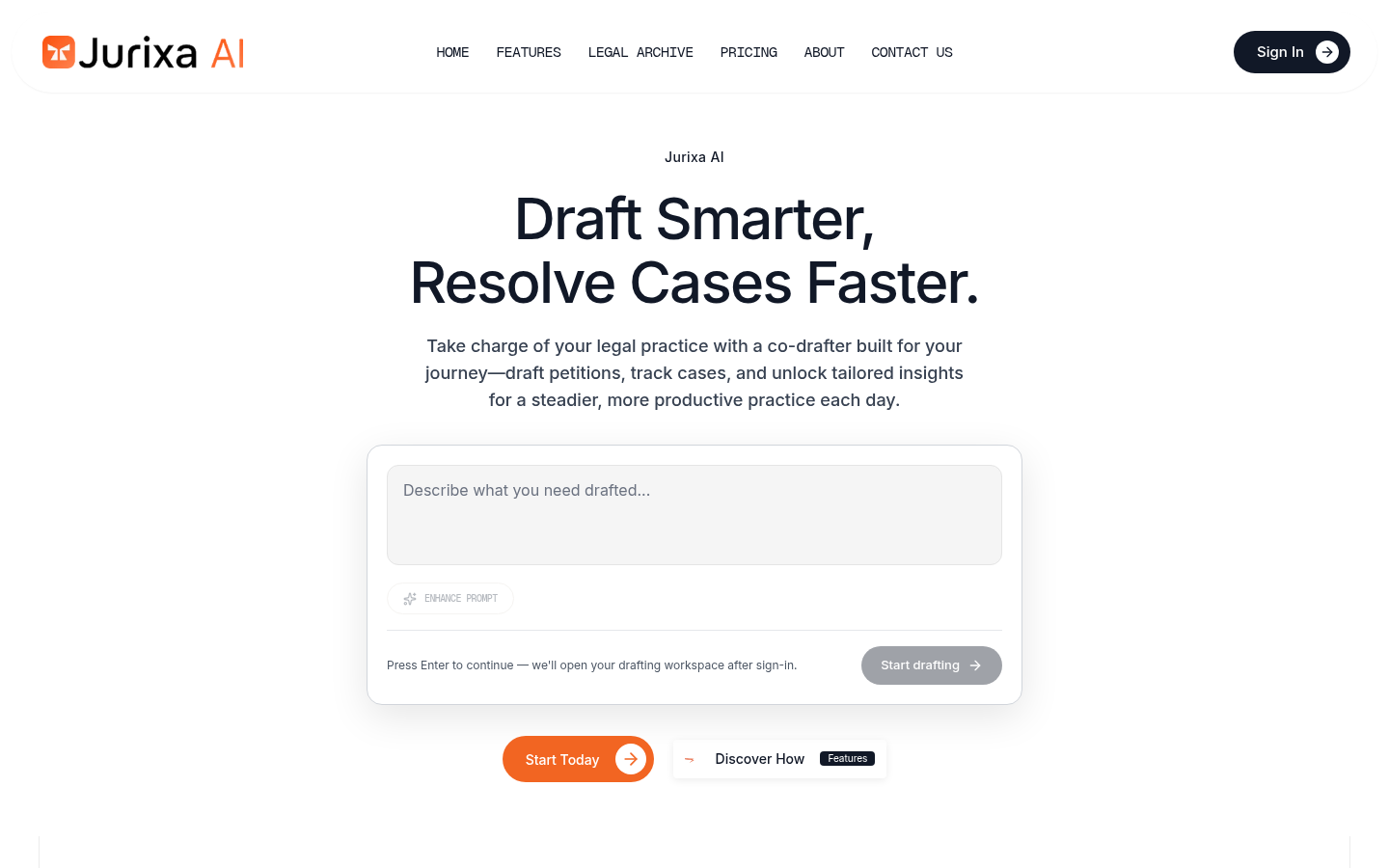
Screenshot archived from the listing page, for preview only.











