
Kapian
AI tool for fast PPT creationBuild a presentation in about 3 minutes
Highlights
What you can do with it
- Sales staff building product presentation decks
- Teachers generating course materials quickly
- Trainers creating professional training slides
How to use it
- 1 Visit the Kapian website and register an account
- 2 Pick a scenario template to open the editor
- 3 Add titles and content, then let AI design the pages
- 4 Choose images from the media library and adjust
- 5 Save and export the PPT in the format you need
Who it is for
Pros
- Basic features are permanently free
- Huge template library to start from
- Exports stay compatible with WPS and Office
Limitations
- Some advanced options may require payment
- You need to register an account to use it
- AI layout still needs a human eye for polish
What Kapian is
Kapian, also written as Kapian AIPPT, is a lightweight online presentation tool that uses AI to build slides quickly. Instead of starting from a blank page, you pick from a large library of original templates and let AI generate the content and page design. The pitch is that you can produce a work summary, teaching material, or business proposal in about three minutes. It offers one-click generation, smart restyling of theme and color, an online media library, and automatic typesetting. Basic functions are described as permanently free, and the finished files can be exported as PPT and opened in WPS and Office.
What you can do with it
- Generate a deck in minutes from a template.
- Let AI design pages from your titles and content.
- Restyle the whole look with one-click skin changes.
- Insert images from the built-in media library.
- Export a PPT file that opens in WPS and Office.
Who it is for
- Sales and business users making client-facing decks.
- Teachers and trainers building course material fast.
- Students who need clean slides without design work.
- Anyone who wants a quick AI-assisted presentation.
What to watch out for
You need to register an account to use the service, and some advanced options may sit behind payment even though the basics are free. AI-generated layouts are a starting point, so give them a human review for tone, accuracy, and polish before an important presentation. Export compatibility is stated for WPS and Office, but complex slides may still need minor fixes after opening. Features and interface details may change between versions, so review the latest notes on the page before you start.
FAQ
Is Kapian free?
Basic Kapian functions are described as permanently free to use.
How many templates are there?
It provides more than 100,000 scenario templates.
Can I open the files in PowerPoint?
Yes, it supports PPT download and is compatible with WPS and Office.
Why it is free
What the official page says: free to use
Free limits, trial length and features are decided by the official site and can change at any time.
Product preview
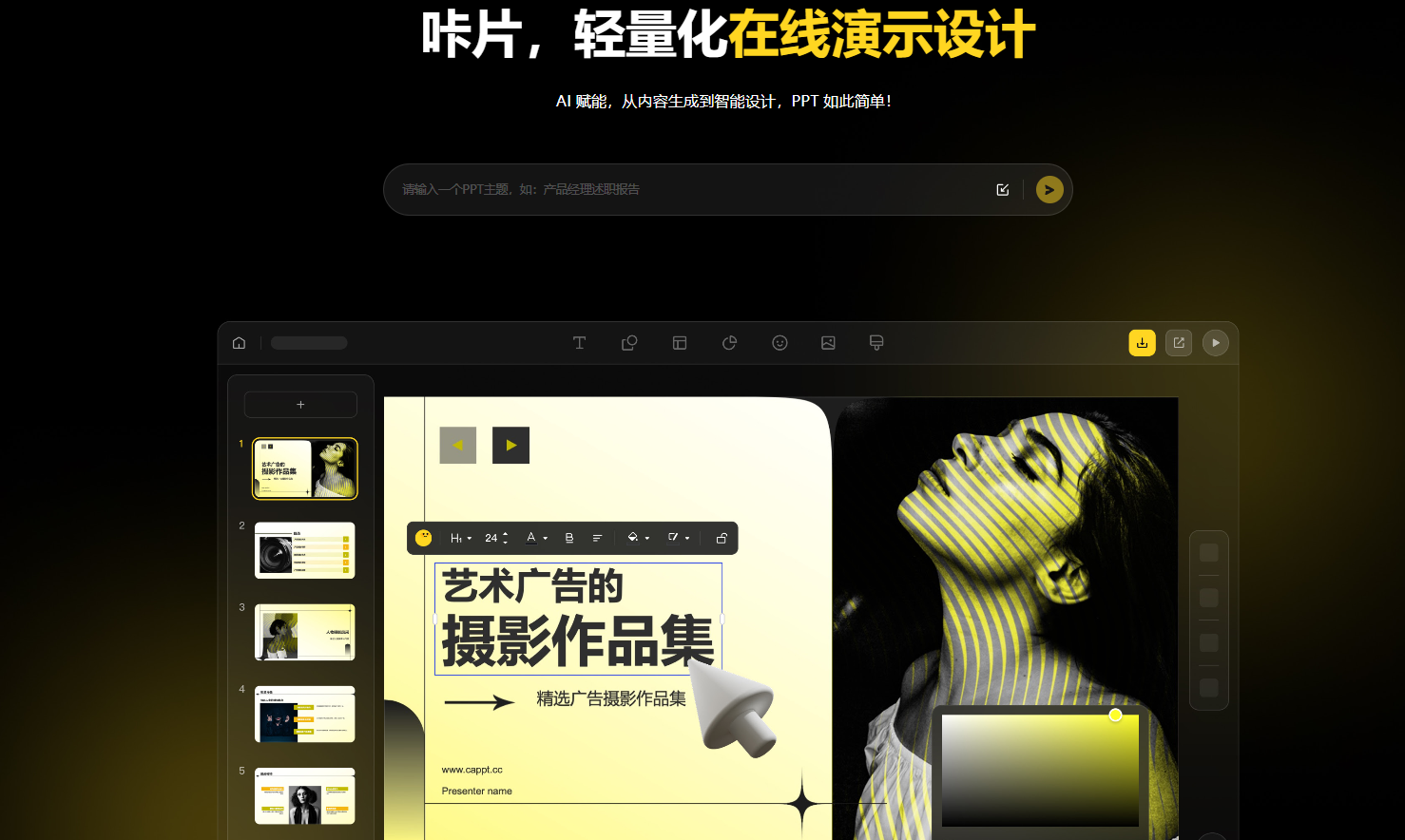
Screenshot archived from the listing page, for preview only.











