KBaseBot
Documents into chatbotsTurn PDFs into conversations
Highlights
What you can do with it
- Turning a help document into an FAQ bot on a website
- Embedding a support bot inside a product page
- Guiding a prospect through a complicated sales process
- Making internal documentation searchable by conversation
How to use it
- 1 Open KBaseBot and create a bot
- 2 Upload your PDF, Word, Notion, or web page content
- 3 Customise the bot appearance and behaviour
- 4 Embed the bot on your own platform
- 5 Review conversations and refine the source content
Who it is for
Pros
- Works with several document and web sources
- Embedding keeps users on your own site
- Automation handles repetitive questions
- GDPR compliance is listed as a feature
Limitations
- Answer quality depends on the source documents
- Setup and content curation take real effort
- Free access rules and limits are not detailed
- Bots can answer confidently from thin or outdated material
What KBaseBot is
KBaseBot is a tool that turns static documents into interactive chatbots. The listing describes the input as PDFs, Word files, Notion pages, and web pages, and the output as a conversational interface that answers questions from that material. The core idea is that a document is passive while a bot is not, so the same knowledge becomes easier to reach through dialogue. Embedding is a listed feature, meaning the bot can sit inside your own website or product rather than sending visitors to a separate page. Other listed capabilities include a customisable chatbot, automated conversation, and lead generation, and the feature list names GDPR compliance, which matters for anyone collecting visitor data through a chat widget.
What you can do with it
- Convert a PDF, Word file, Notion page, or web page into a bot.
- Embed the chatbot on your own website or platform.
- Customise the bot to fit your brand and use case.
- Handle repetitive questions automatically.
Who it is for
- Support teams sitting on a large FAQ document.
- Website owners who want an assistant embedded in their pages.
- Sales teams that need to guide prospects through a process.
- Companies making internal documentation easier to query.
What to watch out for
A bot is only as good as the material behind it. Thin, outdated, or contradictory documents produce confident wrong answers, so content curation is the real work rather than the setup. Complex process guidance and product recommendation also need careful design, since a bot that guesses at recommendations can mislead a prospect. The listing tags the tool as free but does not detail limits, so confirm current pricing, message caps, and embedding rules before you plan a rollout. Privacy is a genuine consideration when a bot collects visitor input, so review what data is stored and where, even with GDPR compliance listed. Always keep a human path available for questions the bot cannot answer.
FAQ
What does KBaseBot do?
It transforms static content such as PDFs, Word files, Notion pages, and web pages into interactive chatbots.
Can I put the bot on my own site?
Yes, the feature list says chatbots can be embedded onto your own platform.
What is it used for?
The audience list covers document knowledge bases, FAQ, product recommendation, and complex process guidance.
Is it GDPR compliant?
The feature list includes GDPR compliance.
Why it is free
What the official page says: 免费
Free limits, trial length and features are decided by the official site and can change at any time.
Product preview
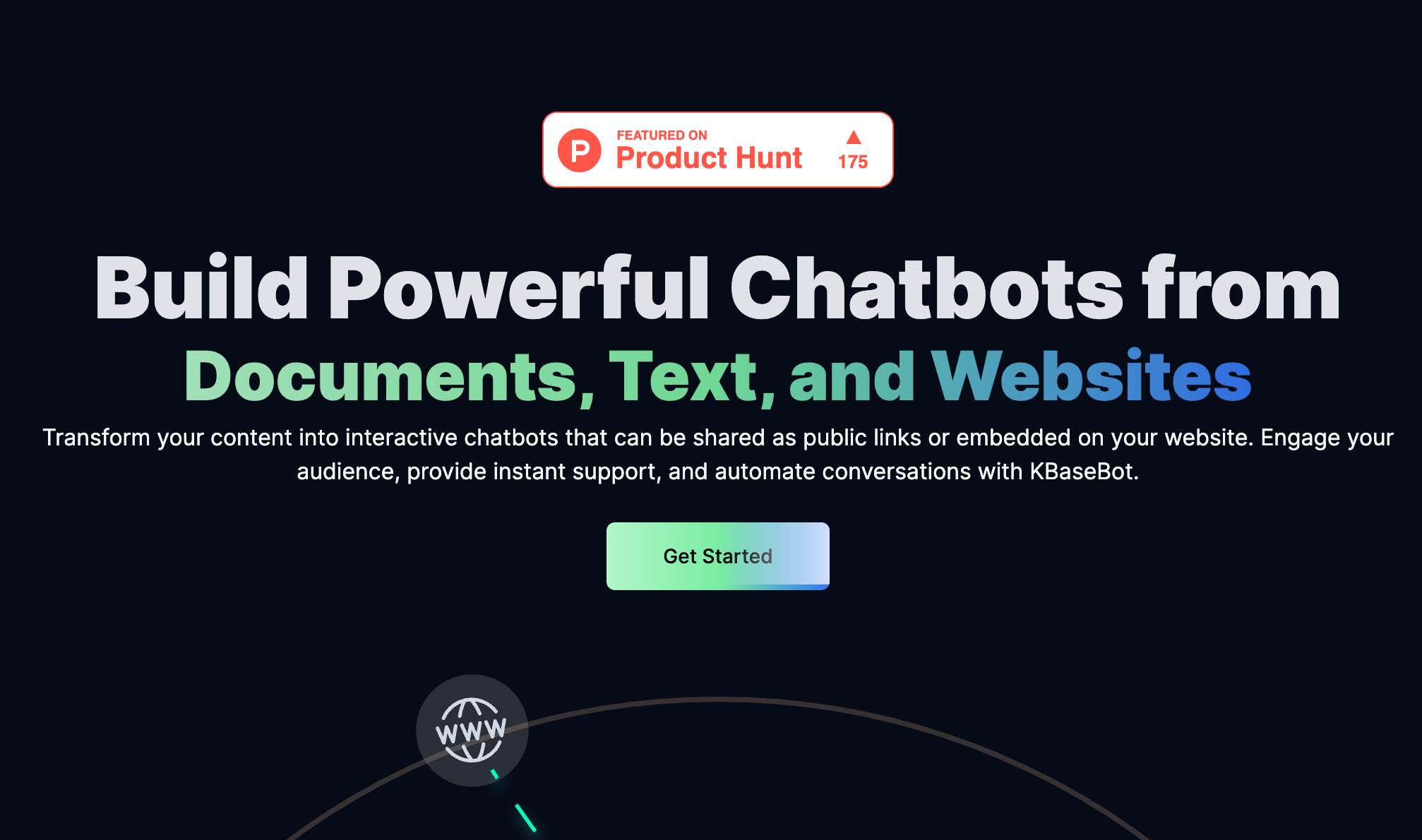
Screenshot archived from the listing page, for preview only.