
KidsAIStory
AI storybook maker for childrenCreate illustrated stories with AI
Highlights
What you can do with it
- Children create picture books and share them with classmates
- Kids pick favorite illustrations and build stories around them
- Families make personalized bedtime stories together
How to use it
- 1 Open the KidsAIStory website
- 2 Choose templates or start a free creation
- 3 Generate illustrations with the AI tool and write the story
- 4 Edit text and illustration placement
- 5 Preview, save, and share the finished book
Who it is for
Pros
- Free creation supported according to the listing
- Templates lower the barrier for younger children
- Combines writing and visual art in one place
Limitations
- Designed for children, so adults may find controls simple
- Free usage rules and content limits are not detailed
- Younger children benefit from supervision while using the site
What KidsAIStory is
KidsAIStory is a website that helps children create illustrated storybooks using AI. It combines an AI illustration generator with story creation tools, so kids can write their own stories and add matching artwork without needing drawing skills. A library of illustrations and story templates gives beginners a starting point, while free creation mode leaves room for pure imagination when a child already has a clear idea. The site aims to spark creativity and make it easy for children to produce, preview, and share their own picture books with classmates, family, or the website community. The listing describes free creation as part of the experience.
What you can do with it
- Generate illustrations for a story with the AI illustration generator
- Write and structure stories with the story creation tools
- Start from templates or create freely from imagination
- Edit, preview, and share finished picture books
Who it is for
- Children who enjoy making up stories and drawing
- Parents looking for creative screen time activities
- Teachers who want storytelling projects for class
What to watch out for
The experience is designed for children, so adults may find the controls and content simple, and younger children will benefit from supervision while using the site. Free usage rules, account requirements, and content limits are not detailed in the listing. Because stories and illustrations are generated by AI, outputs can vary, and children may need help refining text or fixing artwork that does not fit their idea. When quality matters, export a small draft first to confirm the result before producing the final file. Generated suggestions are for reference only, so verify anything that affects professional judgment or important data.
FAQ
What is KidsAIStory?
It is a website for creating illustrated children's storybooks using AI.
Do children need to draw themselves?
No, the AI illustration generator creates artwork for the story.
Is there a template option?
Yes, the site offers illustrations and story templates, plus a free creation mode.
Why it is free
What the official page says: for free
Free limits, trial length and features are decided by the official site and can change at any time.
Product preview
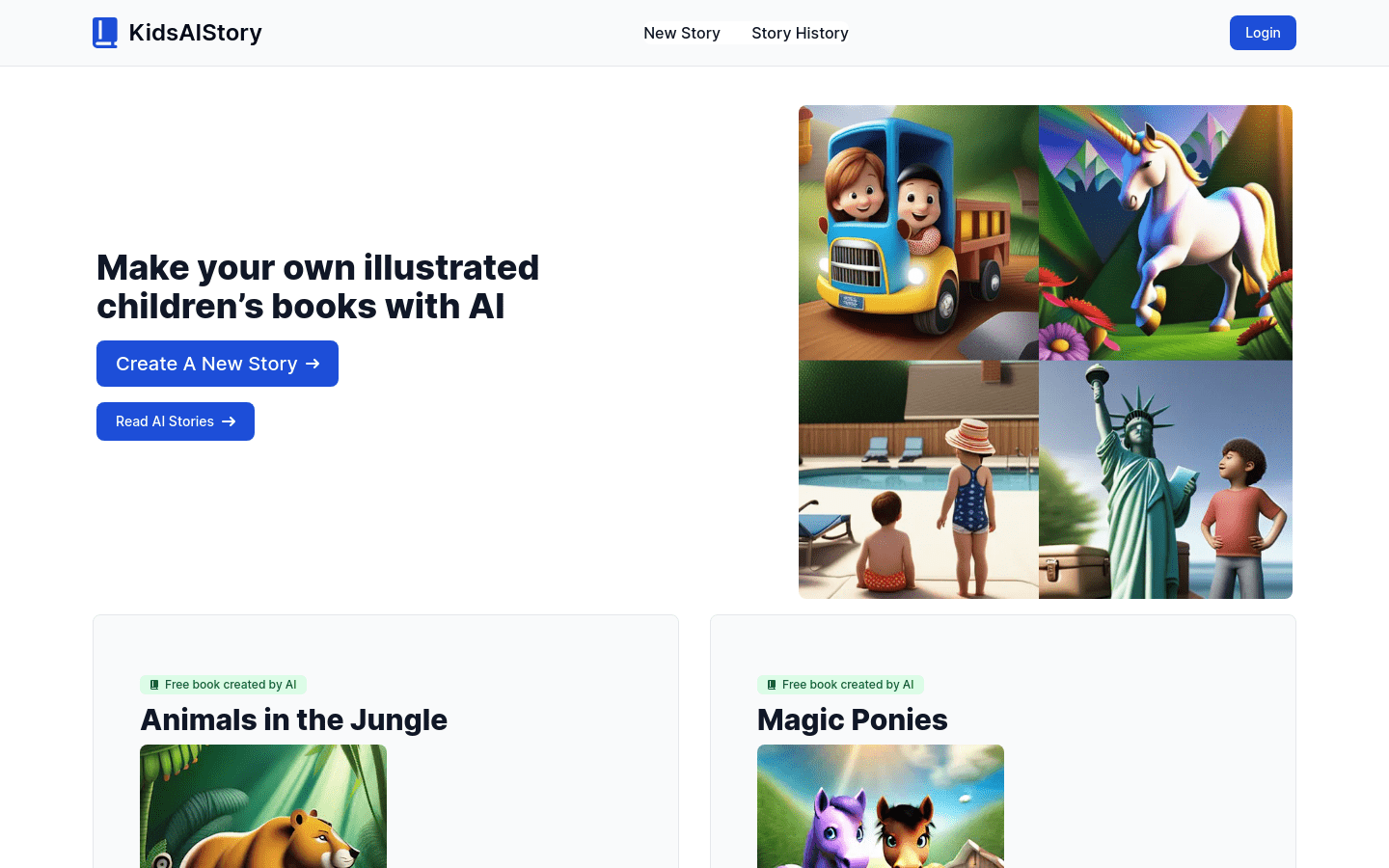
Screenshot archived from the listing page, for preview only.











