
Kilo AI
Open-source AI agent for VS CodeGenerate code and automate tasks as you type
Highlights
What you can do with it
- Developers generating code and automating routine tasks
- Programming enthusiasts getting intelligent suggestions
- Beginners improving coding speed and quality
How to use it
- 1 Install the Kilo Code plugin in VS Code
- 2 Launch Kilo Code and pick a mode such as Orchestrator, Architect, Code, or Debug
- 3 Generate code, automate tasks, or accept suggestions as needed
- 4 Adjust the agent to fit your workflow
Who it is for
Pros
- Open-source and free with no API key required
- Multiple modes for different coding tasks
- Customizable agent you can tune to your needs
Limitations
- Being open-source, it depends on community upkeep and your own setup
- AI suggestions still need review before you trust them
- Newer tool, so documentation and stability are still maturing
What Kilo AI is
Kilo AI is an open-source AI agent extension for VS Code. It can generate code, automate tasks, and offer suggestions while you work, all from inside the editor. The pitch is straightforward: cut down repetitive coding, speed up writing, and raise quality with intelligent prompts. Because it is open source and free, it does not require an API key, and you can customize the AI agent to suit how you work. It is aimed at developers and programming enthusiasts who want an assistant that reduces friction without a paid subscription.
What you can do with it
- Generate code snippets from a short prompt.
- Automate routine tasks so you spend less time on them.
- Accept inline suggestions to write code faster.
- Switch between modes like Orchestrator, Architect, Code, and Debug.
- Customize the agent to match your own workflow.
Who it is for
- Developers who want AI assistance inside VS Code.
- Programming enthusiasts trying agent-driven coding.
- Beginners who want to move faster on everyday tasks.
- Anyone who prefers a free, open-source coding helper.
What to watch out for
As an open-source project, it depends on community maintenance and on you getting your own environment set up correctly. AI suggestions are not guaranteed to be correct or safe, so review anything important. The tool is still relatively new, so documentation, stability, and the exact feature set can change as the project evolves. Generated suggestions are for reference only, so verify anything that affects professional judgment or important data. Start with a small sample to confirm the output meets your expectations before processing the full batch. Save a backup of the original file before large batch jobs, and keep an exported copy of key results in case the page or service becomes temporarily unavailable.
FAQ
Is Kilo AI free?
Yes. It is open-source and free to use, and it does not require an API key.
What modes does it offer?
It includes modes such as Orchestrator, Architect, Code, and Debug.
Where does it run?
It runs as a VS Code extension you install in the editor.
Why it is free
What the official page says: free to use
Free limits, trial length and features are decided by the official site and can change at any time.
Product preview
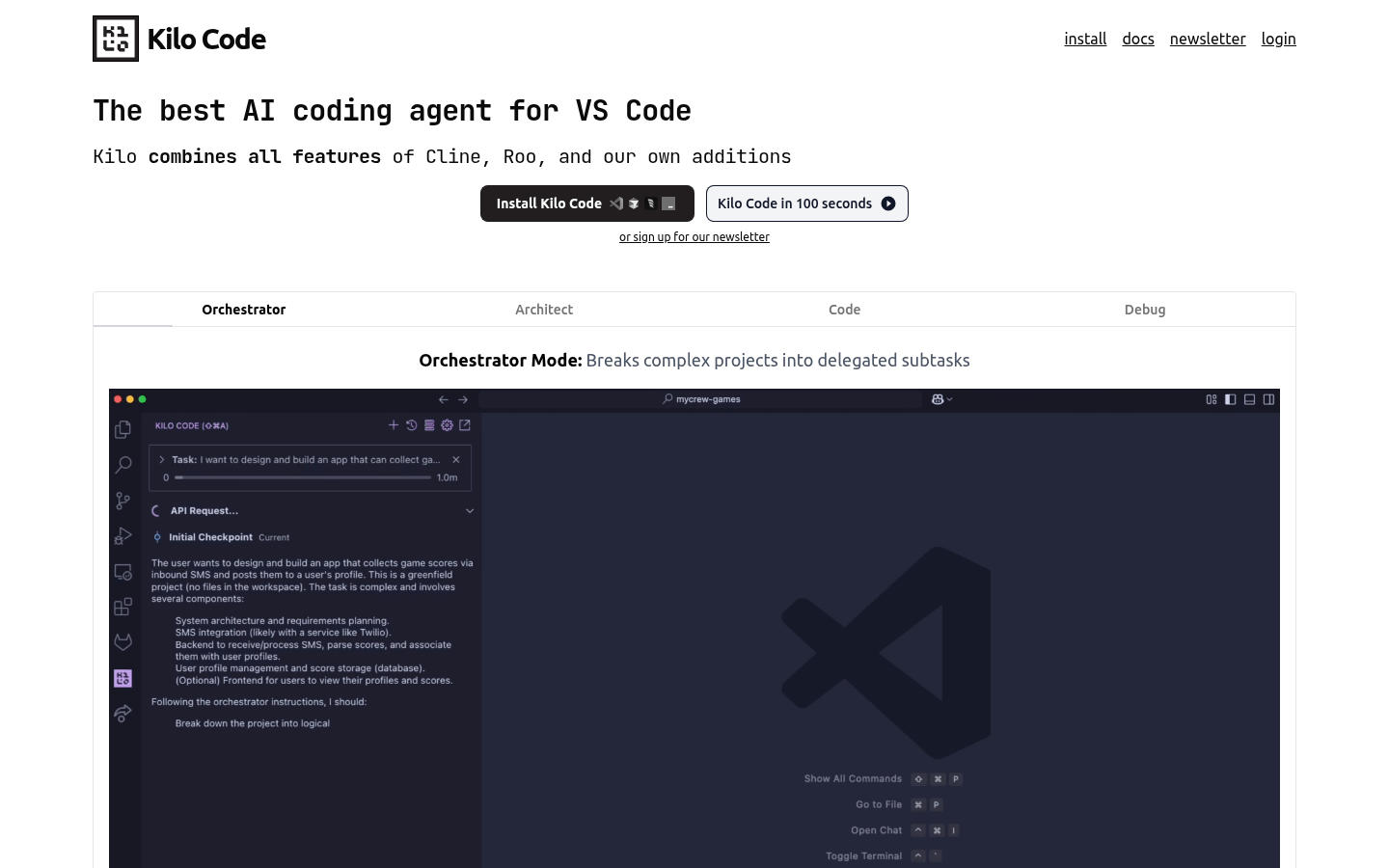
Screenshot archived from the listing page, for preview only.











