
Klap
YouTube to TikTok shorts generatorTurn long videos into ready shorts
Highlights
What you can do with it
- Turn a long YouTube video into shorts
- Keep faces centered with smart cropping
- Generate titles for short clips automatically
How to use it
- 1 Connect or paste your YouTube video link
- 2 Let Klap find the best moments to clip
- 3 Review and adjust the generated shorts
- 4 Export to TikTok, Reels, or other platforms
Who it is for
Pros
- Saves time by auto-clipping key moments
- Smart cropping keeps subjects on screen
- Free to try before upgrading
Limitations
- Free use is limited and Klap Pro starts at $29 per month
- AI clip choices may not match your taste
- Output quality depends on the source video
What Klap is
Klap is an AI video editing tool that converts YouTube videos into engaging TikTok shorts. It uses AI to identify captivating moments and generate clips that are likely to reach a wider audience. Intelligent cropping, including facial detection, keeps the most important part of the frame on screen. It also automatically generates eye-catching titles and is compatible with TikTok, Reels, and other platforms. You can try Klap for free, with Klap Pro starting at $29 per month.
What you can do with it
- Turn a YouTube video into ready-to-publish shorts
- Let AI pick the most captivating moments
- Keep faces centered with intelligent cropping
- Generate titles automatically for each clip
Who it is for
- Creators repurposing YouTube into shorts
- Social media managers posting vertical clips
- Anyone who wants quick, publishable shorts
What to watch out for
Free use is limited and Klap Pro starts at $29 per month, so check current pricing before relying on it. AI clip choices may not always match your taste, so review and trim as needed. Output quality depends on the source video, so start with clear footage. As an online service, features and pricing can change over time. Free tiers and usage limits can change, so check the current rules on the official page before relying on it long term. Processing speed depends on file size and network conditions, so retry later if a task stalls during peak hours. Save a backup of the original file before large batch jobs, and keep an exported copy of key results in case the page or service becomes temporarily unavailable. Save a backup of the original file before large batch jobs, and keep an exported copy of key results in case the page or service becomes temporarily unavailable.
FAQ
Is Klap free?
You can try Klap for free, with Klap Pro starting at $29 per month. Confirm current pricing on the site.
What does it do?
It converts YouTube videos into TikTok shorts by finding captivating moments and clipping them.
Does it crop intelligently?
Yes. It uses intelligent cropping, including facial detection, to keep the most important part on screen.
Why it is free
What the official page says: for free
Free limits, trial length and features are decided by the official site and can change at any time.
Product preview
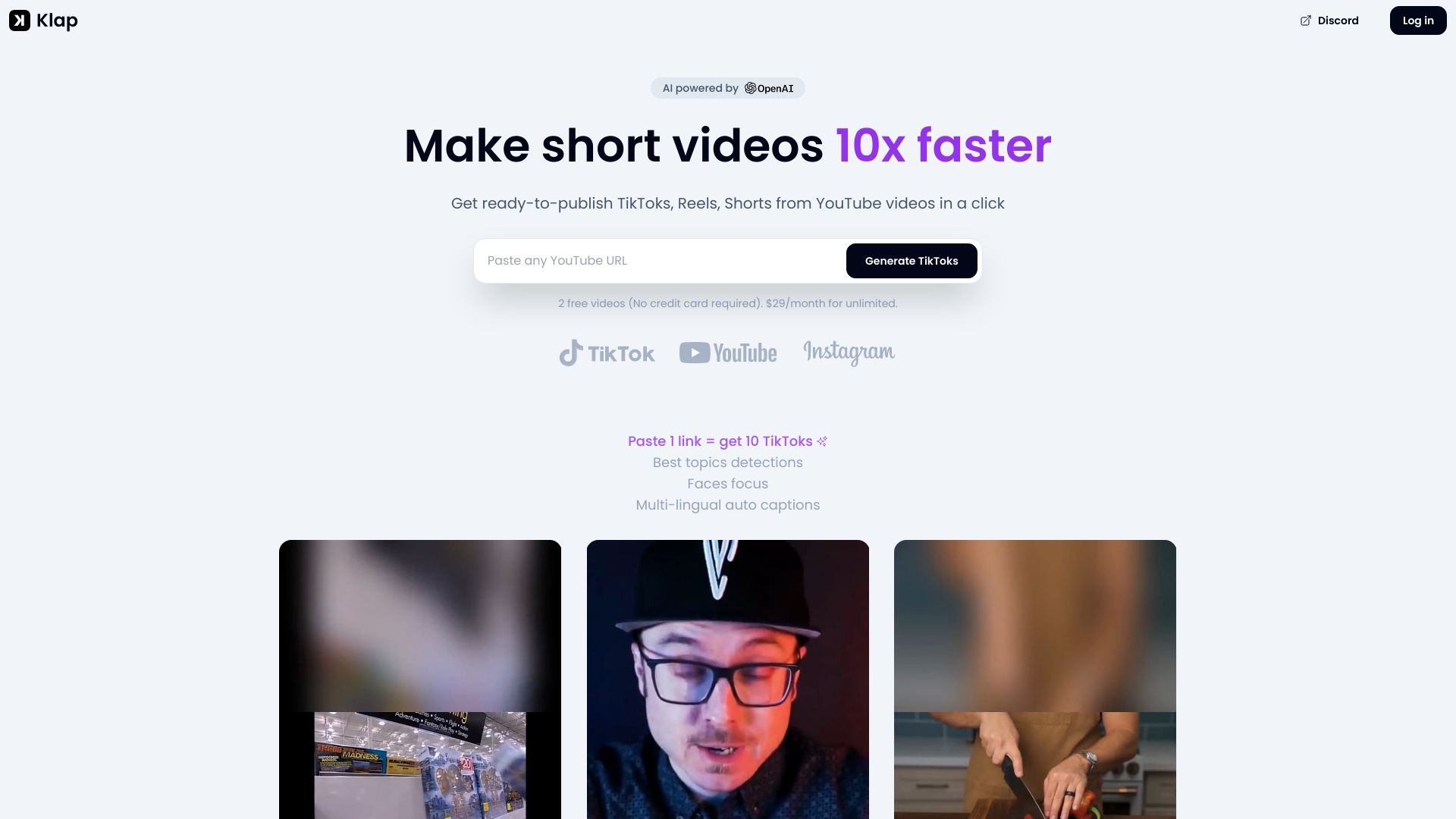
Screenshot archived from the listing page, for preview only.











