
Kleev
AI CFO that reads bank CSV files for AustraliansUnderstand your money without sharing bank logins
Highlights
What you can do with it
- An office worker found restaurant and takeaway spending was too high and adjusted
- A property investor tracked income, costs, and capital growth across properties
- A young worker got a budget and reminders after a first spending analysis
How to use it
- 1 Open the Kleev site and start the free trial
- 2 Upload bank, card, mortgage, and real estate statements as CSV
- 3 Wait for the analysis to complete
- 4 Open the dashboard to read expenses, property data, and budget advice
- 5 Set budgets, manage subscriptions, and upload new statements regularly
Who it is for
Pros
- No bank login or credential sharing is needed
- Wide view across spending, budgets, subscriptions, and property
- Free trial plus a one-off lifetime option
Limitations
- It needs CSV exports, and formats vary by bank
- The lifetime price is for founding members, and pricing can change
- Analysis is guidance, not licensed financial or tax advice
What Kleev is
Kleev is an AI chief financial officer designed for Australians. Instead of connecting to your bank, it reads statements you upload as CSV files, which the page frames as a way to protect account security. From those files it builds a picture of your money: expense categories, spending patterns, budgets, subscriptions, real estate, and wealth. It suggests budget limits and sends reminders, tracks subscription price changes, gives a financial health score, and helps with tax preparation by surfacing deductible expenses. A free trial is offered, and a founding lifetime Max package is listed at sixty-seven Australian dollars.
What you can do with it
- Analyze expenses by category and spot patterns such as Friday takeaway habits.
- Set budgets and get reminders when you approach a limit.
- Track subscriptions, their costs, and upcoming renewals.
- Manage investment property income, costs, and growth in one place.
Who it is for
- Ordinary Australian residents who want control over personal spending.
- Investors who need property and portfolio numbers in one view.
- Small business owners who want a simple cash picture.
What to watch out for
Kleev needs CSV exports, and file formats differ between banks, so expect some setup friction and check that columns map correctly. The lifetime price is aimed at founding members, and pricing or free trial terms can change. The output is analysis and guidance, not licensed financial or tax advice, so for anything material talk to a professional before you act on it. Generated suggestions are for reference only, so verify anything that affects professional judgment or important data. Start with a small sample to confirm the output meets your expectations before processing the full batch.
FAQ
What is Kleev?
It is an AI CFO for Australians that reads uploaded bank CSV files and reports on spending, budgets, and property.
Does it need my bank login?
No. The page says it works from CSV files you upload, so bank credentials are not shared.
Is there a free option?
A free trial is offered, and a founding lifetime Max package is listed at sixty-seven Australian dollars.
Who is it for?
Australian residents, investors, and small business owners who want a clear view of their money.
Why it is free
What the official page says: free trial
Free limits, trial length and features are decided by the official site and can change at any time.
Product preview
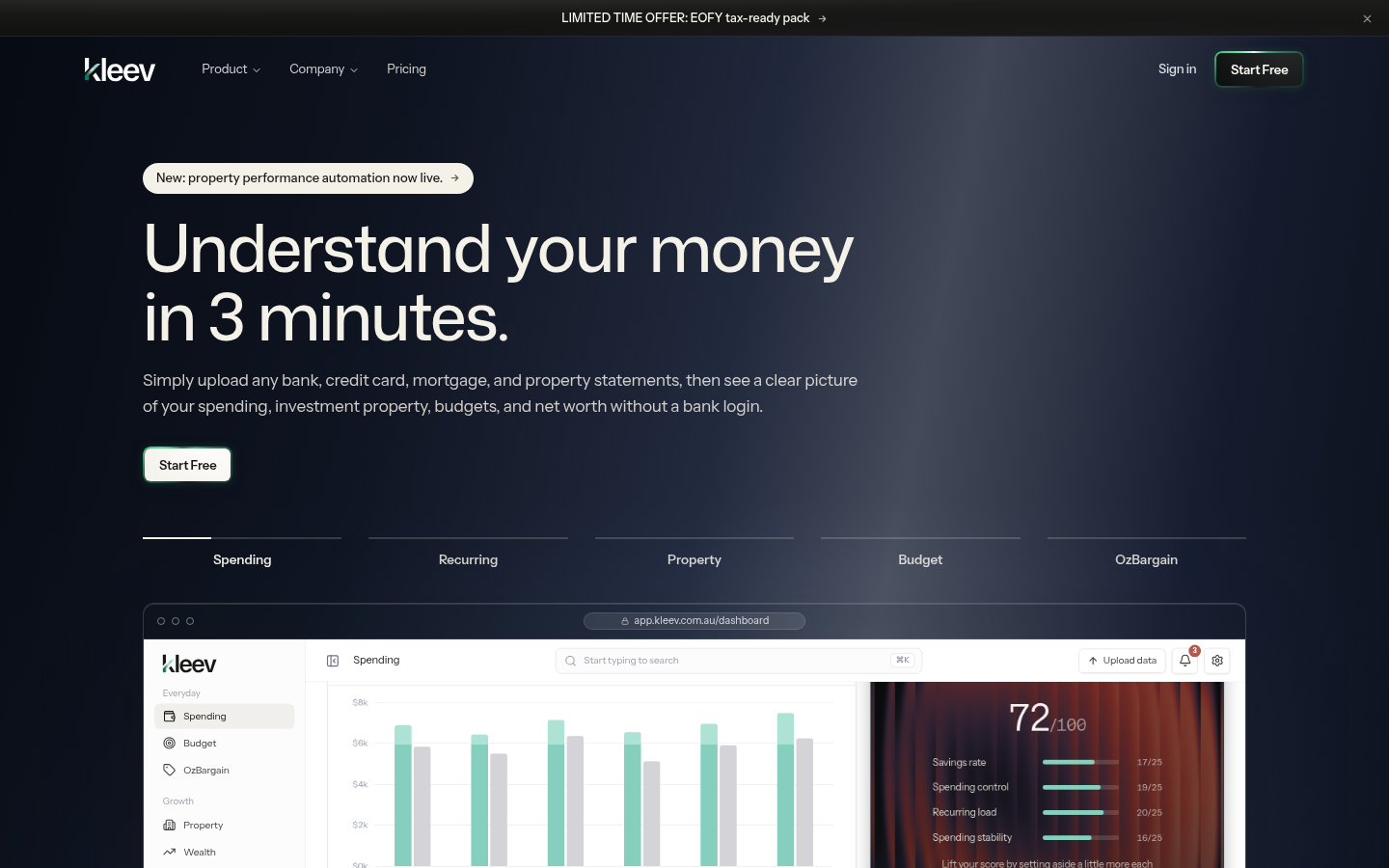
Screenshot archived from the listing page, for preview only.











