
Kling 3.0 AI
AI video generator with native 4KText to movie-grade video with audio
Highlights
What you can do with it
- Producing 4K footage for professional video work
- Turning product photos into marketing videos
- Expanding scenes with the Canvas Agent in a studio workflow
How to use it
- 1 Open the Kling 3.0 site and use the daily free quota
- 2 Pick the function you need, such as native 4K or Canvas Agent
- 3 Add prompts or a reference video for motion control
- 4 Use image series mode for character-driven stories
- 5 Finish the video; paid plans remove the watermark for professional use
Who it is for
Pros
- A daily free quota to test advanced features
- 4K output and native audio in one tool
- Motion control works without a technical setup
Limitations
- 4K generation and commercial use need a paid subscription
- The daily free quota is limited and may change
- High-resolution output needs strong source material
What Kling 3.0 AI is
Kling 3.0 is an AI video generator. Its image and video models support native 2K and 4K output, which is the headline claim on the page. Beyond resolution, it bundles a Canvas Agent that works as a storyboard assistant, organizing shots and expanding scenes from multiple angles through conversation. Advanced motion control lets you direct expressions, gestures, and lip-sync, including copying actions from a reference video. Native audio integration generates images, voices, and sound effects at the same time, so a single prompt can produce a complete scene. An image series mode keeps characters consistent across frames, and the Video O1 model handles 720p, first and last frame generation, and longer durations.
What you can do with it
- Generate native 2K and 4K images and video
- Organize shots and expand scenes with the Canvas Agent
- Control expressions, gestures, and lip-sync
- Produce image, voice, and sound effects together
Who it is for
- Professional video creators working on high-resolution output
- Commercial marketers turning product photos into ad videos
- Creative studios that need consistent characters across shots
What to watch out for
The daily free quota is a trial, not an unlimited plan, and the quota size can change at any time. 4K generation and commercial use sit behind a premium subscription, so budget for that if the output is going into client work. High-resolution generation leans on strong source material, and weak prompts show up quickly at 4K. Check the official page for current quota and pricing before you plan a production schedule around it. For best results, start with a small test file and review the output carefully before working on anything important.
FAQ
Is there a free way to try Kling 3.0?
Yes. There is a daily free quota, and the site mentions a trial that needs no credit card.
What resolution does it support?
The image and video models support native 2K and 4K, while the Video O1 model supports 720p with first and last frame generation.
Do I need to pay for commercial use?
Yes. A premium subscription covers 4K generation and commercial use of the output.
Why it is free
What the official page says: 免费额度免费
Free limits, trial length and features are decided by the official site and can change at any time.
Product preview
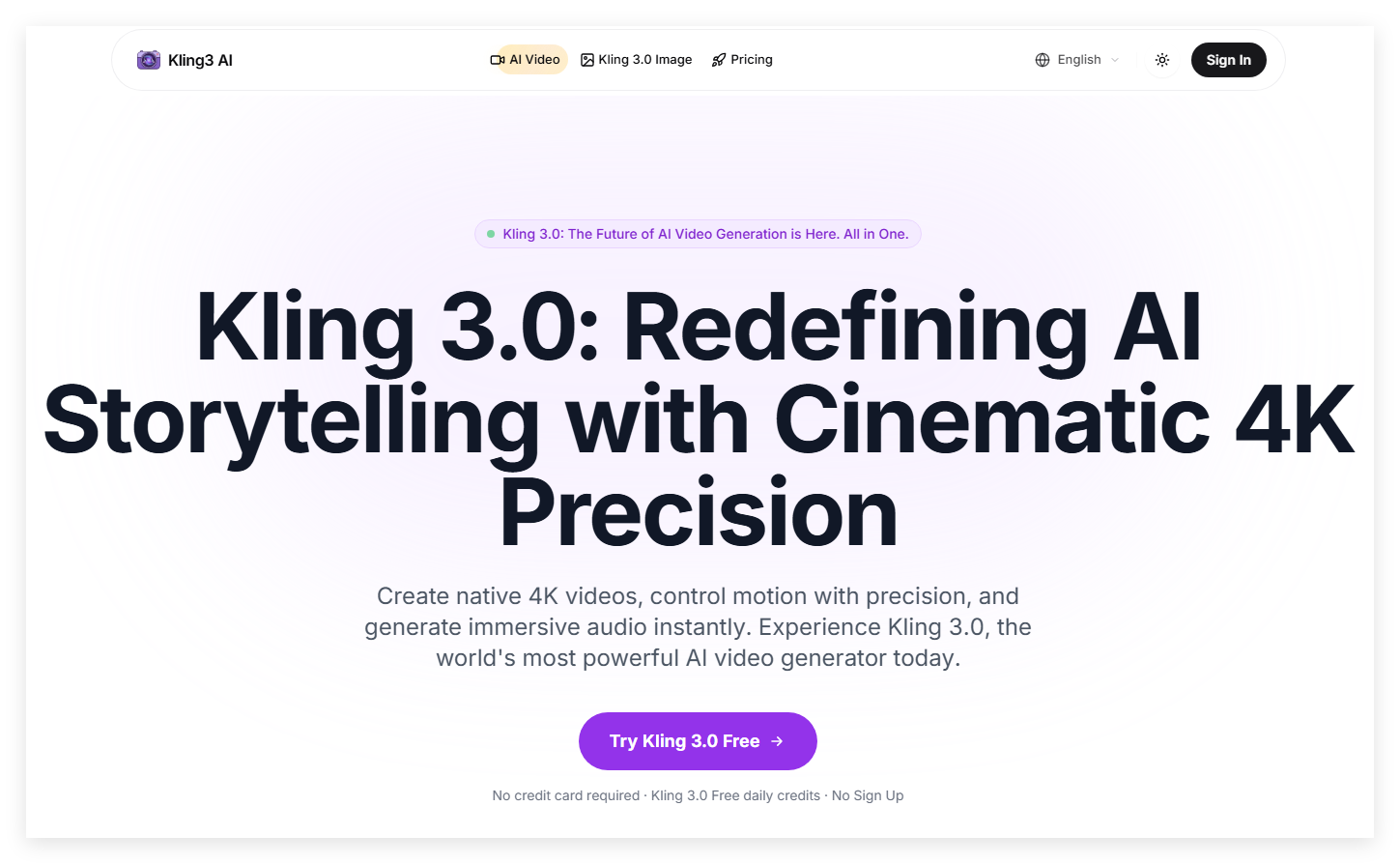
Screenshot archived from the listing page, for preview only.











