Knit
AI prompt editing and management platformBuild, test, and manage AI prompts
Highlights
What you can do with it
- Create and test dialogue prompts with simulated API calls
- Manage image prompt projects with team permissions
- Batch test how different variables change prompt output
How to use it
- 1 Create a project in Knit
- 2 Pick the editor you need (image, dialogue, or text)
- 3 Write your prompt and set variables or parameters
- 4 Run batch tests and compare results
- 5 Save versions and export code when ready
Who it is for
Pros
- Multiple editors for different prompt types
- Version control and collaboration
- Code export for integration
Limitations
- Advanced features need the paid version
- It is a developer tool with a learning curve
- Free version limits and pricing can change
What Knit is
Knit is a platform for editing and managing AI prompts. It offers a full-featured prompt editor, image and dialogue prompt editors, and a text generation editor with variable replacement and batch testing, so you can work on different kinds of prompts in one place. You can manage projects and permissions, keep a full version history, fine-tune API parameters, and export the code you need to integrate a prompt into an app. It supports multiple models such as OpenAI, Anthropic, and Azure, letting you switch as your needs change. Free and paid versions are available.
What you can do with it
- Write and edit image, dialogue, and text prompts
- Run batch tests with variable replacement
- Manage projects, permissions, and version history
- Export integration code for your application
Who it is for
- Prompt developers building and testing prompts
- AI application teams collaborating on prompts
- Developers integrating prompts into products
- Teams that need version control for prompts
What to watch out for
Advanced features need the paid version, and the free limits and pricing can change, so check what is included before you commit. It is a developer tool, so there is a learning curve, and you will get the most from it if you are comfortable with prompts and APIs. Version history is stored on the platform, so keep your own copies of important prompts, and test any exported code before you rely on it in production. Free tiers and usage limits can change, so check the current rules on the official page before relying on it long term. Processing speed depends on file size and network conditions, so retry later if a task stalls during peak hours.
FAQ
What is Knit?
It is an AI prompt editing and management platform for building, testing, and managing prompts.
Which models does it support?
It supports models from OpenAI, Anthropic, Azure, and more.
Is there a free version?
Yes. Knit offers both free and paid versions.
Why it is free
What the official page says: 免费
Free limits, trial length and features are decided by the official site and can change at any time.
Product preview
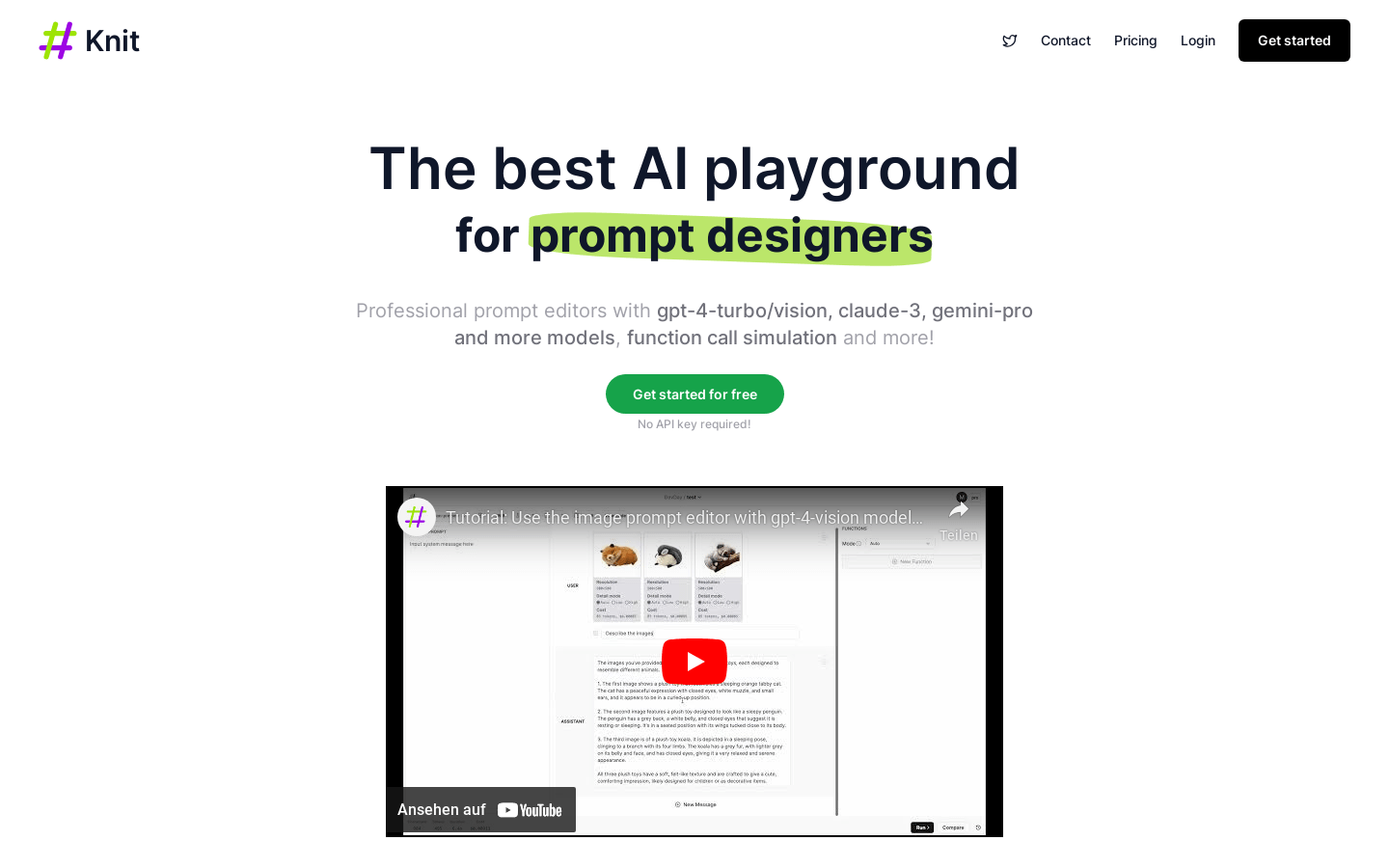
Screenshot archived from the listing page, for preview only.