
Knowstory
AI search bar for developer documentationAsk in plain language, get the right doc page
Highlights
What you can do with it
- Find the right Next.js API page from a plain-language question
- Look up a Terraform resource without guessing keywords
- Check a Django setting during debugging
How to use it
- 1 Install the Knowstory Chrome extension.
- 2 Open the documentation site you are working in.
- 3 Type your question in plain language.
- 4 Read the results and open the page you need.
Who it is for
Pros
- Free with no account required
- Context-aware search beats keyword guessing
- Works as an extension inside the docs site
Limitations
- Coverage is limited to supported documentation sets
- Result quality depends on how the question is phrased
- A small upstream tool, so availability can change
What Knowstory is
Knowstory is an AI search bar built for developer documentation. Instead of typing keywords and hoping they match a heading, you ask a question in plain language and the assistant reads the context and returns the relevant page. It supports documentation sets including Next.js, Vite, Django, Vercel, and Terraform, with more added over time, and it is delivered as a Chrome extension so it sits inside the docs site you are already reading. The service is free to use with no registration or payment.
The problem it targets is real: documentation search is usually keyword based, and a keyword only works if you already know the name of the thing you are looking for. When you know what you want to achieve but not what it is called, keyword search fails and a plain-language question succeeds. Keeping the tool inside the browser means you do not have to leave the page to get the answer.
What you can do with it
- Ask a question in natural language about a framework
- Get the relevant documentation page instead of a keyword list
- Work across several supported doc sets from one extension
- Avoid leaving the page to run a general web search
- Onboard onto an unfamiliar library faster
Who it is for
- Developers moving between multiple frameworks
- Teams onboarding onto unfamiliar documentation
- New hires reading a large docs site for the first time
- Anyone frustrated by guessing the right doc keywords
What to watch out for
Coverage is limited to the documentation sets the tool supports, so an obscure library will not be searchable and you will still fall back to a general search. Answer quality depends on how clearly you phrase the question, and a vague prompt can return a plausible but wrong page. Because it is a free upstream tool, availability and the list of supported docs can change. Treat results as a pointer to the page you should read, not as a replacement for reading it, and verify version-specific details against your own project.
FAQ
Which docs are supported?
Next.js, Vite, Django, Vercel, and Terraform, with more being added.
Does it cost anything?
No, it is free to use without registration or payment.
How do I use it?
Through the Chrome browser extension.
Why it is free
What the official page says: free to use
Free limits, trial length and features are decided by the official site and can change at any time.
Product preview
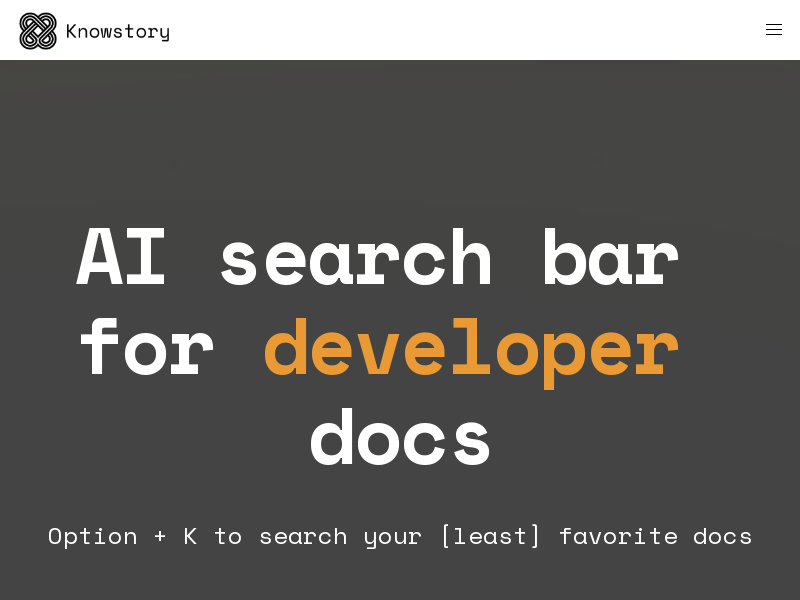
Screenshot archived from the listing page, for preview only.











