
LabFig
AI scientific chart generator for researchersTurn text or sketches into publication-ready figures
Highlights
What you can do with it
- Draw a drug mechanism figure for a paper submission.
- Turn a whiteboard cell sketch into a clean chart.
- Generate a battery cross-section diagram from text.
How to use it
- 1 Register for a free quota or log in.
- 2 Choose your input mode and describe or upload your idea.
- 3 Pick a style, generate, edit on the canvas, then export as SVG, PDF, or PNG.
Who it is for
Pros
- No design software or drawing skills required.
- Editable vector output gives real control.
- Multiple input types fit different workflows.
Limitations
- Free quota is time-limited to new registrations this month.
- Complex figures may still need manual editing.
- Output quality depends on how clear your input is.
What LabFig is
LabFig is an AI scientific chart generator made for researchers, graduate students, and journal authors. Making clear figures is often a slow, fiddly job, and LabFig tries to shrink it to minutes. You feed it a text description, a photo of a whiteboard sketch, a reference diagram, a research PDF, or a lab photo, and it returns a clean figure that aims for publication quality. You do not need to know design software, and the result lands on an editable vector canvas so you can fix labels, arrows, shapes, and colors before you export it as SVG, PDF, or PNG.
What you can do with it
It moves an idea from rough note to submission-ready figure.
- Start from text, a sketch, a PDF, or a photo and generate a chart.
- Choose from six journal-level styles such as Scientific, Line, 3D, and Watercolor.
- Edit every label, arrow, and shape on the vector canvas, with undo and redraw.
- Export in formats suited to papers and slides, including SVG, PDF, and PNG.
Who it is for
It fits anyone who publishes visual science.
- Researchers who need many figures for papers and grants.
- Graduate students building charts for theses and projects.
- Journal authors who must meet strict visual quality bars.
What to watch out for
LabFig gives new users a free quota if they register this month, which makes it a time-limited offer rather than a permanent free tier, so confirm current terms on the pricing page. Complex or unusual figures may still need hands-on editing on the canvas, and the clarity of your output depends on how clear your input is, so rough sketches can come back rough. Treat the generated chart as a strong first draft that you review before submission. Try a small figure first to learn how the styles behave before you commit a whole paper's worth of diagrams.
FAQ
What can I input?
You can use text, sketches, reference diagrams, research PDFs, and lab photos.
Can I edit the result?
Yes, the vector canvas lets you change labels, arrows, shapes, and colors.
Is there a free option?
New users who register this month get a free quota.
Why it is free
What the official page says: 免费额度免费
Free limits, trial length and features are decided by the official site and can change at any time.
Product preview
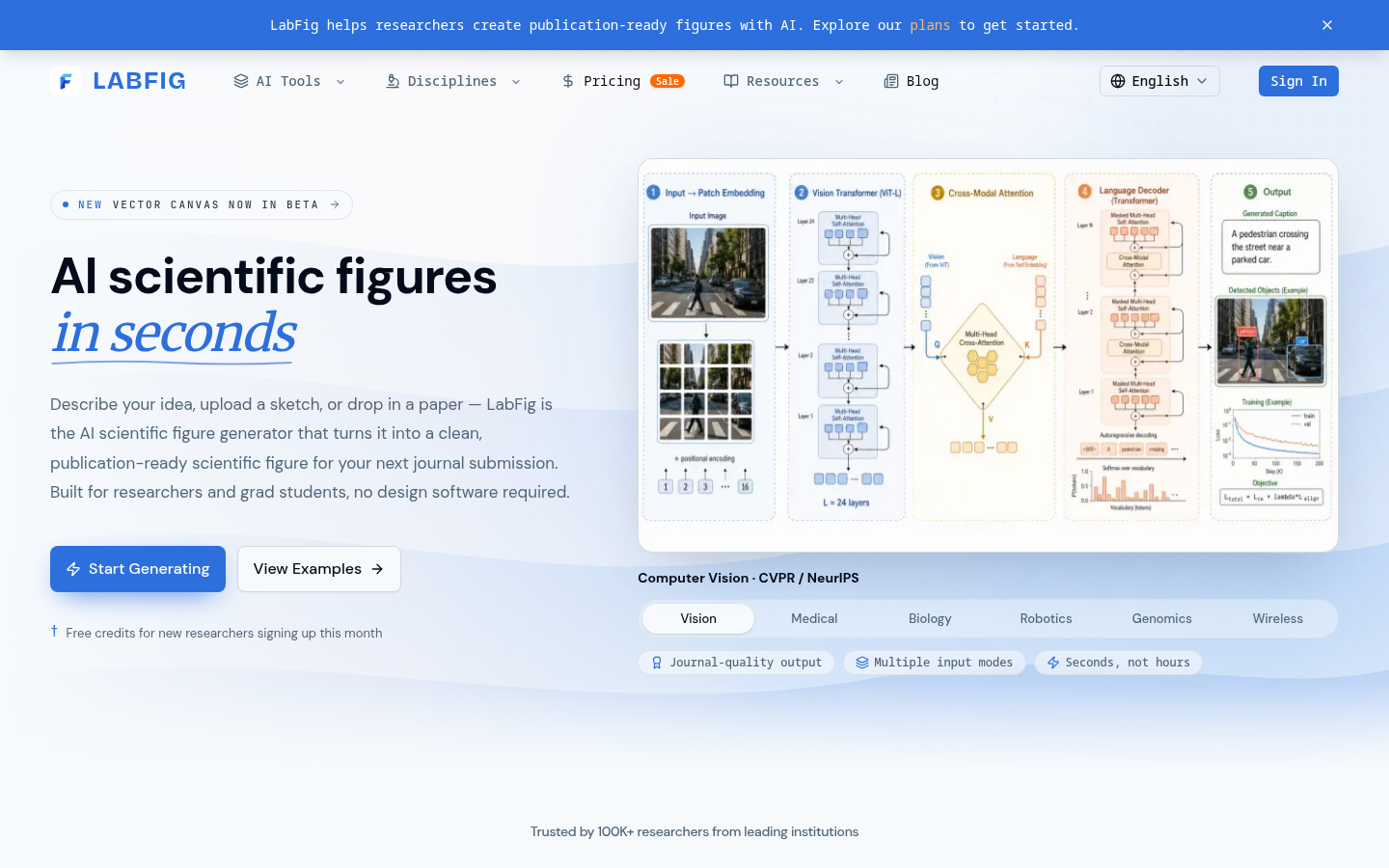
Screenshot archived from the listing page, for preview only.











