
LandingPage AI
Free AI landing page and website builderLaunch a landing page in seconds
Highlights
What you can do with it
- Launching a personal portfolio site
- Testing a marketing campaign page quickly
- Building a multi-page funnel for a product
How to use it
- 1 Describe your product or campaign
- 2 Review the generated first draft
- 3 Edit text, design, and layout with commands
- 4 Publish with one click
- 5 Iterate based on results
Who it is for
Pros
- Free version to test ideas
- No coding required
- SEO and mobile-ready output
- Large template library
Limitations
- Advanced features require payment
- Conversion claims are marketing copy, not guarantees
- Template-based designs need editing to stand out
- Free plan limits are not detailed
What LandingPage AI is
LandingPage AI is an AI-driven builder for landing pages and complete websites. You start by describing your product, service, or campaign, and the generator produces a first draft in seconds. From there you refine it by giving simple commands to change text, design, and layout, with no coding involved. Publishing is one click, and the listing says live pages are set up for search optimization, mobile friendliness, and speed. The stated advantages are speed, simplicity, and layouts and copy written around conversion principles, and the listing mentions 500 templates and support for 50 platforms. A free version covers early testing, with advanced features behind payment.
What you can do with it
- Generate a landing page draft from a short description
- Edit text, design, and layout with commands
- Publish with one click and get SEO and mobile-ready output
- Build multi-page funnels including product pages and blogs
- Choose from a large template library across many platforms
- Run campaigns and iterate on the page afterward
Who it is for
- Digital artists and designers putting up a portfolio
- Marketing teams that need to test campaign pages fast
- Entrepreneurs launching on a tight budget
- Agencies producing pages for multiple clients
- Founders who want a first page before a full site exists
What to watch out for
A free version exists, but advanced features require payment, and the listing does not detail where the free line sits, so check before you need a paid feature mid-build. Claims about conversion lifts, such as a 40% registration increase in one example, are marketing stories rather than guarantees for your page, and results depend on your offer and traffic. Because output is template-driven, your first draft will resemble other pages from the same system, so plan time to differentiate the copy and imagery. The listing also promises SEO and speed, but you should still verify the published page yourself rather than assume the defaults are enough.
FAQ
Is LandingPage AI free?
There is a free version for testing ideas and first campaigns, with advanced features behind payment.
Do I need to code?
No. You edit text, design, and layout with simple commands in the builder.
How many templates are there?
The listing mentions 500 templates and support for 50 platforms.
Why it is free
What the official page says: free version
Free limits, trial length and features are decided by the official site and can change at any time.
Product preview
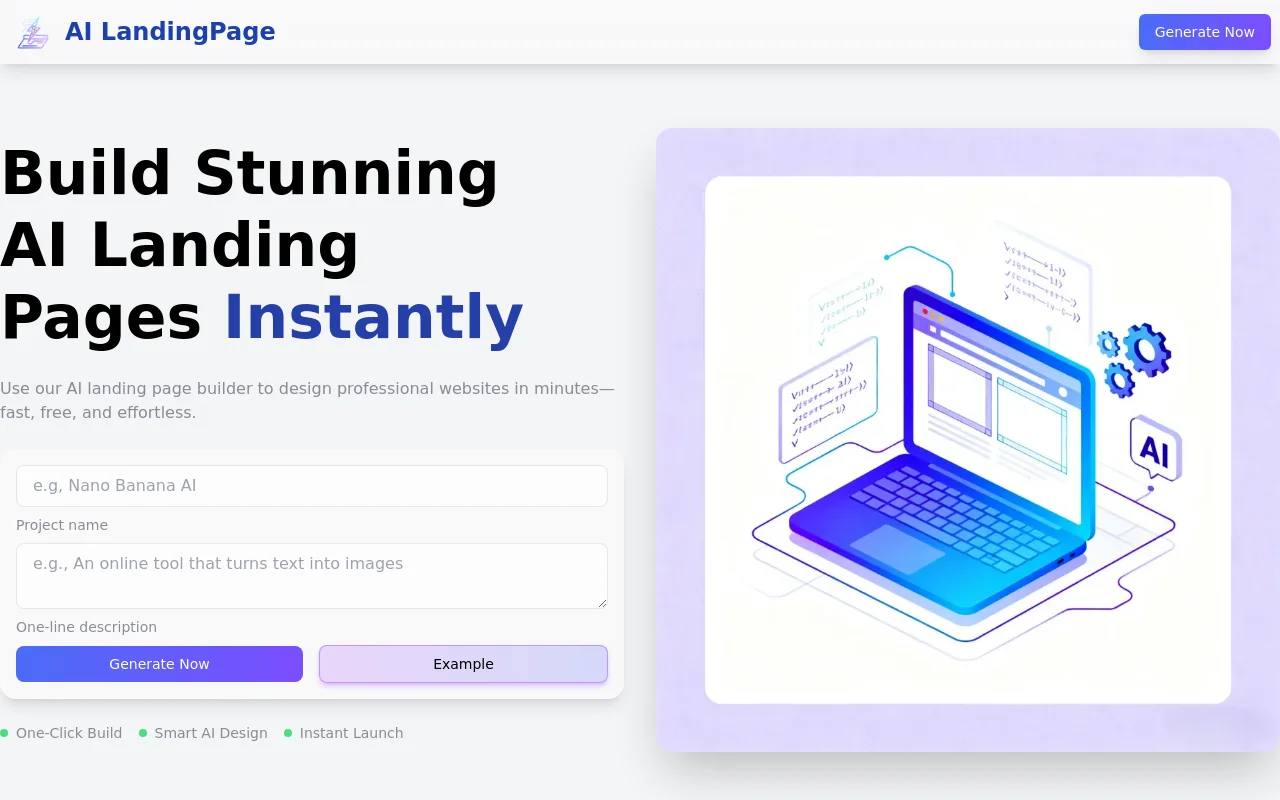
Screenshot archived from the listing page, for preview only.











