
LanguageGUI
Open source UI Kit for formatting LLM text outputRich chat UI components for language model interfaces, free
Highlights
What you can do with it
- Developers building a chat interface on top of a language model
- Designers prototyping conversational UI screens quickly
- Teams that need a consistent design system for AI products
How to use it
- 1 Download LanguageGUI from the Tonki Labs open source project
- 2 Review the component library and pick the widgets you need
- 3 Connect the components to your language model text output
- 4 Customize styles, sidebars, and screens for your product
- 5 Use it freely in personal or commercial work under the MIT license
Who it is for
Pros
- Free for personal and commercial use under the MIT license
- Large set of components covering most chat interface needs
- Dark mode and sidebar options included out of the box
Limitations
- Requires development work to integrate with your own model
- Focused on chat and conversational UI rather than other layouts
- Project availability and updates depend on the open source maintainers
What LanguageGUI is
LanguageGUI is an open source design system and UI Kit built by the Tonki Labs team. Its main job is to give developers a way to turn plain text output from language models into rich graphical interfaces. Instead of drawing every chat element from scratch, you can drop in ready made pieces. The kit ships with 100 customizable UI components and screens, 10 conversational widgets, 20 chat bubbles, 30 pre built screens, 5 customizable chat sidebars, multiple tooltips, and dark mode. It is released under the MIT license, so it is free to use for both personal and commercial projects.
What you can do with it
- Assemble a chat interface from 100 ready components and screens
- Use 10 conversational widgets and 20 chat bubbles for dialogue flows
- Start from 30 pre built screens and adjust them to your brand
- Add customizable sidebars, tooltips, and dark mode without extra work
Who it is for
- Front end developers who are building a conversational interface
- Product designers who need to prototype chat screens fast
- Small teams that want a consistent UI without a dedicated designer
What to watch out for
LanguageGUI gives you the visual building blocks, but you still need to connect them to your own language model and data. It is aimed at chat and conversational UI, so it is not a general purpose website framework. Because it is an open source project, the pace of updates and long term support depend on the maintainers and community. Check the license terms for your specific use, and expect to spend time customizing the components to match your product.
FAQ
Is LanguageGUI free for commercial projects?
Yes, it is released under the MIT license and is free for personal or commercial use.
What comes in the kit?
It includes 100 components, 10 conversational widgets, 20 chat bubbles, 30 screens, 5 sidebars, tooltips, and dark mode.
Who builds LanguageGUI?
It is developed by the Tonki Labs team and shared as an open source design system.
Why it is free
What the official page says: free to use
Free limits, trial length and features are decided by the official site and can change at any time.
Product preview
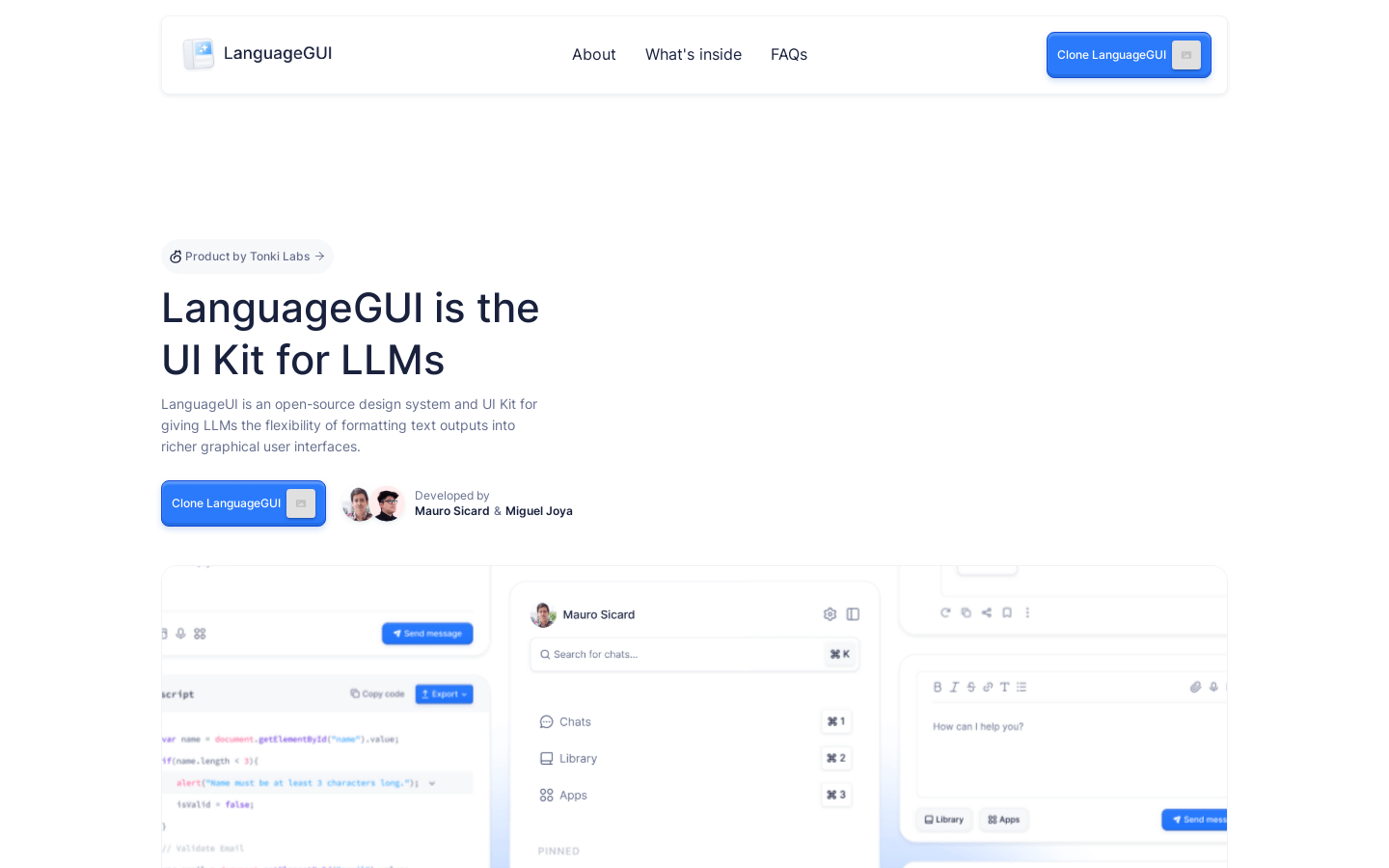
Screenshot archived from the listing page, for preview only.











