
Lazyeyefix AI
One-click fix for crossed eyes in photosFix crossed eyes in a photo in seconds
Highlights
What you can do with it
- Rescue an otherwise good portrait where one eye turned inward
- Prepare a clean profile photo for social media
- Fix a resume or avatar photo you otherwise like
How to use it
- 1 Upload your photo to the site
- 2 Let the tool detect the face and eyes
- 3 Click to run the one-click repair
- 4 Wait a few seconds and download the corrected photo
Who it is for
Pros
- Extremely simple: upload, click, done
- Fast, roughly five seconds per photo
- Free, and no editing skills required
Limitations
- Still labeled BETA, so results and availability can shift
- Addresses crossed eyes only, not general photo retouching
- Automatic correction can look wrong on unusual angles or low-quality photos
- There is no guarantee the free service stays available
What Lazyeyefix AI is
Lazyeyefix AI Photo Editor BETA is a free tool that fixes crossed eyes in photos. It uses AI to detect the face and both eyes, work out when one eye has turned inward, and then replicate the healthy eye into the crossed position so the pair looks symmetric. The whole interaction is one upload and one click, with a stated repair time of about five seconds. No editing skills are needed, which is the point: it is aimed at people who have a good photo ruined by camera timing rather than at retouching professionals. Because the product is still in BETA, treat results as promising but not guaranteed.
What you can do with it
- Detect the face and eyes in an uploaded photo automatically
- Correct an inward-turned eye by replicating the other one
- Get a finished image in seconds without manual editing
- Download the corrected photo for personal or profile use
Who it is for
- Anyone with a portrait spoiled by a crossed eye
- People preparing profile pictures for social media
- Job seekers who need a clean resume or avatar photo
- Non-editors who want a one-click fix
What to watch out for
This is a narrow tool. It corrects crossed eyes and nothing else, so it will not remove blemishes, adjust lighting, or fix blur. Because it is labeled BETA, both the quality of the correction and the availability of the service can change without notice. Automatic correction works best on clear, front-facing photos; unusual angles, heavy shadows, or low-resolution images can produce results that look worse than the original. The site has also shown redirects in our checks, so verify the current address before uploading anything you care about.
FAQ
Is Lazyeyefix AI free?
Yes, it is described as a free tool. Since it is in BETA, confirm current availability on the official site.
How long does a fix take?
The stated repair speed is about five seconds per photo.
What if the result looks off?
Try a higher-quality photo taken face-on. Automatic correction works best on clear, front-facing images.
Why it is free
What the official page says: 免费
Free limits, trial length and features are decided by the official site and can change at any time.
Product preview
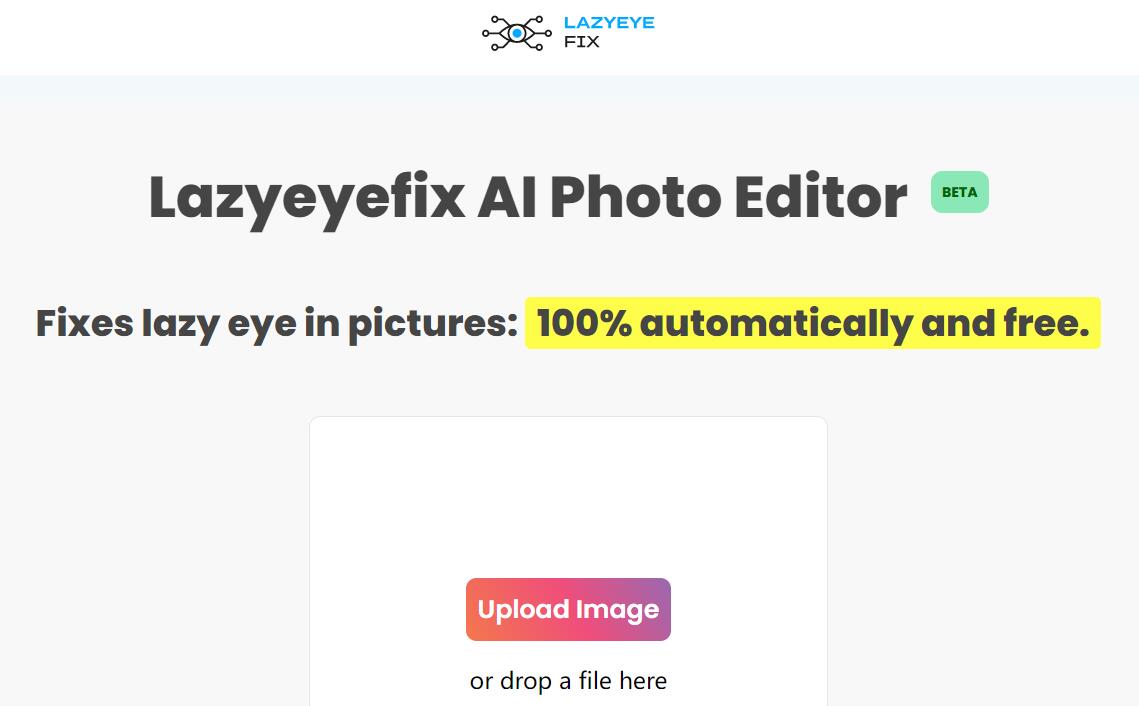
Screenshot archived from the listing page, for preview only.











