Leadde AI
AI video tool for teamsTurn documents into videos fast
Highlights
What you can do with it
- Create product introduction videos for customers.
- Generate course videos for an educational institution.
- Produce a marketing promo video to attract customers.
How to use it
- 1 Register on the Leadde website.
- 2 Select the document, presentation, or text to convert.
- 3 Choose an AI avatar and voice and set options.
- 4 Generate the video, then preview, download, and share it.
Who it is for
Pros
- Turns existing documents into video quickly.
- AI avatars and voices add variety.
- Team collaboration and analytics included.
- Free trial to evaluate fit.
Limitations
- A free trial is available, but regular use likely needs a paid plan.
- Pricing and trial terms can change over time.
- Needs an account and some setup before your first video.
- AI avatar and voice quality may not suit every brand tone.
What Leadde AI is
Leadde AI is a video creation tool built for businesses. It takes documents, presentations, and plain text and converts them into engaging videos in just a few minutes, using AI avatars and voices to present the content. It is aimed at teams that need professional training, sales, and marketing videos without a full production crew. Beyond generation, it includes analytics and optimization tools to improve video performance, team collaboration features for sharing and editing, flexible video formats for different channels, and customization options for specific needs. There is a free trial so teams can experience the features before choosing a plan.
What you can do with it
- Convert documents, presentations, and text into videos fast.
- Pick from multiple AI avatars and voices.
- Create training, sales, and marketing videos for your team.
- Analyze performance and collaborate on shared videos.
Who it is for
- Enterprise marketing teams producing promo content.
- Corporate training teams building course videos.
- Educators and institutions creating lesson material.
- Marketing consultants making videos for clients.
What to watch out for
Leadde offers a free trial, but regular or full use likely needs a paid plan, and pricing and trial terms can change over time, so confirm current details before committing. It needs an account and some setup, including choosing avatars and voices, before your first video is ready. AI avatar and voice quality may not match every brand tone, so preview results before a wide release. Treat the generated video as a draft you refine rather than a final cut. For best results, start with a small test file and review the output carefully before working on anything important.
FAQ
Is there a free trial?
Yes. Leadde offers a free trial so teams can test the features first.
What can I turn into a video?
You can convert documents, presentations, and text into videos.
Who is it built for?
It is designed for enterprises and teams making training, sales, and marketing videos.
Does it include avatars?
Yes. It offers multiple AI avatars and voice options to choose from.
Why it is free
What the official page says: 免费试用免费
Free limits, trial length and features are decided by the official site and can change at any time.
Product preview
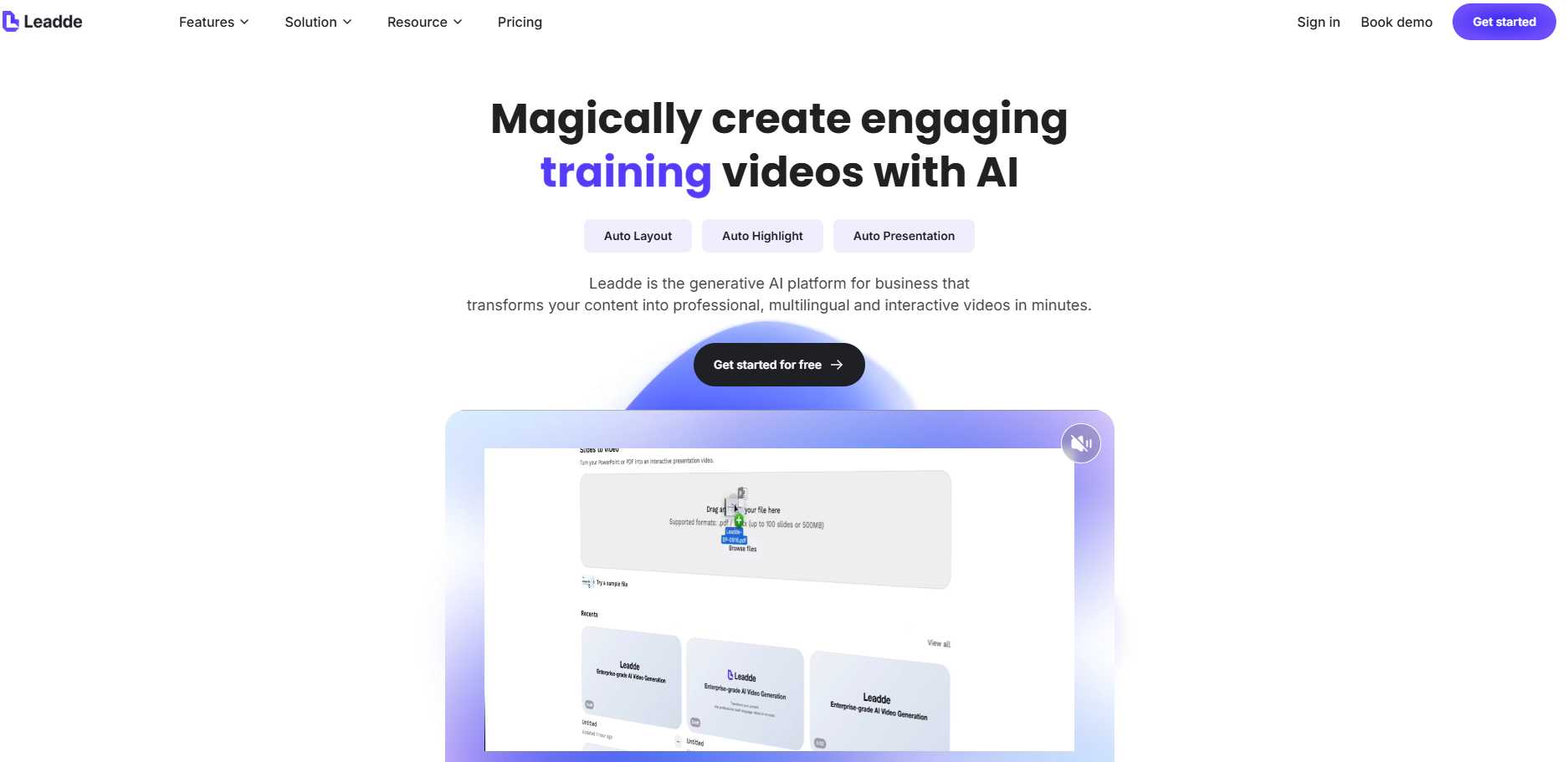
Screenshot archived from the listing page, for preview only.