
Leader Menu
Digital menu creation tool for restaurantsTurn paper menus into digital ones with AI
Highlights
What you can do with it
- Create a professional digital menu for a restaurant
- Customize a digital menu to raise customer satisfaction
- Cut printing costs by moving a paper menu online
How to use it
- 1 Create a free account
- 2 Add your restaurant information and contact details
- 3 Create menu categories and add dish information
- 4 Share the QR code or link with customers
- 5 Update your digital menu anytime
Who it is for
Pros
- Free to try before committing
- AI speeds up paper-to-digital conversion
- Real-time updates keep menus current
Limitations
- Free trial terms and pricing can change over time
- AI text recognition may misread some prices or dishes
- Mainly for food service, not other menu types
What Leader Menu is
Leader Menu is a digital menu creation tool that helps you easily craft professional digital menus, and you can try it for free. It features AI-powered menu conversion that turns paper menus into a digital format, and it automatically recognizes dish descriptions and prices. With an intuitive interface and customizable design, it aims to raise customer satisfaction and drive sales conversion. It also supports real-time updates and can save printing costs, which supports environmental sustainability.
What you can do with it
- Convert a paper menu into a digital one with AI
- Add restaurant details and dish information
- Customize the design to attract customer attention
- Update the menu in real time and share a QR code or link
Who it is for
- Restaurants wanting a professional digital menu
- Hotels and cafes improving the customer experience
- Businesses looking to reduce printing costs
What to watch out for
You can try it for free, but free trial terms and pricing can change over time. The AI conversion relies on reading your paper menu, so it may misread some prices or dish names that you will need to correct. It is aimed at food service menus, so other uses may be a poor fit. Because it runs on a hosted site, availability can also shift. Features and interface details may change between versions, so review the latest notes on the page before you start. For team use, agree on naming and editing conventions in advance to avoid version conflicts or duplicated work. Run one full task end to end first, then expand once you are comfortable with the workflow and the result quality.
FAQ
Can I try Leader Menu for free?
Yes. You can create a free account and try it to see the difference.
How does it convert paper menus?
It uses AI to recognize dish descriptions and prices and turn a paper menu into a digital one.
How do customers see the menu?
You share a QR code or link that opens your digital menu.
Why it is free
What the official page says: for free
Free limits, trial length and features are decided by the official site and can change at any time.
Product preview
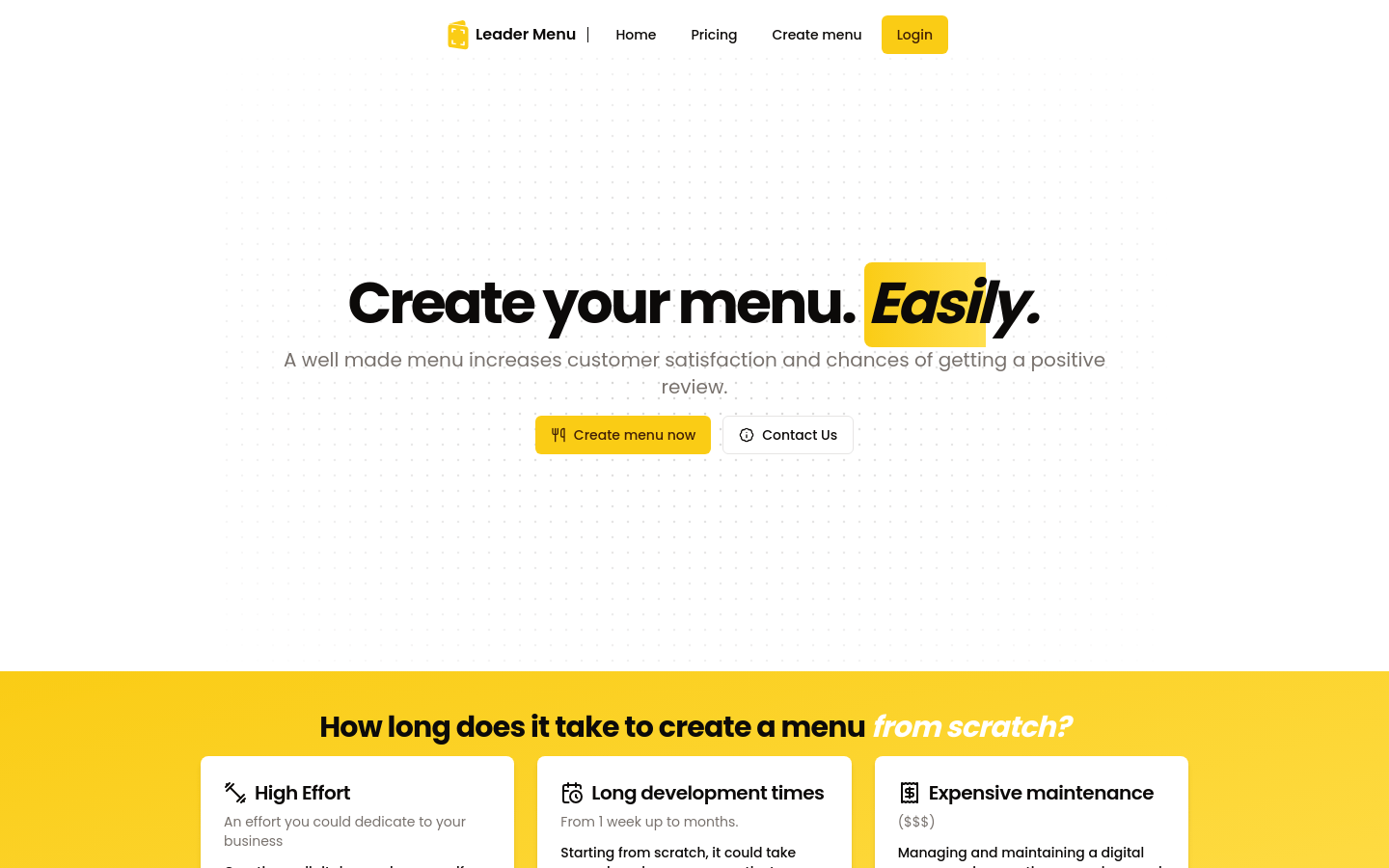
Screenshot archived from the listing page, for preview only.











