
Lemonade AI
Local AI with models you controlRun AI locally, free and private
Highlights
What you can do with it
- Developers embed chat, image generation, or transcription into an app.
- AI enthusiasts load models locally to experiment and learn.
- Enterprises run an internal AI service without shipping data out.
How to use it
- 1 Pick an install method for your system, such as the Windows msi or Docker.
- 2 Start Lemonade and use the GUI, or switch to the CLI for advanced settings.
- 3 Import models from the registry, Hugging Face, or your own files.
- 4 Integrate through the SDK and API, or use the built in tools directly.
- 5 Use smart routing to move between local and cloud models when needed.
Who it is for
Pros
- Free to use, with a range of install options across platforms.
- Zero telemetry and local data handling suit privacy sensitive work.
- Local and cloud routing adds flexibility when local hardware is not enough.
Limitations
- Free status and community support are the current offer, not a support contract, and terms can change.
- Local models depend on your hardware, so large models may be slow or out of reach.
- Setup spans the registry, Hugging Face, and custom imports, which takes time to learn.
What Lemonade AI is
Lemonade is a local AI product that handles text, image, and voice work on mainstream platforms. You can pull models from the Lemonade registry, search Hugging Face, or import your own, then use them for chat, visual recognition, image generation, voice transcription, and embeddings. Installation covers a Windows msi, Docker, and Snap, and you can drive it from a built in GUI or drop to the CLI. It is free to use, and it is built with zero telemetry so data stays where you put it. Smart routing can shift between local and cloud models when a task calls for it.
What you can do with it
- Import models from the Lemonade registry, Hugging Face, or your own files.
- Run chat, image generation, vision, transcription, and embeddings locally.
- Install through a Windows msi, Docker, or Snap, and use the GUI or CLI.
- Switch between local and cloud models through smart routing.
Who it is for
- Developers building local AI features into an application with the SDK and API.
- AI enthusiasts who want to experiment with models on their own hardware.
- Enterprises that need AI without sending data outside their own systems.
What to watch out for
Free use and community support are the current offer, and neither is a paid support contract, so the terms can change. Local models lean on your hardware, so large models may run slowly or not fit at all. Setup also spans the registry, Hugging Face, and custom imports, which takes patience on the first pass. Since routing can reach cloud models, check exactly where data goes before you enable it for sensitive work.
FAQ
What can Lemonade do?
It covers text, image, and voice work, including chat, visual recognition, image generation, voice transcription, and embeddings.
Where do models come from?
From the Lemonade registry, Hugging Face, or models you import yourself.
Is my data sent anywhere?
The product states it uses zero telemetry and keeps data at the location you specify, with no upload.
How is it installed?
Options include a Windows msi package, Docker deployment, and Snap.
Why it is free
What the official page says: completely freefree to use
Free limits, trial length and features are decided by the official site and can change at any time.
Product preview
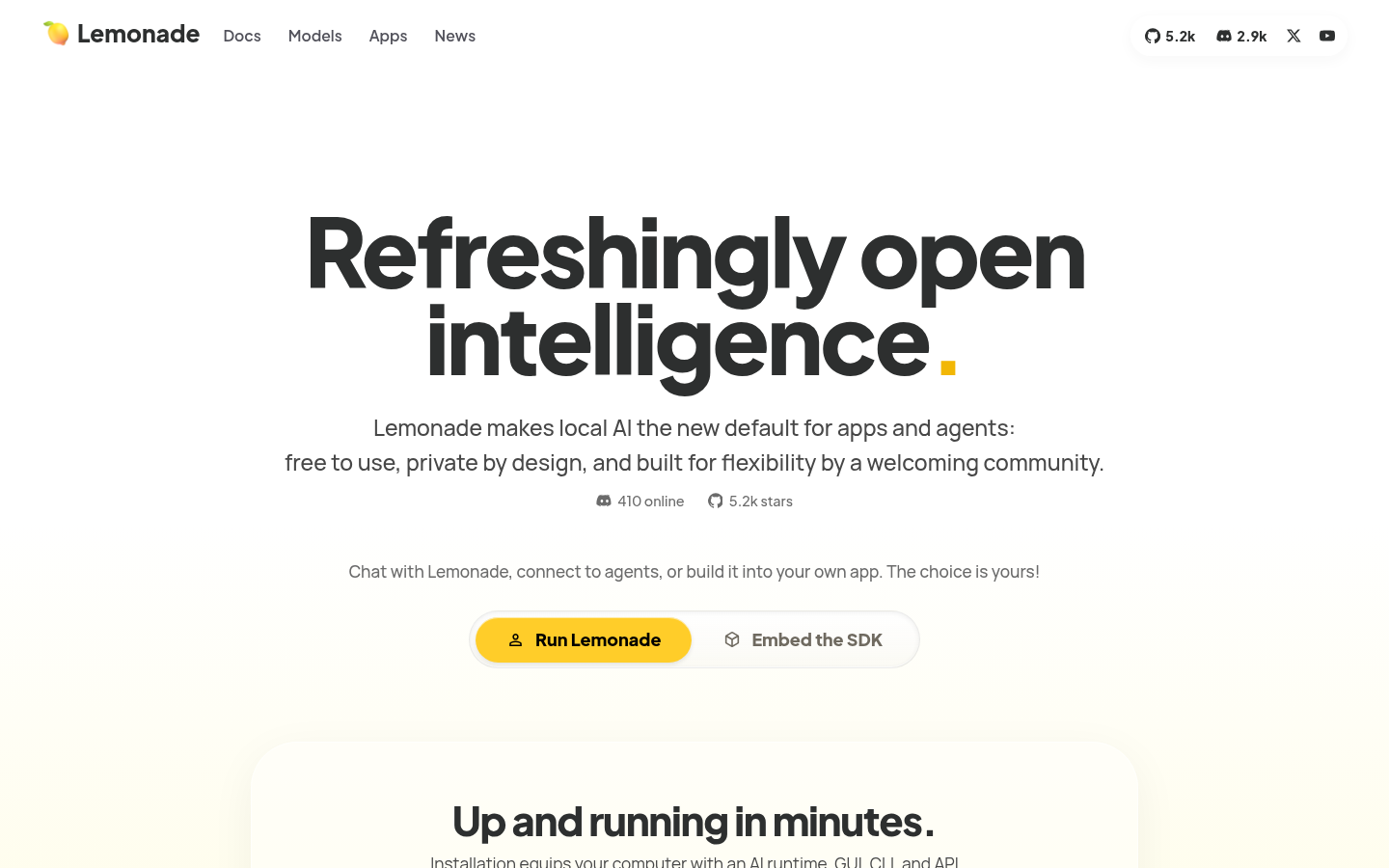
Screenshot archived from the listing page, for preview only.











