
Let's Enhance
AI image enhancement and enlargement toolUpscale, sharpen and repair images with AI
Highlights
What you can do with it
- Enlarge a small image for print
- Repair a blurry or pixelated photo
- Clean up JPEG artefacts before publishing
How to use it
- 1 Open the Let's Enhance site and sign in
- 2 Upload the image you want to improve
- 3 Choose the enhancement or enlargement settings
- 4 Run the process and compare before and after
- 5 Download the improved image or use the API for batches
Who it is for
Pros
- Handles enlargement, blur, colour and JPEG artefacts in one place
- API option suits batch and product workflows
- Free trial available before paid plans
Limitations
- Free trial limits apply and paid tiers are needed for volume work
- Enlargement invents detail, so it is not a substitute for the original
- Heavy processing can look artificial on close inspection
What Let's Enhance is
Let's Enhance is an AI powered image enhancement and enlargement tool. It uses deep convolutional neural networks and other machine learning techniques to automatically improve image resolution and quality, which means the work is done by a model rather than by hand with filters. It repairs blurry, pixelated and low-resolution images so photos come out sharper and clearer, and it also corrects colour and lighting and removes JPEG compression artefacts. An API service is offered for businesses and creative professionals who need to process images in volume. Pricing plans range from free trials to enterprise subscriptions, so there is a way to test the quality before committing to a plan.
What you can do with it
- Enlarge an image and raise its resolution
- Repair pixelation and blur in a photo
- Correct colour and lighting problems
- Remove JPEG compression artefacts before publishing
Who it is for
- Photographers preparing images for print
- Designers who need higher resolution assets
- Businesses processing images in bulk through the API
- Anyone repairing an old or low quality photo
What to watch out for
The free trial is limited and paid tiers are needed for volume work, so check the current plans if you have a large queue. Enlargement invents detail rather than recovering it, so an upscaled image will not match a sharp original and should not be used where accuracy matters. Heavy processing can look artificial on close inspection, especially on skin and fine textures, so compare before and after at full size. Results depend on the condition of the source file, and a badly damaged photo has a ceiling on how good it can look.
FAQ
What does Let's Enhance do?
It uses AI to enhance and enlarge images, repairing pixelation, blur, colour issues and JPEG compression artefacts.
Is there a free trial?
Yes. Pricing plans range from free trials to enterprise subscriptions.
Is there an API?
Yes. The site offers API services aimed at businesses and creative professionals.
Why it is free
What the official page says: free trial
Free limits, trial length and features are decided by the official site and can change at any time.
Product preview
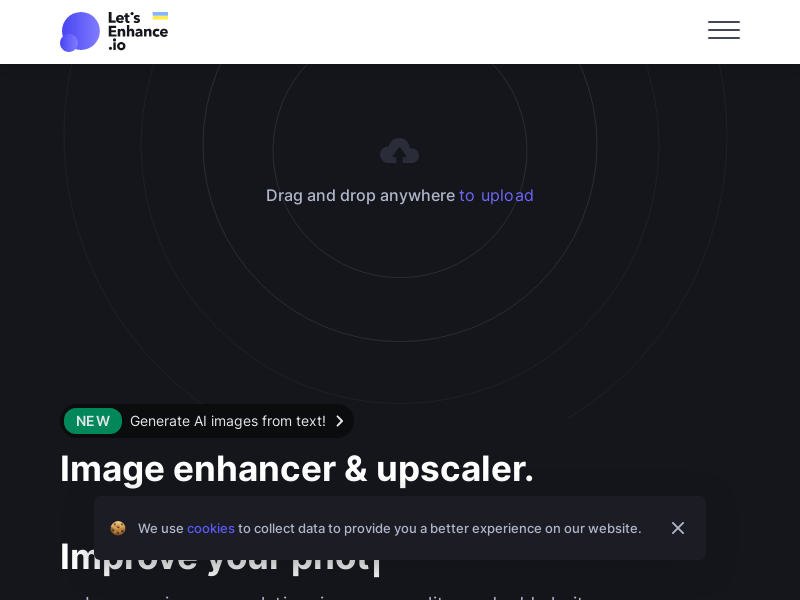
Screenshot archived from the listing page, for preview only.











