
Lexica AI
Free text-to-image toolPrompts into images in seconds
Highlights
What you can do with it
- Create sci-fi or fantasy art for a portfolio
- Generate product images for social media ads
- Produce interior concept visuals for client presentations
How to use it
- 1 Open lexicaai.net in your browser
- 2 Type a clear prompt: subject, setting, style, lighting, mood
- 3 Click generate and review the result
- 4 Adjust the prompt or use advanced options for variants
- 5 Save the image you like
Who it is for
Pros
- Free plan with no registration required
- Fast generation with many style options
- Gallery and prompt examples help you learn
Limitations
- The free plan caps how many images you can make per month
- Faster speed and higher resolution need a paid plan
- Prompt skill matters; vague text gives vague images
What Lexica AI is
Lexica AI is an image generation platform built on diffusion models. You type a description and it returns matching images in seconds, which makes it useful when an idea needs a visual form fast. The free plan can be used without registration, though it limits how many images you can generate each month. Style coverage is broad, from photorealistic photography to cinematic scenes and futuristic concept art, so the same tool can serve product shots, digital artwork, or design mockups. Advanced options let you refine prompts and generate variants, which creates a quick feedback loop while you explore a direction. A community gallery shows what others have made and doubles as a source of prompts and inspiration.
What you can do with it
- Turn text prompts into finished images in seconds
- Explore many styles for the same subject
- Use advanced options to create and compare variants
- Browse the gallery for ideas and prompt patterns
Who it is for
- Digital artists building portfolios and exhibition pieces
- Marketing professionals producing product and campaign visuals
- Designers testing concepts across different looks
- Hobbyists who want to create art without drawing skills
What to watch out for
The free plan limits monthly generation, and paid plans are required for faster output, higher resolution, and more volume, so heavy use has a cost. Results track your prompt closely: vague descriptions produce vague images, so write with specifics about subject, setting, style, and light. The models are updated over time, which can shift how familiar prompts behave. Save your best prompts so you can rebuild a look later. Behavior may vary across browsers and devices, so test before production use and consult the help docs if errors appear.
FAQ
Is Lexica AI free?
There is a free plan and you can use it without registering, but monthly image generation is limited.
What do paid plans add?
Faster generation, higher resolution, and more usage.
How do I write a good prompt?
Follow a structure such as subject plus environment plus style plus lighting plus mood and tone.
Why it is free
What the official page says: free plan
Free limits, trial length and features are decided by the official site and can change at any time.
Product preview
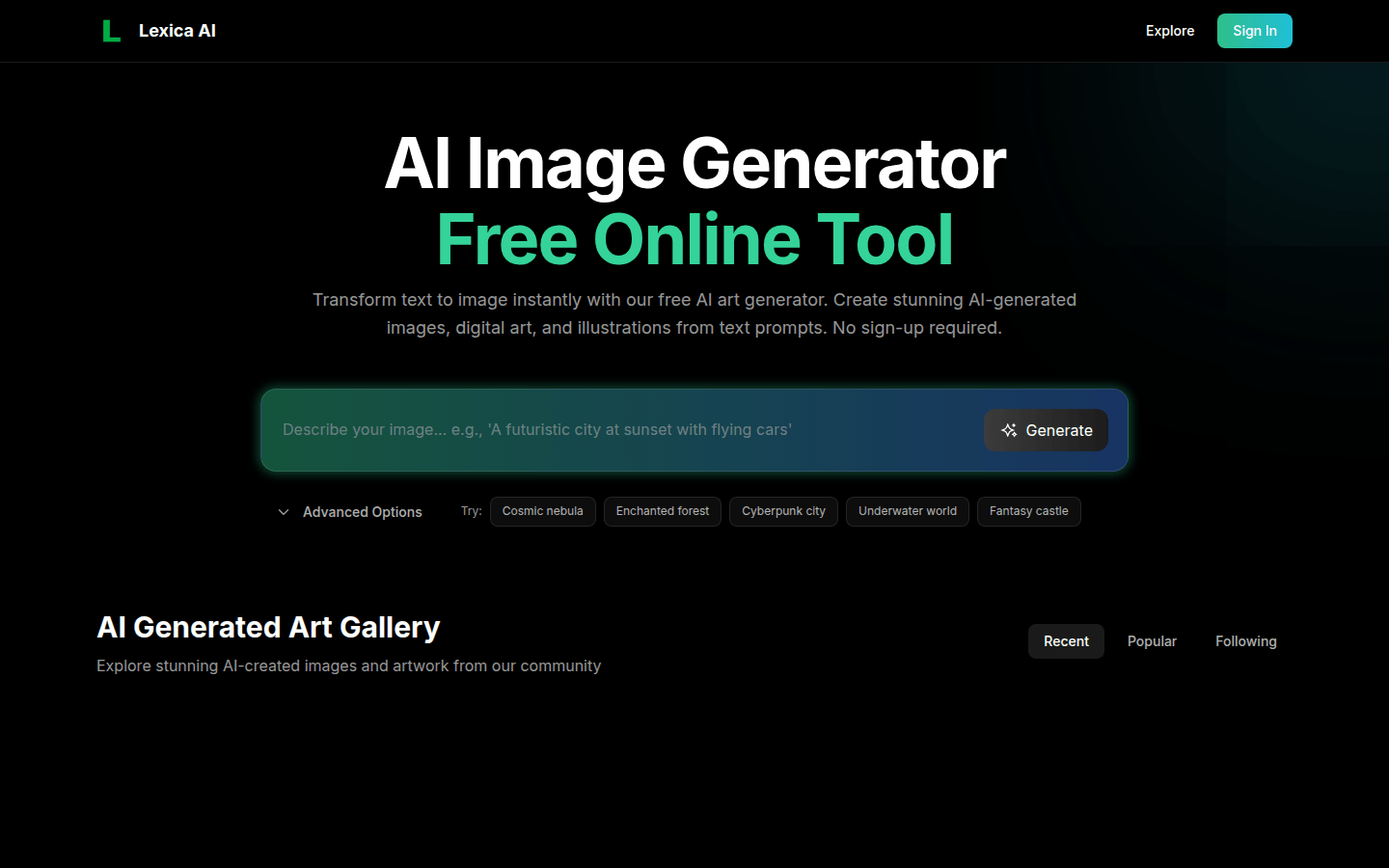
Screenshot archived from the listing page, for preview only.











