
LexiGym
Offline-friendly language learning trainerBuild dictionaries and train anywhere
Highlights
What you can do with it
- Students improving foreign language proficiency
- Professionals learning a new business language
- Travellers practising communication in several languages
How to use it
- 1 Download the LexiGym app
- 2 Select your target language
- 3 Create or load a dictionary
- 4 Choose a training type and start practising
- 5 Track progress in the training statistics
Who it is for
Pros
- Works offline, which suits commutes and travel
- Dictionary setup is quick and can be reused
- Statistics show where effort is actually needed
- Free use is available before any subscription
Limitations
- A paid subscription exists, so free access may be limited
- The documented feature list is short, so scope is narrow
- Offline use means content must be downloaded or created first
- Vocabulary training helps recall but does not teach grammar on its own
What LexiGym is
LexiGym is a language learning app focused on vocabulary. You pick a target language, build or load a dictionary, and then choose the kind of training you want for that session. Offline support is listed as a core feature, which matters if you study on a commute or while travelling and do not want to depend on a connection. Multilingual support means the same app can be used for more than one language, and dictionary creation is described as quick. Detailed training statistics track how practice is going, which is meant to keep review pointed at the words you actually miss rather than random repetition. The vendor frames it as a companion for students, professionals and travellers, and says it can be used for free or with a paid subscription.
What you can do with it
- Build or load dictionaries for a target language
- Train offline without a connection
- Choose the training type that fits the session
- Track progress through detailed training statistics
- Use the same app across several languages
Who it is for
- Students building vocabulary for coursework or exams
- Professionals who need a working business language
- Travellers who want basic communication before a trip
What to watch out for
A paid subscription exists alongside the free option, so check which features are locked before you rely on the app for serious study. The documented feature list is short, which suggests a focused tool rather than a full course: it trains vocabulary but does not by itself teach grammar or speaking. Offline use means your dictionaries need to be available on the device, so plan content ahead of time. As with any vocabulary app, results come from regular short sessions rather than occasional long ones.
FAQ
Is LexiGym free?
The vendor says users can use it for free or subscribe to a paid version depending on budget, so check which features sit behind the subscription.
Does it work without internet?
Yes, offline support is listed as a core feature, which is useful for travel and commutes.
Can I use my own word lists?
The app supports easy dictionary creation and quick dictionary generation, so you can build or load your own lists.
Why it is free
What the official page says: for free
Free limits, trial length and features are decided by the official site and can change at any time.
Product preview
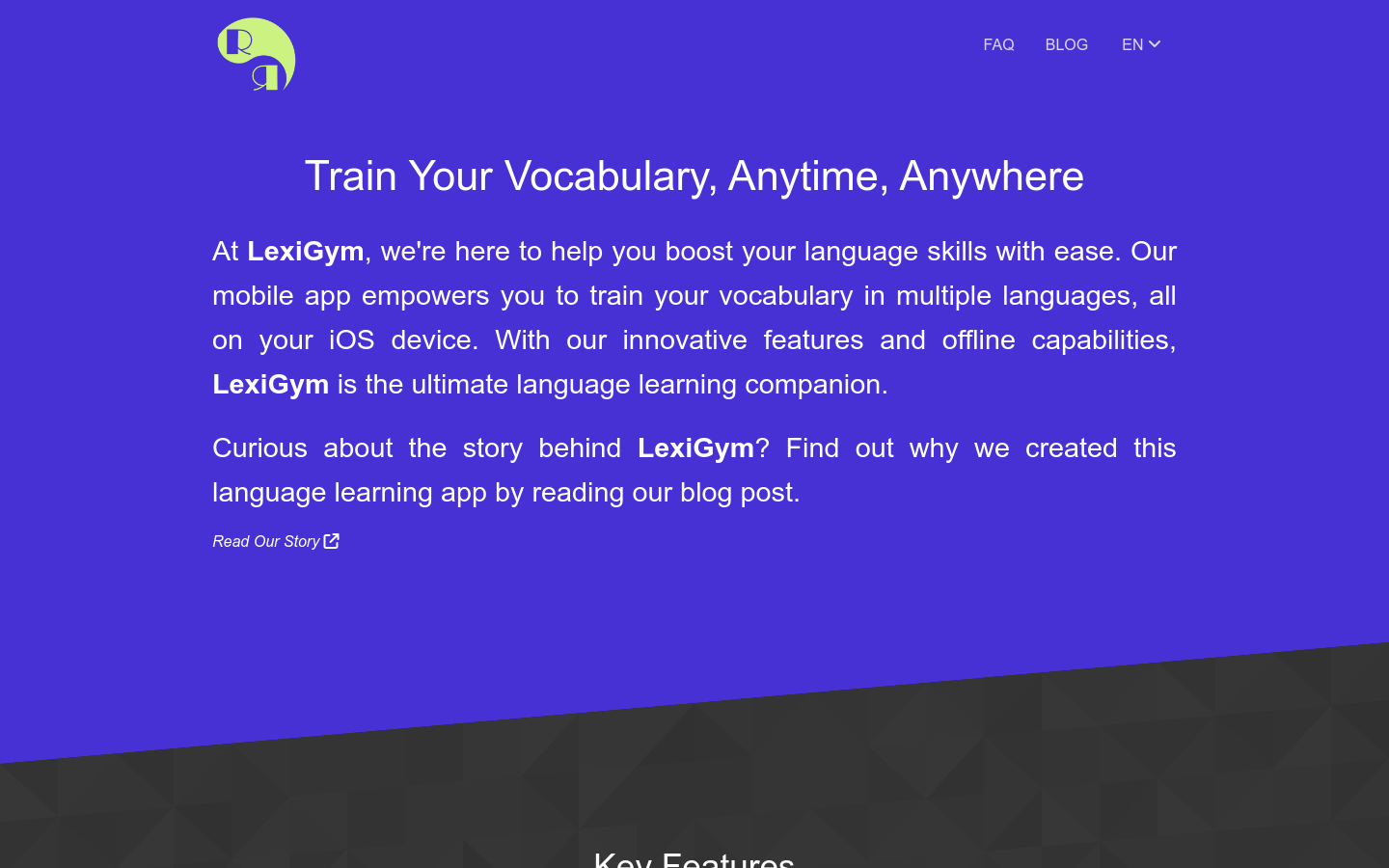
Screenshot archived from the listing page, for preview only.











