
LibreChat.ai
Open-source all-in-one AI chat platformCustomizable AI chat with many providers
Highlights
What you can do with it
- Run customer service AI for a business
- Support online teaching and learning interaction
- Test and integrate new AI services quickly
How to use it
- 1 Visit the LibreChat site to learn about its features
- 2 Choose local or remote installation based on your needs
- 3 Read the documentation to configure and use it
- 4 Integrate the AI services you want and customize the interface
- 5 Start AI conversations in the platform
Who it is for
Pros
- Free and open source with wide customization
- Connects to many AI providers in one interface
- A familiar chat experience that can scale
Limitations
- Self-hosting needs setup and some technical comfort
- AI service costs and API keys are separate
- Model availability depends on the providers you connect
What LibreChat.ai is
LibreChat is a free, open-source AI chat platform that offers extensive customization and support for many AI providers, services, and integrations. It provides a familiar chat interface with added enhancements and can scale to support a large number of users. You can choose local or remote installation based on your needs, then connect the AI services you want. Because it is open source, teams can adjust the interface and behavior to fit their own workflows and branding.
What you can do with it
- Chat with AI through a familiar, customizable interface
- Connect multiple AI providers and services in one place
- Run customer service or teaching assistance bots
- Test and integrate new AI services quickly
Who it is for
- Businesses that want an in-house customer service AI
- Schools and institutions supporting online teaching
- Developers testing and integrating AI services
What to watch out for
Self-hosting needs setup and some technical comfort, so plan time to read the documentation. The platform itself is free, but the AI services and API keys you connect can carry their own costs. Model availability and features depend on the providers you integrate. As an open-source project, updates and stability can vary between releases, so test before relying on it in production. Features and interface details may change between versions, so review the latest notes on the page before you start. For team use, agree on naming and editing conventions in advance to avoid version conflicts or duplicated work. Save a backup of the original file before large batch jobs, and keep an exported copy of key results in case the page or service becomes temporarily unavailable.
FAQ
Is LibreChat free?
It is a free and open-source platform, though any AI services you connect may have their own costs.
Can I self-host it?
Yes. You can choose local or remote installation based on your needs.
Which providers does it support?
It integrates with various AI providers and services; check the documentation for the current list.
Why it is free
What the official page says: 免费
Free limits, trial length and features are decided by the official site and can change at any time.
Product preview
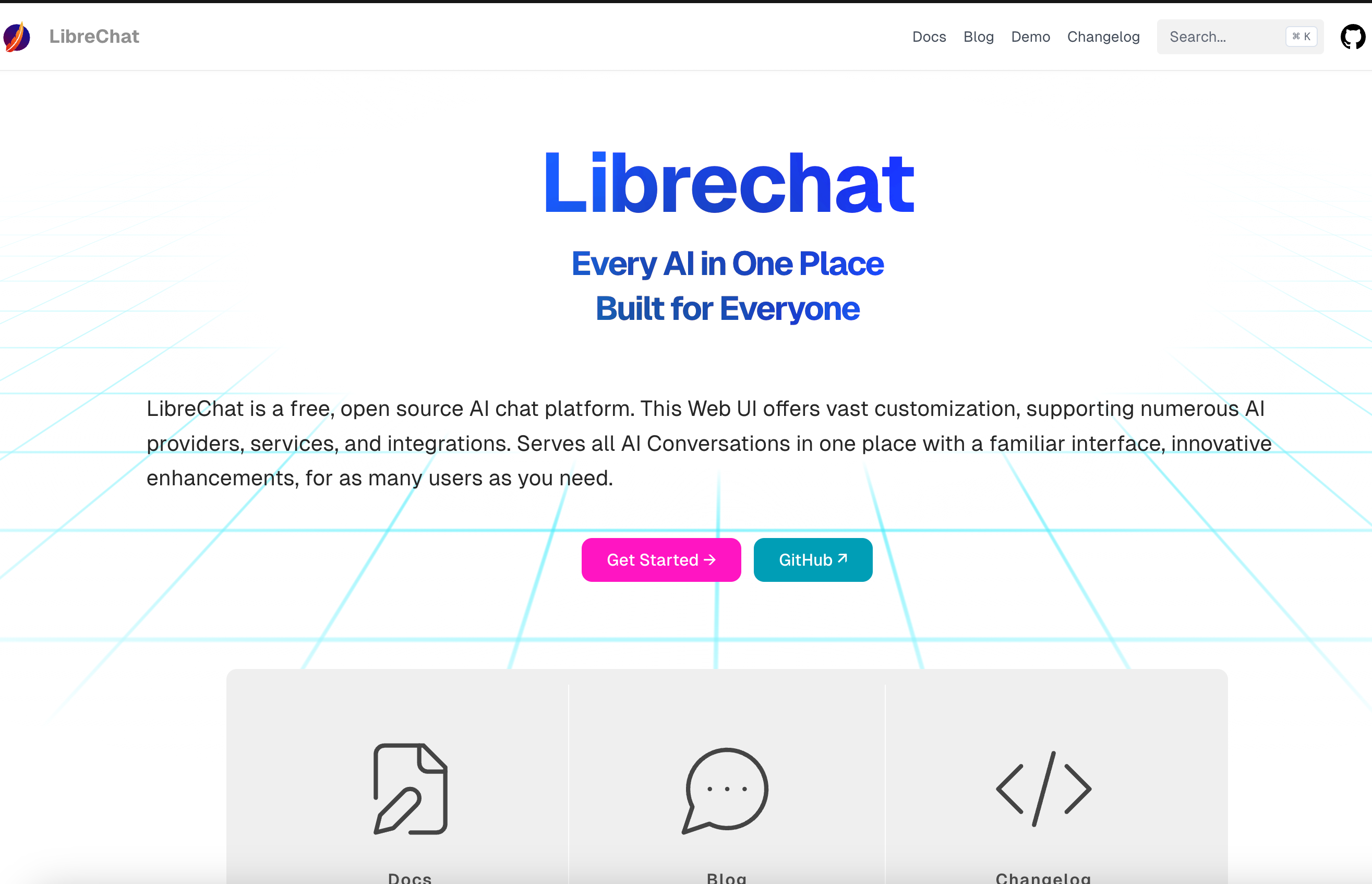
Screenshot archived from the listing page, for preview only.











