Highlights
What you can do with it
- Align dialogue to a character or performer in a video
- Localize footage by matching speech in another language
- Speed up animation and dubbing workflows for content
How to use it
- 1 Open the Lip Sync AI site and start a project
- 2 Upload the video or footage you want to sync
- 3 Provide the audio or dialogue track for the target language
- 4 Let the tool generate the lip-sync animation
- 5 Review the result and adjust before export
Who it is for
Pros
- Aims for precise and natural lip movement
- Works across multiple languages and speaker setups
- Free to use, with paid plans for heavier needs
Limitations
- Free use sits alongside paid plans, and limits can change
- Complex footage may still need manual cleanup
- Lip-sync tools can be misused to fake speech, which may break platform rules, with consequences on the user
What Lip Sync AI is
Lip Sync AI is an AI based lip-sync animation generator built for video work. Traditional lip-syncing is slow and technically demanding, and this tool addresses that by generating precise, natural mouth movement from footage and audio. It supports multiple languages and multiple speaker scenarios, and it is designed to cope with complex head movements rather than only straight-on shots. The site describes it as roughly 10 times more efficient than traditional methods, and it is free to use, with paid plans available for larger workloads.
What you can do with it
- Align dialogue to a character or performer's mouth in video.
- Localize footage by syncing speech in another language.
- Handle clips where the speaker's head moves during the shot.
- Cut the time spent on manual lip-sync work in post-production.
Who it is for
- Video creators who need dialogue to align with on-screen mouths.
- Translators and localization teams producing multilingual video.
- Content producers looking to speed up dubbing and animation.
What to watch out for
Results depend on source footage quality, audio clarity, and how much the head moves, so difficult shots can still need manual cleanup before they look right. Free access is offered now, but free rules and limits can change, and paid plans exist for heavier use. Like other lip-sync tools, it can also be misused to fabricate speech or impersonate someone, which may violate platform or institutional rules, and the user carries any consequences, so keep usage honest and clearly disclosed. For best results, start with a small test file and review the output carefully before working on anything important. Free tiers can change over time, so it is worth checking the current limits on the official page before you rely on the tool daily.
FAQ
Is Lip Sync AI free?
It offers free use as well as paid plans, according to the site.
What languages does it support?
It supports multiple languages and multiple speaker scenarios.
Why is it faster?
The site states it is about 10 times more efficient than traditional lip-syncing methods.
Why it is free
What the official page says: 免费使用免费
Free limits, trial length and features are decided by the official site and can change at any time.
Product preview
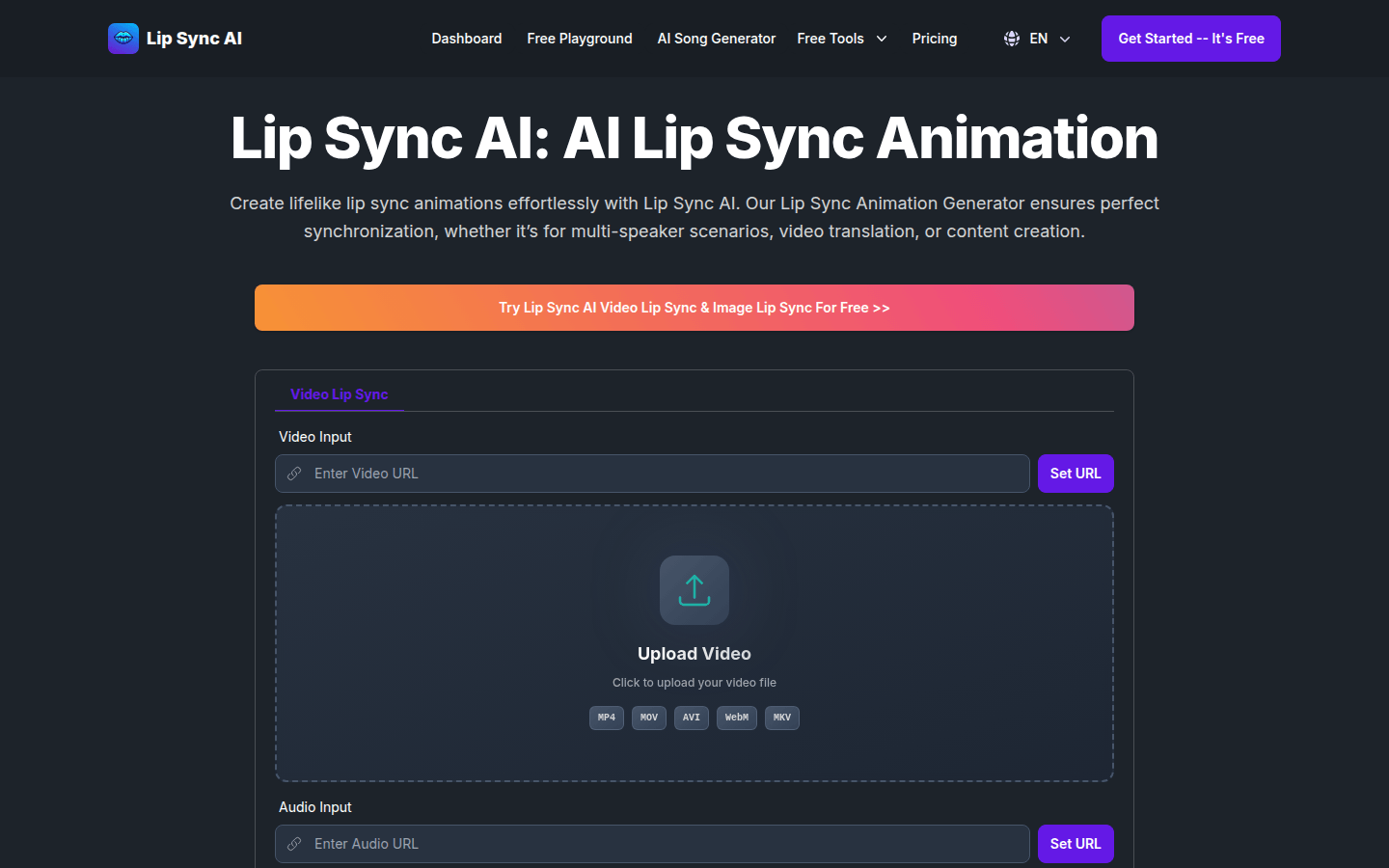
Screenshot archived from the listing page, for preview only.