
llama-ocr
Free npm library for Llama 3.2 Vision OCRPull text out of images into markdown
Highlights
What you can do with it
- Add image text extraction to an app
- Automate paper document processing
- Pull key information out of images
How to use it
- 1 Install the package with npm
- 2 Import the module and set up your API key
- 3 Call the OCR function on a local or remote image
- 4 Process the returned markdown result
- 5 Pick a different model if you need another option
Who it is for
Pros
- Free to use
- Markdown output is easy to work with
- Handles local and remote images
Limitations
- It is a developer library, so it needs coding and setup
- Remote calls depend on an external model API and a key
- PDF support is planned, so it is not available yet
What llama-ocr is
llama-ocr is a free, open-source npm library that uses Llama 3.2 Vision for OCR and outputs text in markdown. It reads local images and remote images, and single-page and multi-page PDF support is planned for a later release. Inspired by Zerox, it offers both free and paid interfaces, so you can start free and switch models as your needs change. It is built for developers who want to add image text extraction to their own software, and it returns results in a format that is easy to store, search, or display in an app.
What you can do with it
- Run OCR on a local or remote image
- Get the recognized text back in markdown
- Choose between free and paid model options
- Plan for PDF input as that support is added
Who it is for
- Developers adding OCR to an app
- Businesses digitizing paper documents
- Individuals pulling text out of images
What to watch out for
This is a developer library, so it needs coding and setup: you install it with npm, import the module, and configure an API key before it works. Remote OCR calls depend on an external model API, so you need network access and a valid key, and any service changes are outside your control. PDF support is still planned rather than finished, so if you need PDFs now, you will have to convert them to images first. Treat it as a building block rather than a ready-made product. For best results, start with a small test file and review the output carefully before working on anything important. Free tiers can change over time, so it is worth checking the current limits on the official page before you rely on the tool daily.
FAQ
What is llama-ocr?
It is a free, open-source npm library that uses Llama 3.2 Vision for OCR and outputs markdown.
What can it read?
It supports local and remote images, with single-page and multi-page PDF support planned.
How do I install it?
You install it with npm, import the module, set an API key, and then call the OCR functions.
Why it is free
What the official page says: 免费使用免费
Free limits, trial length and features are decided by the official site and can change at any time.
Product preview
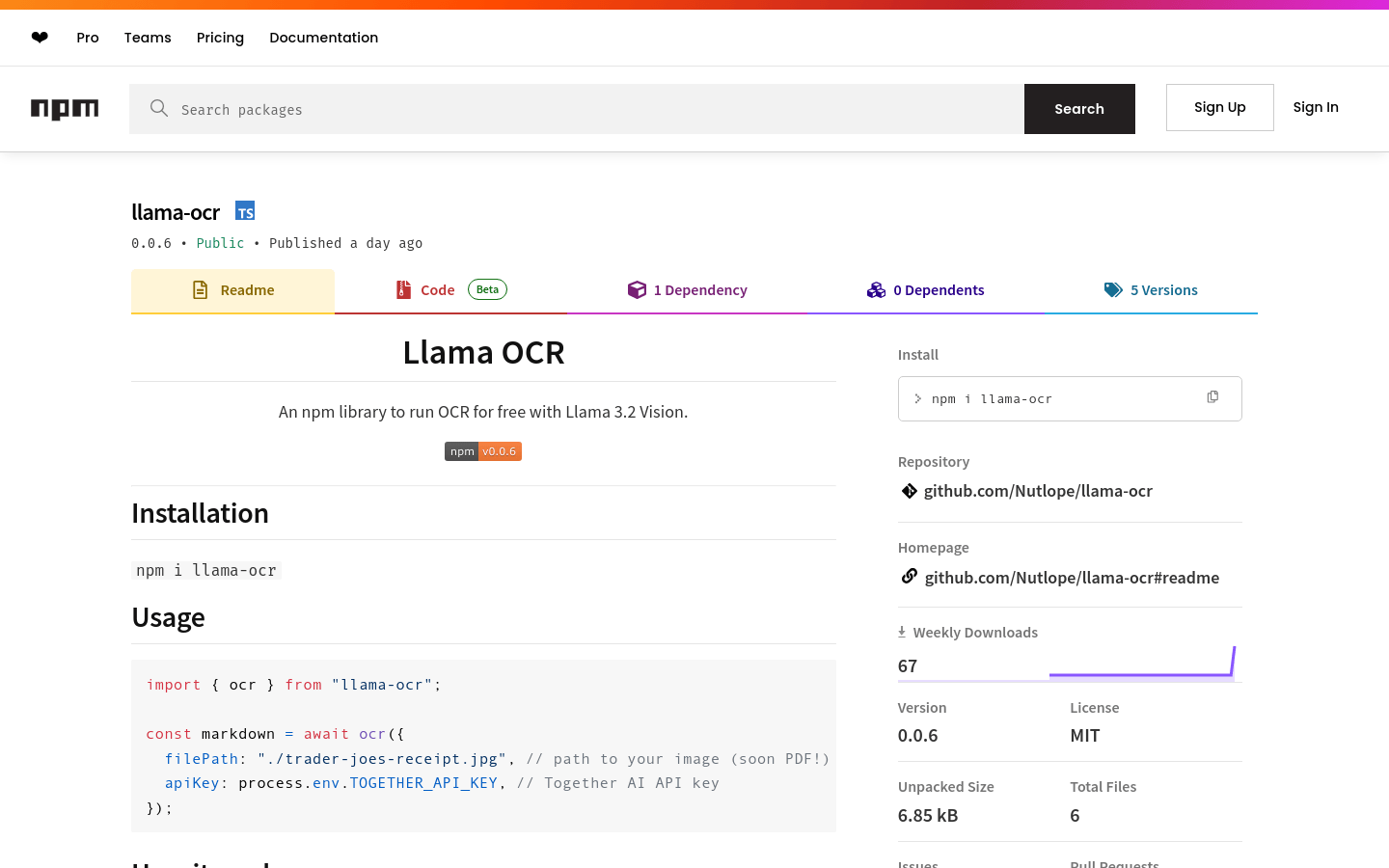
Screenshot archived from the listing page, for preview only.











