
Llamao
Offline privacy AI assistant appAn AI assistant that works offline
Highlights
What you can do with it
- Draft reports or emails on a plane
- Brainstorm and take notes on a commute
- Get emergency info while offline outdoors
How to use it
- 1 Download the Llamao app
- 2 Open it and choose the basic or premium model
- 3 Type your question or request
- 4 Adjust settings and use offline mode
Who it is for
Pros
- Works fully offline on your device
- Data stays local for privacy
- Free basic model to start with
Limitations
- Offline models are smaller and less capable
- Premium features cost money
- On-device speed depends on your phone
What Llamao is
Llamao is an offline AI assistant for mobile devices built on open-source language models. It runs on your device and does not need an internet connection, which keeps your data local and private. It offers help with writing, brainstorming, and problem-solving, and it works in places like a plane, a subway, or the outdoors where there is no signal. The basic model is free, and premium features can be unlocked for a fee. It is aimed at people who want AI help while keeping control of their data.
What you can do with it
Here is what you can do with Llamao:
- Draft reports and emails without internet
- Brainstorm and take notes on the go
- Get help with problems while offline
- Keep your data on your own device
Who it is for
It suits a few groups:
- People who need AI without internet
- Users who care about data privacy
- Anyone who wants help while traveling or commuting
What to watch out for
Offline models are smaller and less capable than big cloud models, so answers can be weaker, especially on hard topics. The basic model is free, but premium features cost money, and what counts as free can change. On-device speed depends on your phone, and heavy use can drain battery. Because it runs locally, keep your device updated and backed up. Treat it as a handy offline helper, not a replacement for a full online model. Run one full task end to end first, then expand once you are comfortable with the workflow and the result quality. Behavior may vary across browsers and devices, so test before production use and consult the help docs if errors appear.
FAQ
Does it work offline?
Yes, it runs on your device without an internet connection.
Is there a free version?
Yes, the basic model is free and premium features can be unlocked for a fee.
Who is it for?
People who want private, offline AI help on mobile.
Why it is free
What the official page says: 免费
Free limits, trial length and features are decided by the official site and can change at any time.
Product preview
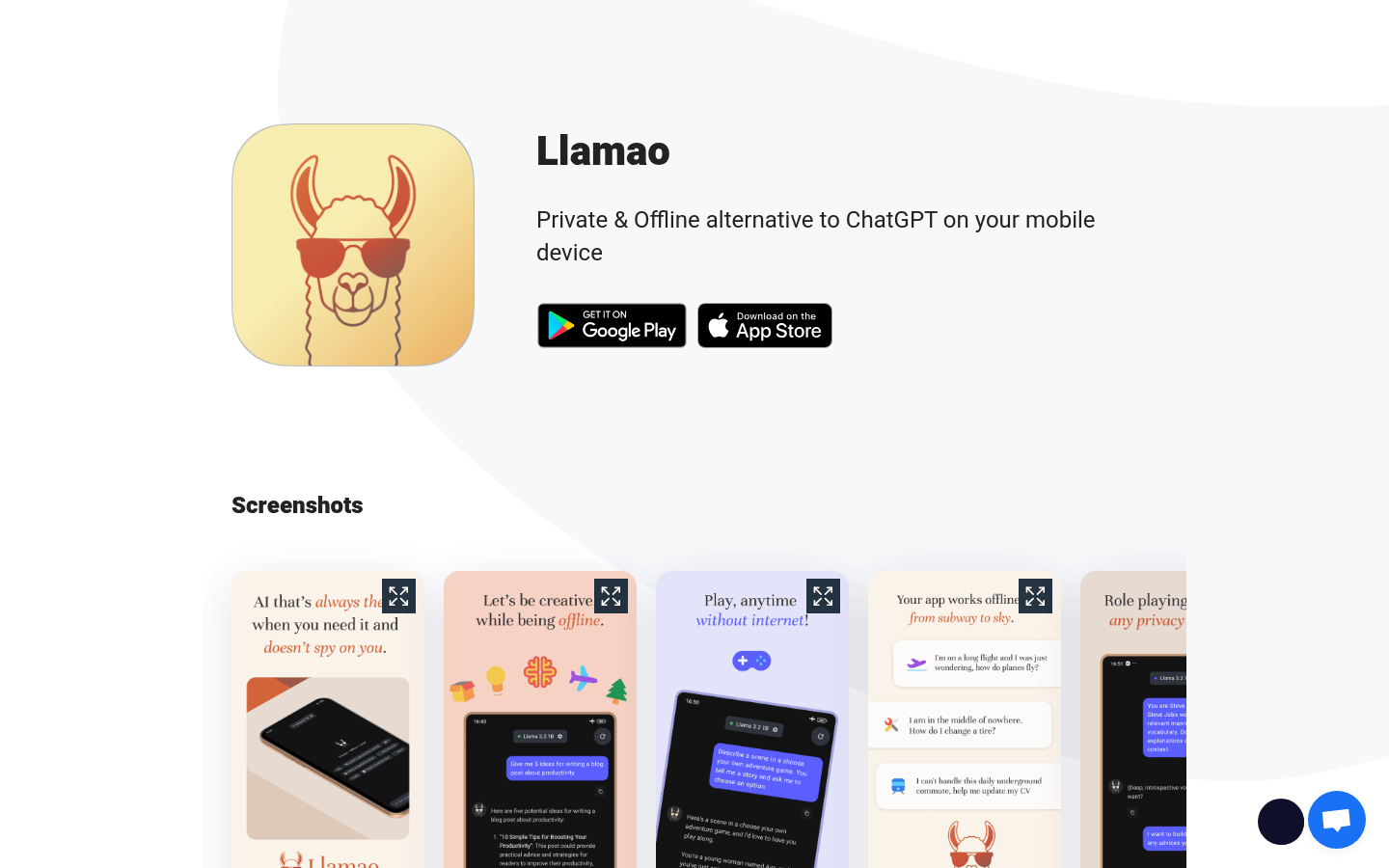
Screenshot archived from the listing page, for preview only.











