
LongHair
Free AI long hair try-on toolUpload a photo, see long hair styles in seconds
Highlights
What you can do with it
- Trying long hair before committing to a salon appointment
- Checking which long hair style suits your face before cutting
- Exploring bold or trendy looks without any risk
How to use it
- 1 Take or select a clear front-facing photo and upload it
- 2 Choose a long hair style from the options offered
- 3 Click Generate and wait for the AI to process the image
- 4 Preview the result and download it if you are happy with it
Who it is for
Pros
- Free to use with no registration step
- Works in any modern browser on phone, tablet, or computer
- Fast results and a privacy policy that deletes photos after 24 hours
Limitations
- Premium hairstyles and HD export cost money, so the free tier is limited
- Best results need a clear front-facing photo, so not every image works
- Preview accuracy varies, and free rules can change at any time
What LongHair is
LongHair is a free AI hair replacement tool that focuses on long hair styles. You upload a single clear front-facing photo, pick a style, and the tool returns a realistic preview of you with long hair in a short time. It does not require registration and works in the browser of a phone, tablet, or computer, so there is nothing to install and no account to create.
The core use is free. The site also offers paid premium hairstyles and a high definition export option, which means the free tier covers the basics rather than everything. Photos are described as being deleted after 24 hours, not used for training, and not shared, which is the privacy arrangement the operator states on its pages.
What you can do with it
- Convert a front-facing photo into a range of long hair styles
- Try straight, wavy, curly, Bohemian, and bold looks without a haircut
- Compare several styles in seconds before you decide
- Download a preview you like to show a stylist or post online
Who it is for
- Anyone who wonders whether long hair suits them and wants to check first
- Hair salons and stylists who want to show clients more options
- Fashion and social media users who like to explore different images
What to watch out for
A free tier with paid premium options means some styles and higher quality exports sit behind a payment, so read what the free level actually includes before you count on it. The tool relies on a clear front-facing photo, so low quality, angled, or heavily filtered images will produce weaker results. Previews are approximations, not a promise of how a real haircut will look, so treat them as guidance for a conversation with a stylist rather than a decision on their own. Free terms can change, and the privacy policy is worth reading before you upload anything personal.
FAQ
Is LongHair really free?
The core functions are free and no registration is needed. Premium hairstyles and HD export are paid options.
What photo should I upload?
A clear front-facing photo works best.
What happens to my photo?
The site states photos are deleted after 24 hours, are not used for training or sharing, and are only used for the hairstyle transform.
Why it is free
What the official page says: 免费无需注册
Free limits, trial length and features are decided by the official site and can change at any time.
Product preview
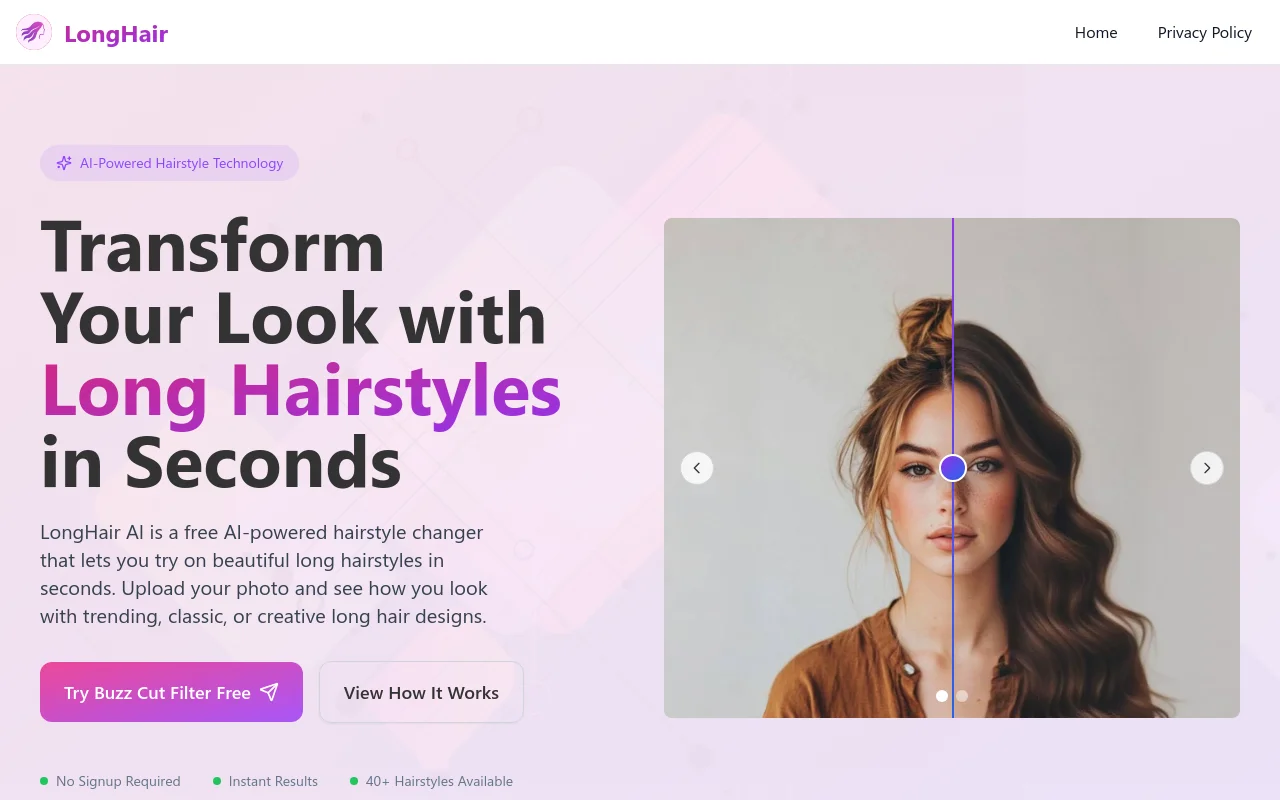
Screenshot archived from the listing page, for preview only.











