
Loomos
AI editor for screen recording videosRaw recording to polished video in minutes
Highlights
What you can do with it
- Product demos recorded and voiced for customers
- Multi-language advertisement videos produced quickly
- Online course videos with subtitles for different audiences
- Sales walkthrough recordings cleaned up for sharing
How to use it
- 1 Register and log in to the Loomos platform.
- 2 Upload your video or provide a Loom recording link.
- 3 Select an AI voiceover and edit the subtitles.
- 4 Remove filler words and improve grammar in the text.
- 5 Choose background images to improve the visual look.
- 6 Preview the video, then download and share it.
Who it is for
Pros
- A free plan is available alongside paid tiers
- Removes filler words automatically, saving manual editing
- Voiceover and translation cover more than 20 languages
- Short three-step workflow from upload to share
Limitations
- The free plan exists but its limits are not detailed, so check quotas before regular output
- AI voiceovers may not match the tone you want for every script
- You must upload a video or provide a Loom link, so source material and an account are needed
- Background and template choices shape the result more than your own footage
What Loomos is
Loomos is an AI video editing platform that turns raw screen recordings into finished videos. It cleans subtitles by removing filler words such as um and ah, improves grammar, and adds AI voiceovers in more than 20 languages. A three-step workflow of upload, edit, and download keeps production quick, and background images help the final video look less plain. The tool also enhances Loom recordings with a few clicks. Pricing ranges from a free plan to custom enterprise options, so the cost can follow the workload.
What you can do with it
- Convert screen recordings into polished videos in one click.
- Clean up subtitles by removing filler words and fixing grammar.
- Add AI voiceovers with different accents in over 20 languages.
- Improve the look of a video with background images and share the result.
Who it is for
- Product and marketing teams making demos and ads.
- Course creators producing lessons for different language audiences.
- Sales teams recording walkthroughs and follow-up videos.
- Anyone who already records their screen and wants faster editing.
What to watch out for
The free plan exists, but the page does not detail its limits, so check current quotas before planning regular output. AI voiceovers sound natural in many cases but may not match the tone you want for every script, so review audio before publishing. You need to upload your recording or provide a Loom link, which means source material and an account are required. Behavior may vary across browsers and devices, so test before production use and consult the help docs if errors appear. Features and interface details may change between versions, so review the latest notes on the page before you start.
FAQ
Does Loomos have a free plan?
Yes, the description mentions a free plan among the pricing options, alongside custom enterprise plans.
How many languages are supported?
Translations and AI voiceovers are offered in over 20 languages.
Can it remove filler words from my recording?
Yes, the subtitle editing automatically cleans fillers such as um and ah and improves grammar.
Does it work with Loom recordings?
Yes, it can turn Loom screen recordings into more polished videos with a few clicks.
Why it is free
What the official page says: free plan
Free limits, trial length and features are decided by the official site and can change at any time.
Product preview
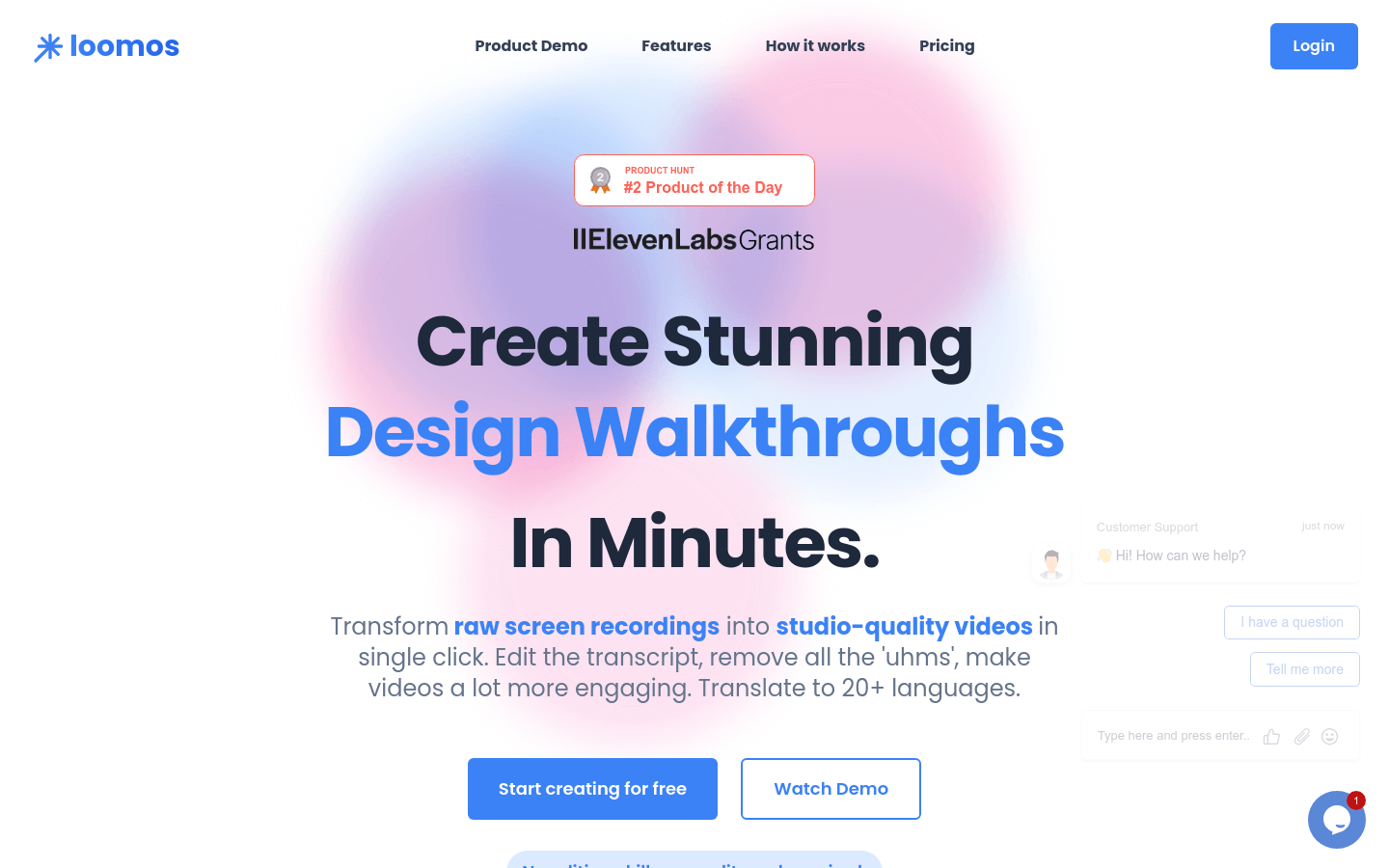
Screenshot archived from the listing page, for preview only.











