
Lovify
Lovable.dev extension for planning, prompts, and testingPlan, prompt, and test with AI inside Lovable.dev
Highlights
What you can do with it
- Import a repository and start a project in one click
- Generate a PRD and action plan, then track progress
- Debug code by voice with the AI assistant
- Create test cases quickly with slash commands
How to use it
- 1 Install Lovify from the Chrome Web Store
- 2 Log in to your Lovable.dev account and authorize Lovify
- 3 Import a repository with GitHub integration
- 4 Use prompt enhancement while writing prompts
- 5 Create and manage projects with the planning tools
- 6 Turn on voice mode to code and debug by voice
- 7 Use slash commands and call the AI assistant when you need help
Who it is for
Pros
- Deep GitHub workflow with one-click import
- Planning documents generated for you
- Voice and slash shortcuts for common actions
- Free trial while the product is in its promotion phase
Limitations
- It is tied to Lovable.dev, so it does not help outside that platform
- Pricing is not defined yet, so the current trial terms can change
- It needs Chrome and access to your GitHub account
- Voice features need a quiet setting, and generated plans and tests still need review
What Lovify is
Lovify is a Chrome extension for Lovable.dev that adds AI features to the development workflow. It imports GitHub repositories in one click and wires up version control, so a project starts from real code instead of a blank page. It also enhances prompts with context, generates product requirement documents and action plans, supports voice coding and debugging, offers slash commands for quick access to features, and produces test cases. For a Lovable.dev user, that means planning, coding, and testing share one workspace instead of three separate tools. The product is in a promotion phase with pricing not yet defined, and it is available as a free trial through the Chrome Web Store.
What you can do with it
- Import a GitHub repository and set up a project fast
- Turn an idea into a PRD and a tracked action plan
- Improve prompts with context-aware suggestions
- Code and debug with voice commands and screen sharing
- Generate test cases with slash commands
Who it is for
- Developers who build on Lovable.dev
- Teams that need PRDs and plans alongside code
- Developers who prefer voice-driven coding sessions
- Anyone who wants quicker repository setup
What to watch out for
Lovify only helps if you work on Lovable.dev, so it is not a general-purpose tool. Pricing is not defined yet, so the current free trial terms can change at any time. It needs Chrome plus access to your GitHub account, and voice features work best in a quiet setting with careful review. Automation speeds things up, but generated plans, code, and tests still need a developer's judgment before you trust them.
FAQ
What is Lovify?
It is a Chrome extension for Lovable.dev that adds AI planning, prompt, voice, and testing features.
Is it free?
It is available as a free trial through the Chrome Web Store while pricing is still undefined.
Do I need a Lovable.dev account?
Yes. You log in to Lovable.dev and authorize Lovify during setup.
What does the AI assistant do?
It provides document search, voice debugging, screen sharing support, and context-aware help.
Why it is free
What the official page says: for freefree trial
Free limits, trial length and features are decided by the official site and can change at any time.
Product preview
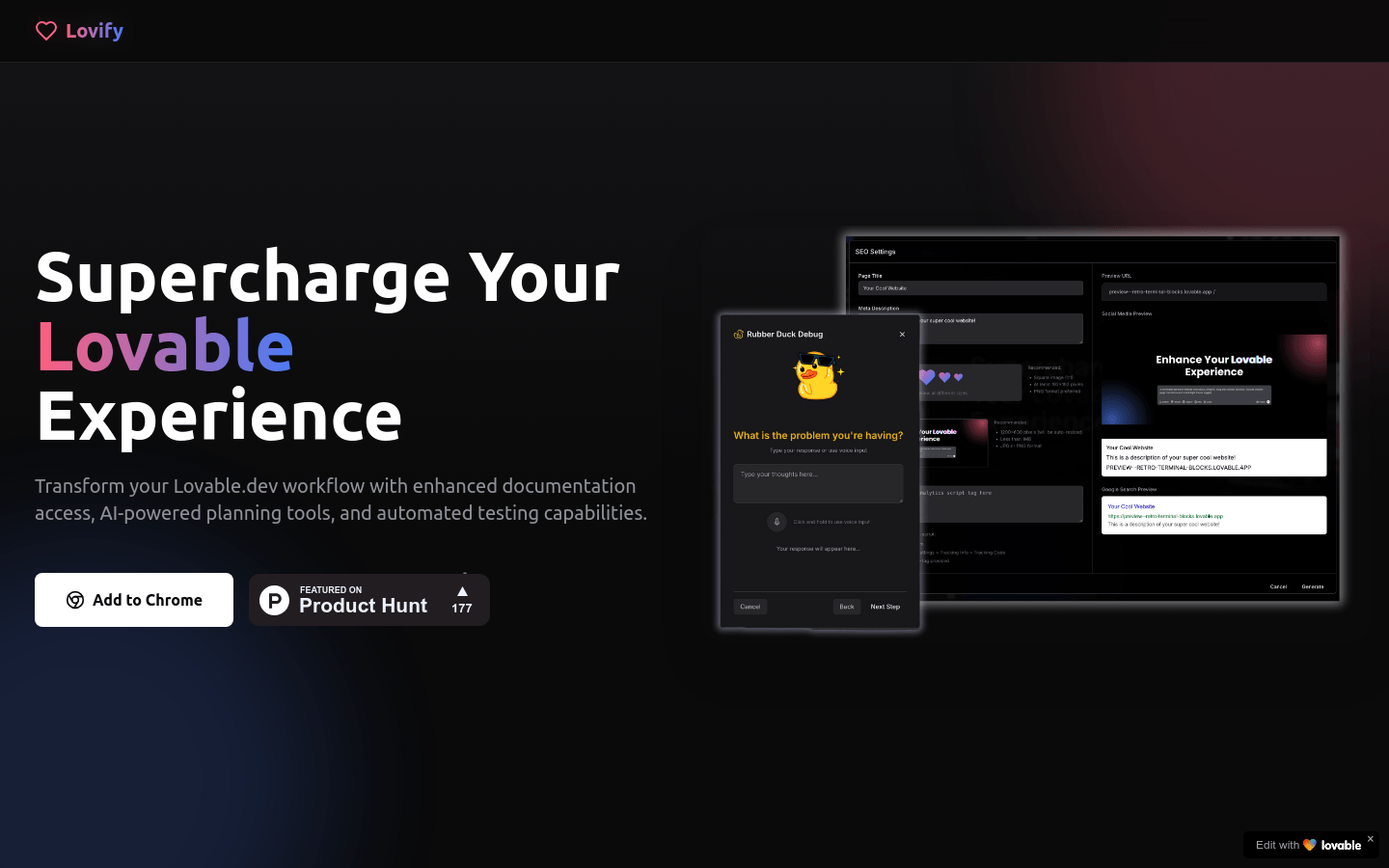
Screenshot archived from the listing page, for preview only.











