
Lucy Edit
Text-guided AI video editing that keeps motionEdit video with plain text while preserving action
Highlights
What you can do with it
- A production team changed period-drama costumes in post-production
- A travel blogger converted real footage into anime style
- A game developer replaced a character with an in-game model
How to use it
- 1 Upload your source video file
- 2 Write editing instructions in natural language
- 3 Let the AI edit while preserving action and timing
- 4 Review and refine the result with iterative edits
- 5 Export the finished video in a high-quality format
Who it is for
Pros
- Plain-language prompts instead of complex tools
- Keeps original action and composition during edits
- Handles costumes, characters, and scene styles
Limitations
- Credit-based trial, then paid use; one edit costs credits
- Changing faces or characters can be misused, so respect rights and consent
- Complex edits may still need manual cleanup
What Lucy Edit AI is
Lucy Edit AI is an AI video editing tool built around text-guided editing. Instead of learning complex software, you describe the change you want in plain language, such as swapping a costume, replacing a character, or turning a real scene into anime style, and the tool performs the edit. Its key feature is action preservation: while it changes visuals, it aims to keep the original timing, camera movement, and character motion intact, so the edit does not disrupt the video's rhythm. It is designed for both professional and amateur creators, and it currently offers a free trial with a credit limit, where one edit costs 10 credits, with paid use after that.
What you can do with it
- Edit video using simple text instructions
- Change costumes, accessories, and characters
- Convert scenes, backgrounds, and art styles
- Keep original action and composition while editing
- Refine results with iterative edits before exporting
Who it is for
- Professional video creators doing post-production
- Amateur enthusiasts without deep editing skills
- Self-media creators who need fast, publishable edits
- Teams that want quick visual changes without a full VFX workflow
What to watch out for
Lucy Edit AI runs on credits, so after the free trial is used you need to pay, and costs depend on how many edits you run. Because it can change faces, characters, and scenes, it could be misused to deceive or impersonate, so only edit footage you have the rights to and have consent for, since any consequences are yours as the user. Complex changes may still need manual cleanup, and results depend on the source video quality and how clearly you write the instructions, so review every export before you share or publish it.
FAQ
Is there a free trial?
Yes. Lucy Edit AI offers a free trial with a credit limit, and one video edit uses 10 credits.
How does editing work?
You write natural-language instructions, and the AI edits the video while preserving the original action and composition.
What can I change?
You can change costumes, accessories, characters, scenes, backgrounds, and art styles.
Why it is free
What the official page says: free trial
Free limits, trial length and features are decided by the official site and can change at any time.
Product preview
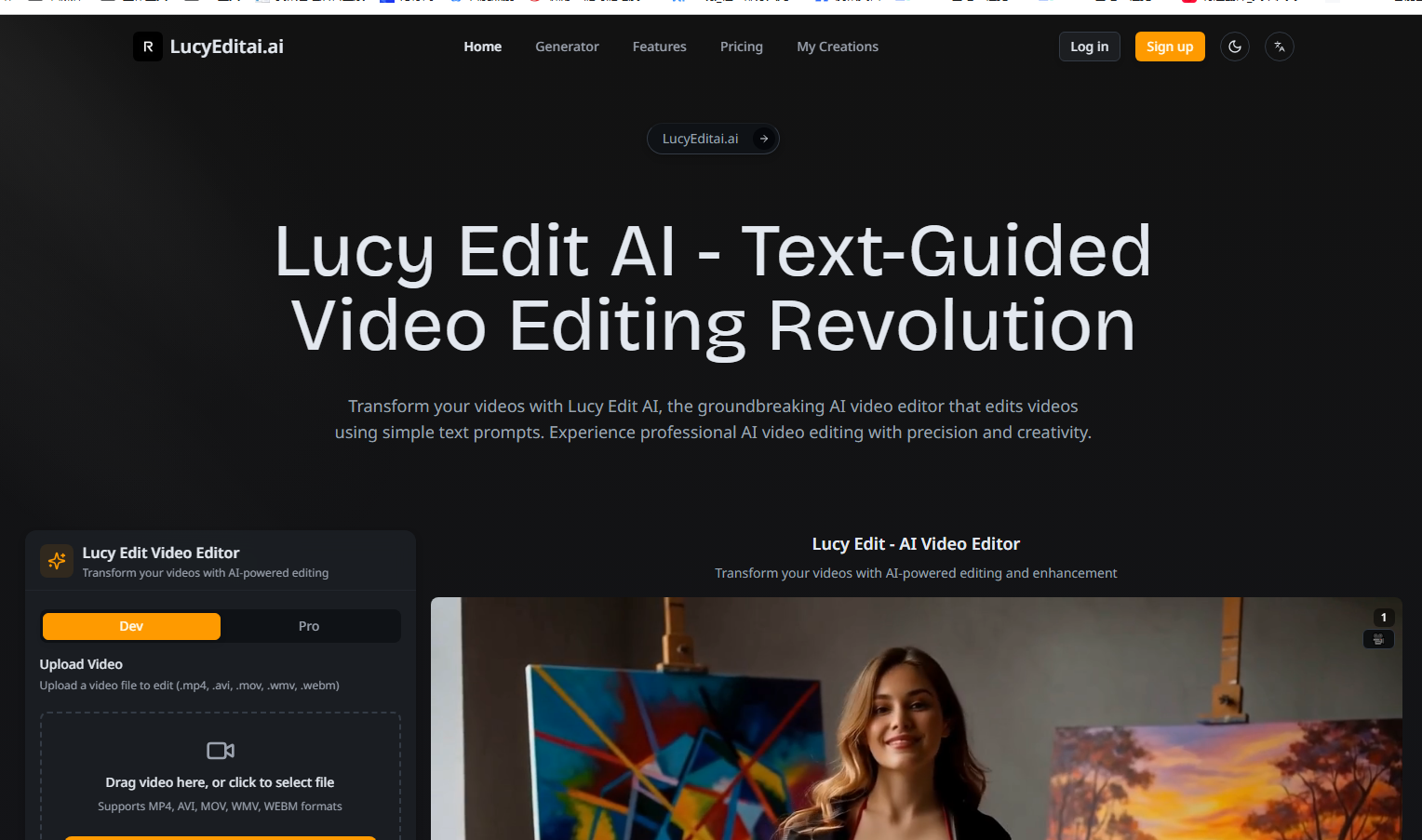
Screenshot archived from the listing page, for preview only.











