Luma Ray3AI
Reasoning AI video model with HDR outputPlan and render 4K HDR video from text
Highlights
What you can do with it
- Generate a cyberpunk-style trailer from a prompt
- Turn reference images into a commercial ad
- Iterate a game promo in draft mode, then render in 4K HDR
How to use it
- 1 Input a text prompt or upload a reference image
- 2 Use visual annotations to adjust actions or lighting
- 3 Iterate in draft mode for fast concepts
- 4 Render and download native HDR video in EXR format
Who it is for
Pros
- Reasoning-based planning of complex scenes
- Native HDR output for professional workflows
- Fast draft mode for quick iteration
Limitations
- Pro and Studio features cost money, and pricing can change
- HDR and EXR workflows need the right software to use
- Complex scenes still require review and manual adjustment
What Luma Ray3AI is
Luma Ray3 is presented as a video model with reasoning ability. You give it a natural language prompt or a reference image, and it uses that reasoning to understand the scene, plan motion, and create professional-grade content. It supports native HDR generation in 10, 12, and 16-bit, which suits studio workflows, and it has a draft mode that generates about 20 times faster so you can refine a concept quickly before a full render. It also offers visual annotation control, presets for themes, camera angles, and lighting, and settings for aspect ratio and seed. Pricing includes a free version, a Pro version, and a Studio version.
What you can do with it
- Turn a text prompt or reference image into video
- Adjust actions and lighting with visual annotations
- Iterate fast in draft mode, then render in 4K HDR
- Export native HDR video, including 1080p EXR
Who it is for
- Creators exploring AI video on the free tier
- Content creators who need high-quality video
- Enterprise teams making ads and product demos
What to watch out for
Pro and Studio features cost money, and pricing and limits can change, so the free tier is a starting point rather than a full studio. Native HDR and EXR output need compatible software and hardware to view and edit, which adds a learning cost. Reasoning helps planning, but complex scenes still need review and manual tweaks to look right. Rendering full 4K HDR takes more time than draft mode, so plan your workflow around that trade-off. Name and archive exported files consistently so you can find and reuse them, and keep a backup copy of key data.
FAQ
Is there a free version?
Yes. Pricing includes a free version alongside Pro and Studio plans.
What makes it different?
It is presented as a reasoning video model that plans scenes, with native HDR output and a fast draft mode.
What formats can it export?
It can export native HDR video, including 1080p in EXR format for professional workflows.
Why it is free
What the official page says: free version
Free limits, trial length and features are decided by the official site and can change at any time.
Product preview
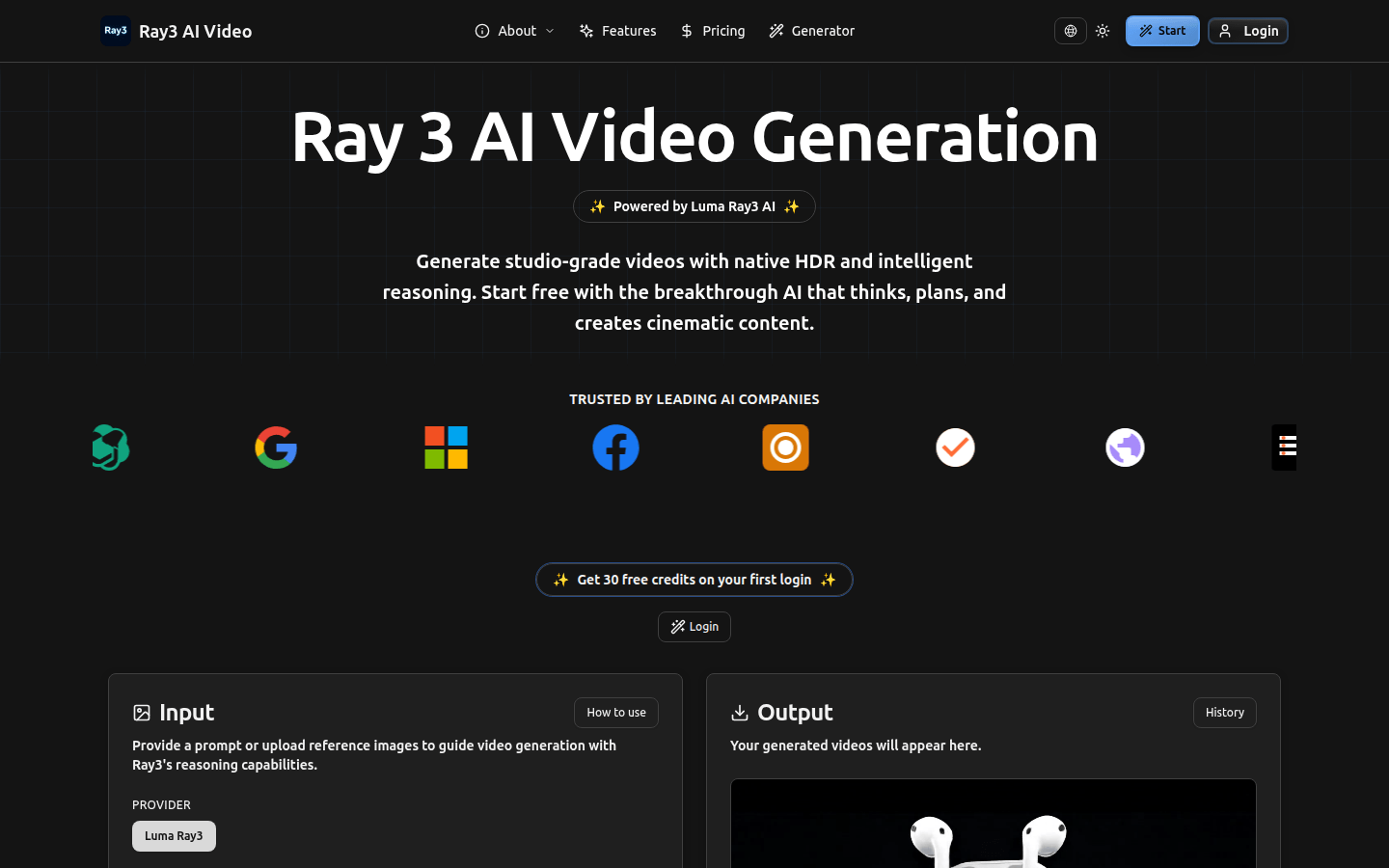
Screenshot archived from the listing page, for preview only.