
LumeFlow AI
All-in-one AI video generatorTurn text and images into videos
Highlights
What you can do with it
- Turning an article into a short video
- Making a promotional clip from product photos
- Creating emoji remix videos for social media
How to use it
- 1 Go to the LumeFlow AI site and log in or register
- 2 Choose a function such as text-to-video or image-to-video
- 3 Add your input and set the parameters
- 4 Click generate and wait for the video
- 5 Preview, adjust the effects, then download or share
Who it is for
Pros
- The site says it is free to use
- Many input types and effects in a single tool
- A video can be produced in only a few steps
Limitations
- Free rules may change, since a paid model is also mentioned
- Some listed features are marked as coming soon
- Effects such as AI changing clothes should only be used on images you have the rights to; misuse can break platform rules and the consequences are yours
What LumeFlow AI is
LumeFlow AI is an all-in-one AI video generator. It takes input in several forms, including text, images, and video, and returns a finished clip. The page describes a library of AI special effects, story templates, and tools that expand a short clip into a longer one or remix it into an emoji video. The stated aim is to lower the threshold for video production so that creators and brands can make content without a full editing setup. The site says it is free to use, and a paid model may exist alongside that.
What you can do with it
- Turn a text prompt into a video
- Turn a still image into a moving clip
- Apply AI special effects to your footage
- Build a story video from a single sentence
Who it is for
- Content creators publishing on self-media platforms
- Brand marketers turning product photos into promo videos
- Social media users making short, playful clips
- Students and educators producing teaching videos
What to watch out for
Some features on the page, such as text-to-image and video animation, are marked as coming soon rather than available now, so the tool does not do everything the list implies yet. The free and paid split is not fully documented, and free rules can change, so confirm terms on the official page. Effects such as AI changing clothes should only be applied to images you own or have permission to use; applying them to other people can break platform rules and the consequences fall on you. Output still benefits from a human pass before you publish. For best results, start with a small test file and review the output carefully before working on anything important.
FAQ
What can LumeFlow AI generate from?
Text prompts, images, and video inputs, depending on which function you choose. Image-to-video and text-to-video are the main ones.
Is it free?
The site says free use, and a paid model may also exist. Check the official page for the current terms.
Are all features available now?
No. Text-to-image and video animation are listed as coming soon, so they may not be usable yet.
Why it is free
What the official page says: 免费使用免费
Free limits, trial length and features are decided by the official site and can change at any time.
Product preview
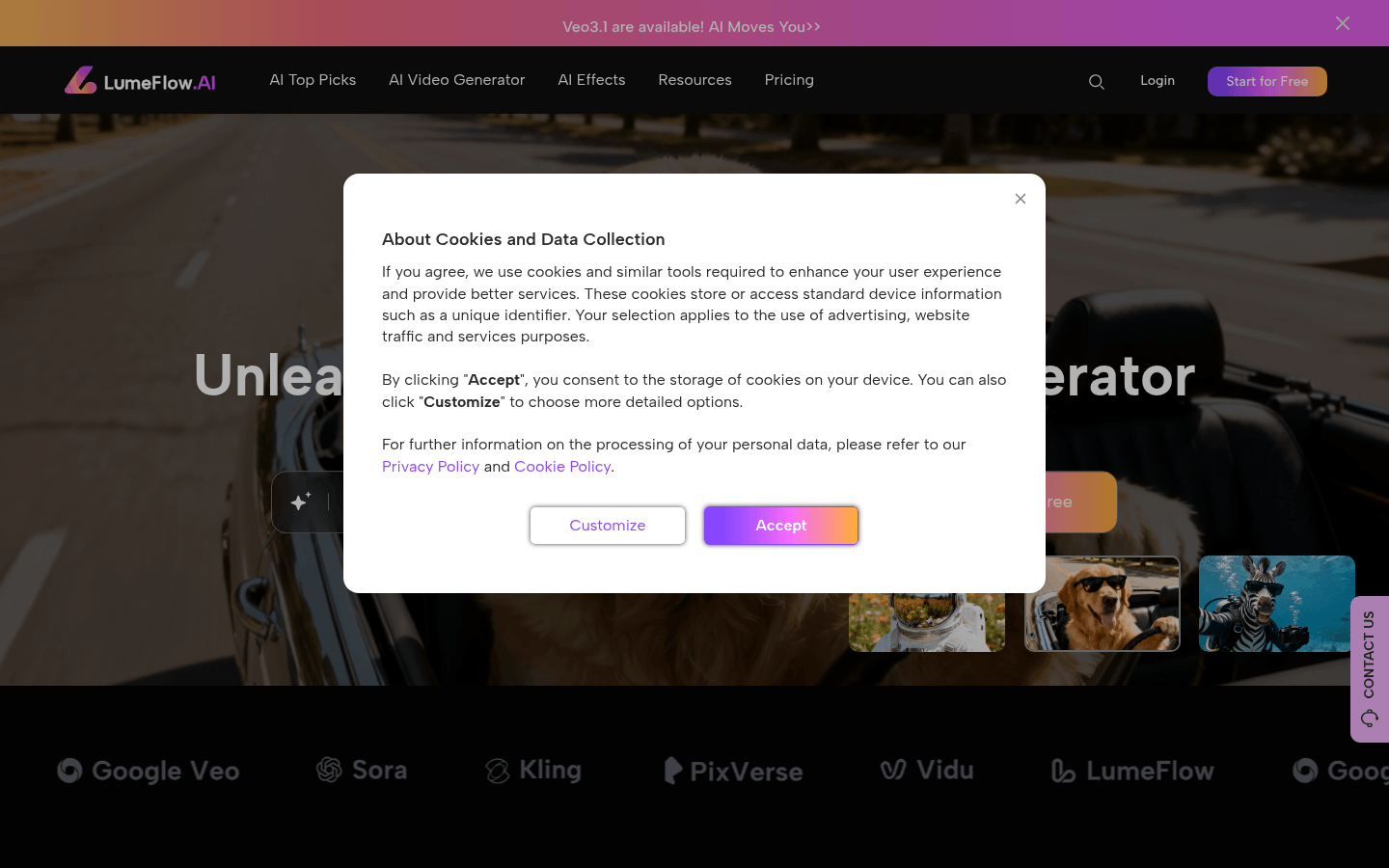
Screenshot archived from the listing page, for preview only.











