
Lumi.new
Build a website by chatting with AIChat, customise, publish, no code
Highlights
What you can do with it
- Launch a personal blog quickly
- Put up a small business website without a developer
- Build a product launch page in the style of a Product Hunt listing
How to use it
- 1 Open lumi.new
- 2 Chat with the AI and describe the website you want
- 3 Pick a design style and a template
- 4 Customise the design, then preview and publish the site
Who it is for
Pros
- No code and no design tool learning curve
- Quick from idea to published page
- Templates speed up early decisions
Limitations
- Free trial, then paid plans apply
- Chat generated layouts need manual cleanup for a polished result
- Domain, hosting, and export options should be checked before committing
What Lumi.new is
Lumi.new builds websites through conversation. You describe what you want in chat, the AI produces a page, and you then refine it with templates and custom design settings until it looks right. The tool supports several styles, including a standard company website and a launch page in the style of a Product Hunt listing, and it is explicitly aimed at people with no programming background. Templates cover different industries so you are not starting from a blank canvas, and publishing is designed to be quick. Free trials are offered alongside multiple paid plans.
What you can do with it
- Describe a site in chat and get a working page back.
- Build a company website, a personal blog, or a launch page.
- Start from an industry template instead of a blank page.
- Customise the design, content, and functions, then publish.
Who it is for
- Founders who need a launch page live quickly.
- Small businesses with no developer on staff.
- Bloggers and individuals who want a personal site.
- Anyone prototyping a landing page for a campaign or product.
What to watch out for
The free trial is a trial, and continued use needs a paid plan, so work out what you need before the trial ends. Chat generated layouts are a starting point, not a finished design, and they usually need manual cleanup for spacing, typography, and mobile behaviour before they look professional. Check what you actually get for your money: domain handling, hosting, export options, and whether you can move the site elsewhere are all worth confirming before you commit. The site redirected when it was last checked, so verify the live URL before you start building something you plan to keep.
FAQ
Do I need to know how to code?
No. The tool is built for users without programming experience.
Is there a free trial?
Yes, free trials are offered alongside multiple paid plans.
What kinds of pages can I build?
Styles include official company websites and Product Hunt style release pages, among others.
Why it is free
What the official page says: free trial
Free limits, trial length and features are decided by the official site and can change at any time.
Product preview
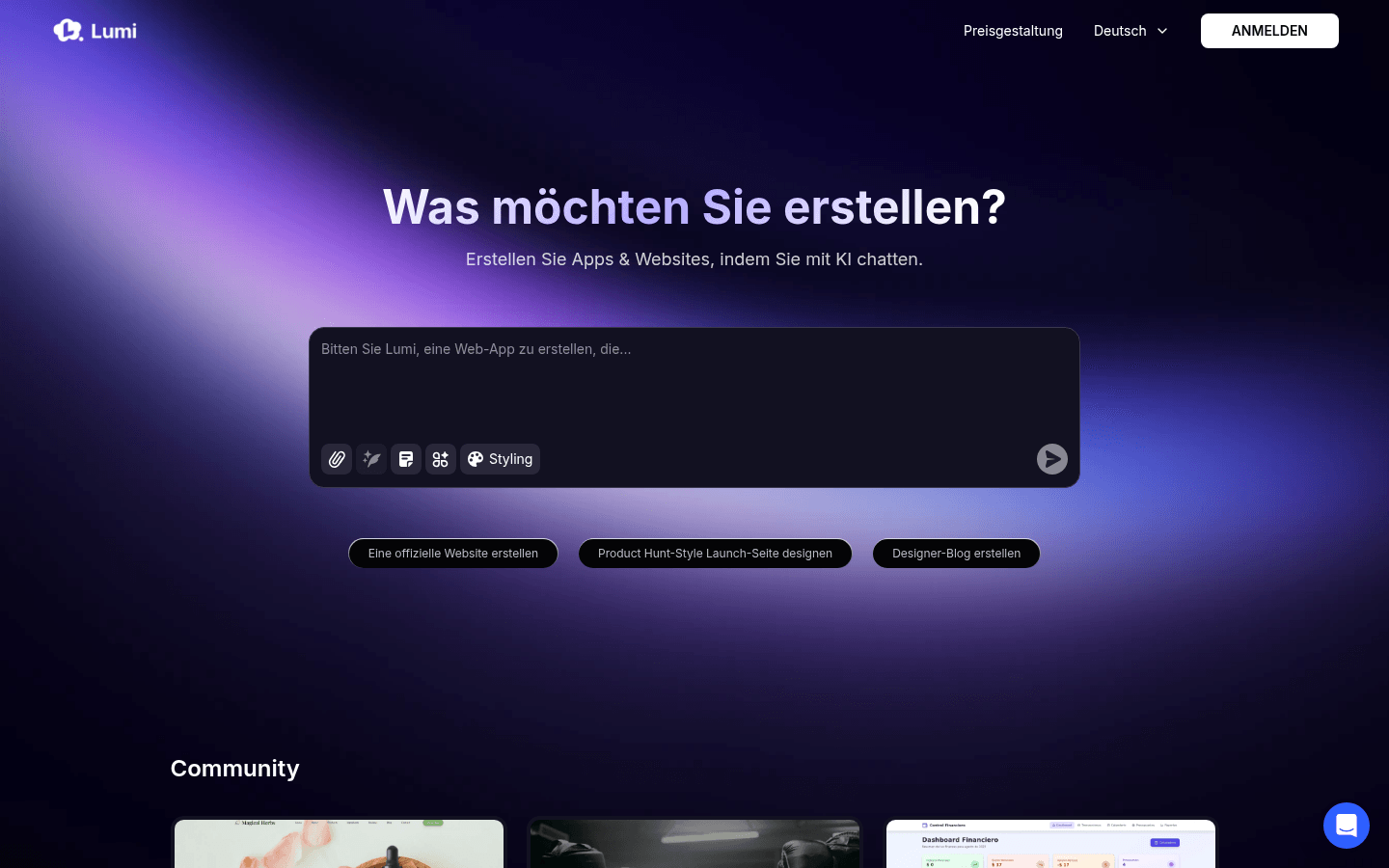
Screenshot archived from the listing page, for preview only.











