
Magicboat AI
Turn text into a full video with AIFrom script to storyboard to finished video
Highlights
What you can do with it
- Visualize a complex script quickly before production
- Turn an ad concept into a dynamic animation for a pitch
- Move a personal idea from concept to finished video
How to use it
- 1 Input your script, novel, or idea and let the AI read the story
- 2 Review the auto-generated storyboard with shot notes
- 3 Pick a visual style and turn the storyboard into clips
- 4 Run one-click post-production for voice, music, and editing, then export
Who it is for
Pros
- Free to use, which lowers the entry barrier
- Covers storyboard, visuals, voice, and editing in one place
- The site reports large cost and time savings
Limitations
- Free access and the feature set may change over time
- AI video often needs human editing before final delivery
- Character consistency and lip-sync still require review
What Magicboat AI is
Magicboat AI is an all-in-one AI video generation platform. It is built for creators who want to turn text into video without expensive gear or a large team. You start with a script, a novel, or a simple concept, and the AI reads the core of the story and generates a visual storyboard with shot directions and scene descriptions. You then pick a visual style, such as realistic, anime, or cyberpunk, and the AI turns the storyboard into video clips. Post-production is handled in one click, covering AI voice-over, music scoring, lip-syncing, and intelligent editing. It is designed to keep characters consistent across scenes and shots. The product supports free use, and the site says it can cut costs sharply and turn weeks of work into a few hours. Everything from the first idea to the final export happens in a single workflow.
What you can do with it
- Turn a script or idea into a storyboard with shot notes
- Generate visuals in styles from realistic to anime to cyberpunk
- Add AI voice-over, music, and lip-sync in one click
- Keep the same character look across different scenes
Who it is for
- Directors and screenwriters prototyping a story
- Animators and VFX artists exploring a new workflow
- Advertising creatives and solo creators making videos
What to watch out for
The product supports free use, but the free access and feature set may change over time, so confirm current terms before you depend on it. AI video often needs human editing before it is client-ready, especially for pacing and polish, so do not expect a finished cut on the first pass. Character consistency and lip-sync are helpful but still require review, and errors can show up across shots. The cost and time savings the site reports are marketing claims, so set your own expectations and test on a real project first. For anything you publish, review the output frame by frame to catch small errors before it goes out.
FAQ
Is Magicboat AI free?
The product supports free use, which lowers the barrier to trying it.
What does it make?
It turns text, scripts, or ideas into videos with storyboards, visuals, voice-over, and editing.
Can it keep characters consistent?
It is designed to maintain character identity and appearance across different scenes and shots.
Why it is free
What the official page says: 免费使用免费
Free limits, trial length and features are decided by the official site and can change at any time.
Product preview
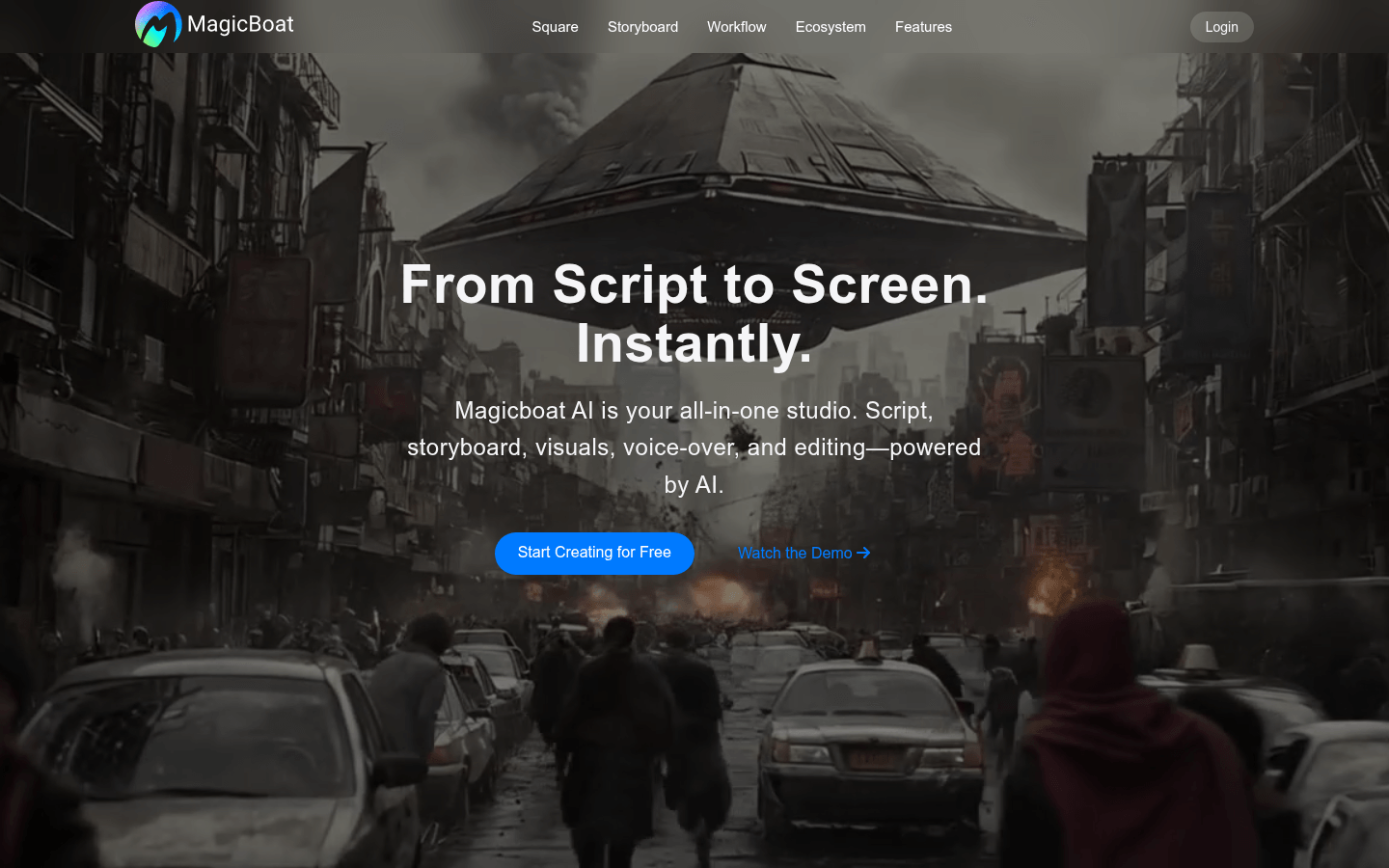
Screenshot archived from the listing page, for preview only.











